Auth for Tesla
The token tool — not another car app
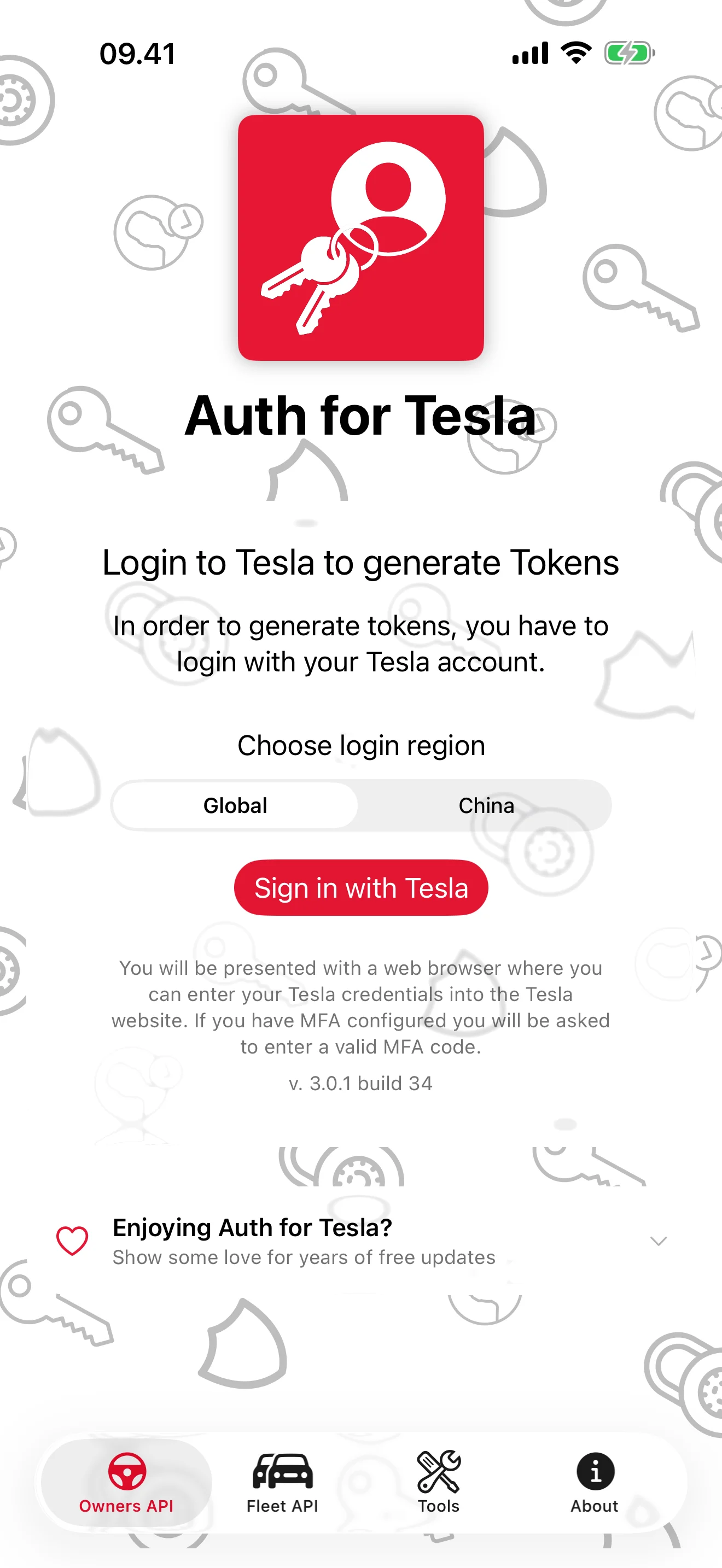
Auth for Tesla does one job: hand you a valid Owners or Fleet API token and make it easy to use. Your password goes to Tesla’s website in a secure browser, never through this app or any server of ours. Then Shortcuts, scripts and home automation stay topped up.
View release notes →

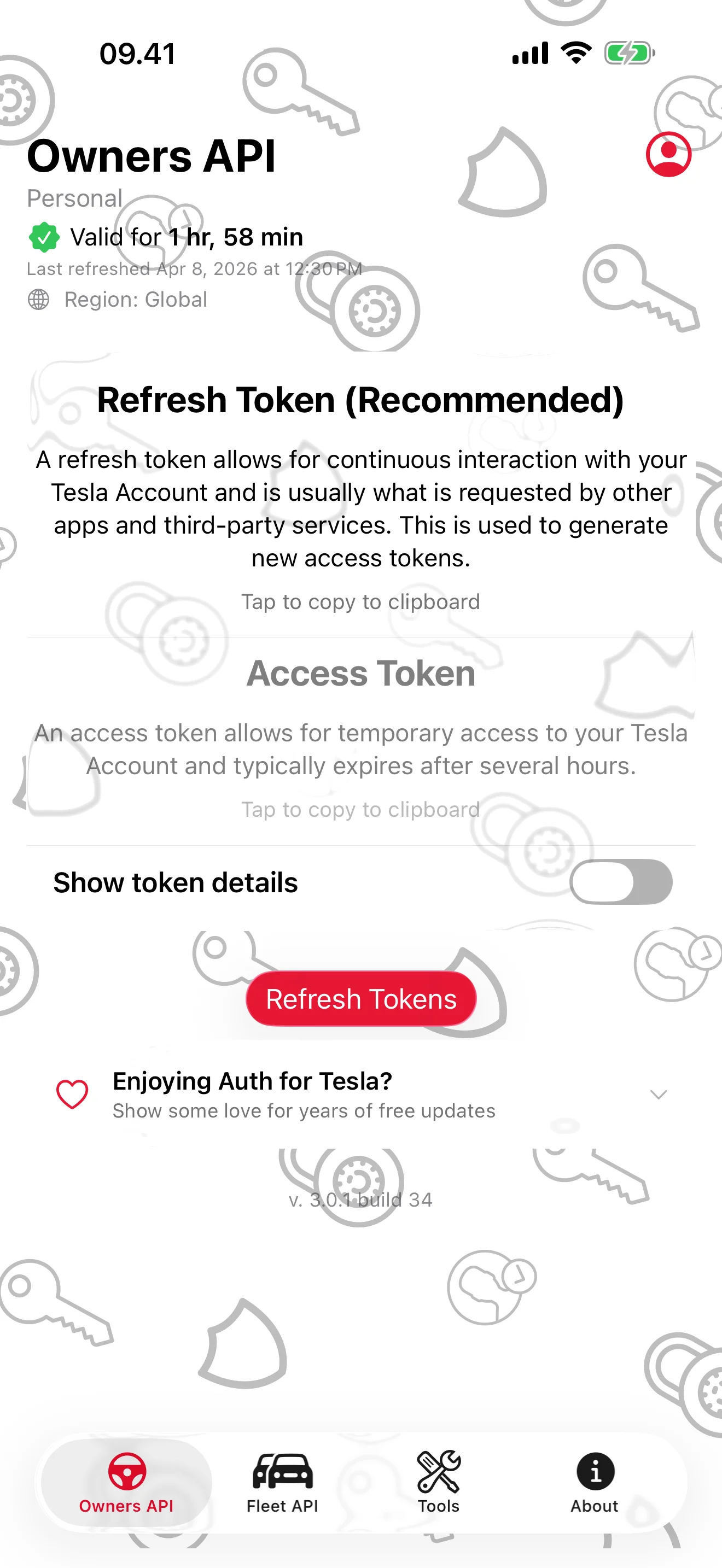
- One tap to copy. Refresh and access tokens side by side, with a live “Valid for…” countdown.
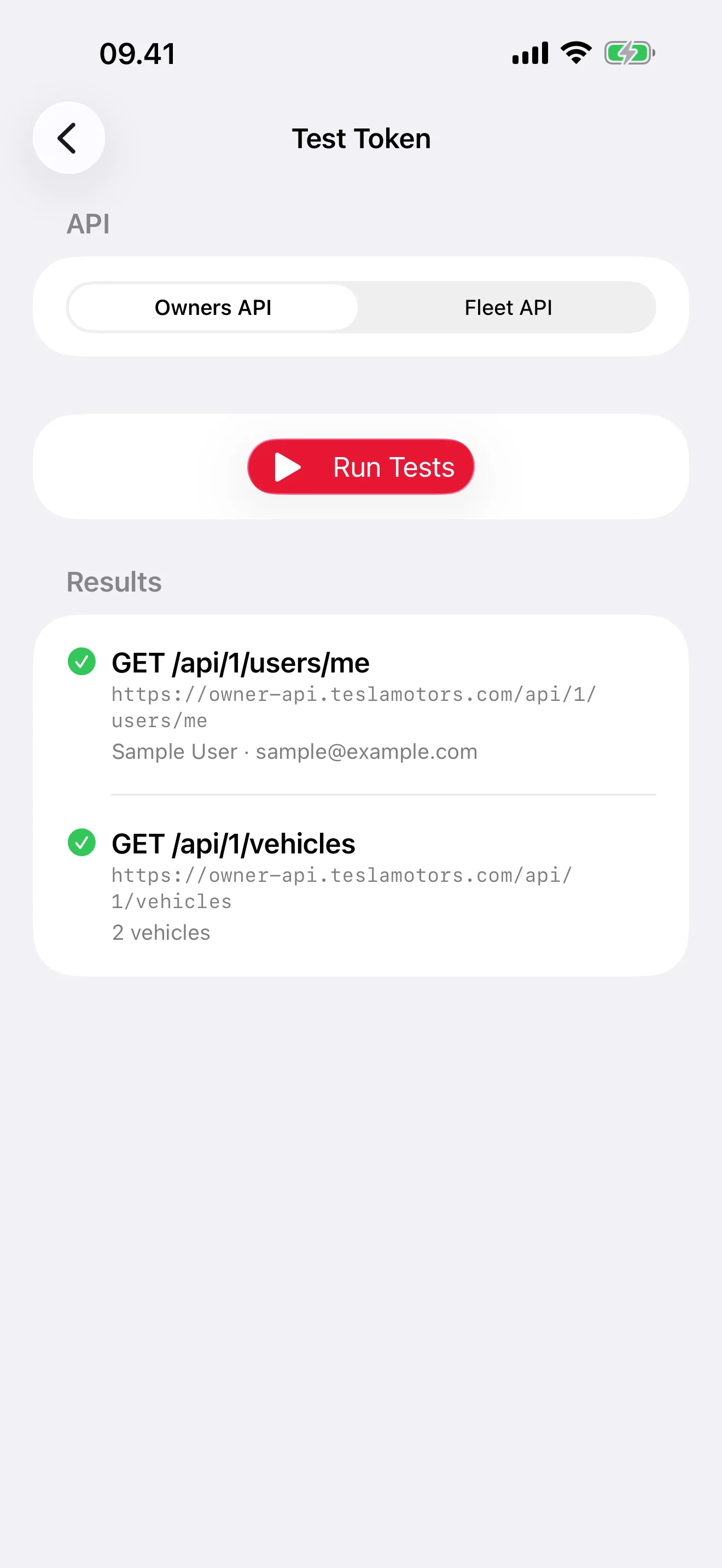
- Prove it works. Read-only test calls list your account, vehicles and scopes before you paste anywhere.
- Developer-grade. JWT inspector, ready-to-run cURL/HTTPie/Swift/Python snippets, six Shortcuts actions, widgets.
Use it when… a script, Shortcut or third-party integration asks for a Tesla token and you want it right now, verified.
iPhone
Tesla API Tokens, in Seconds
Sign in once, copy either token with one tap
Your Password Stays with Tesla
You sign in on Tesla’s own website, never through this app
Prove Your Token Works
Live read-only calls check account, vehicles, and scopes
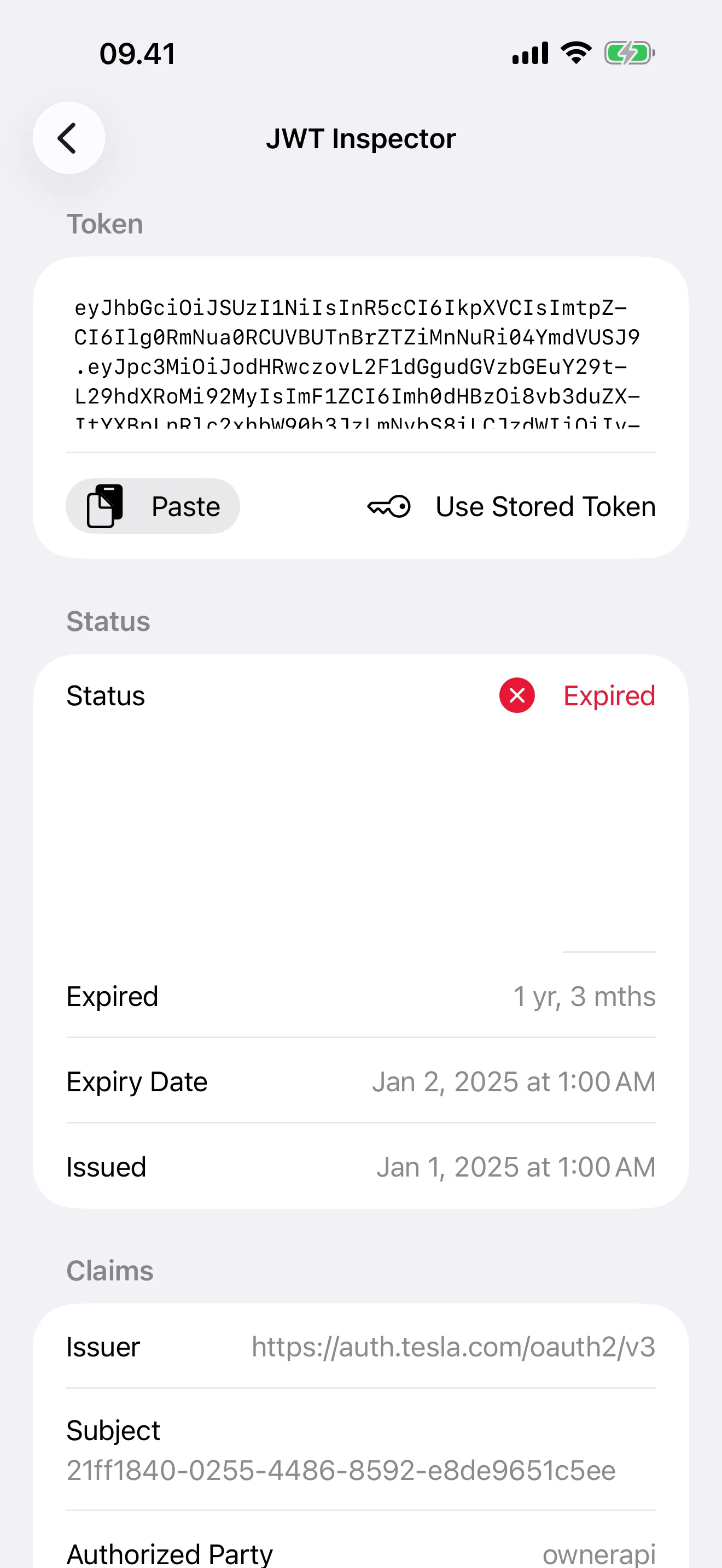
Decode Any JWT
Header, payload, scopes, and expiry — no jwt.io detours
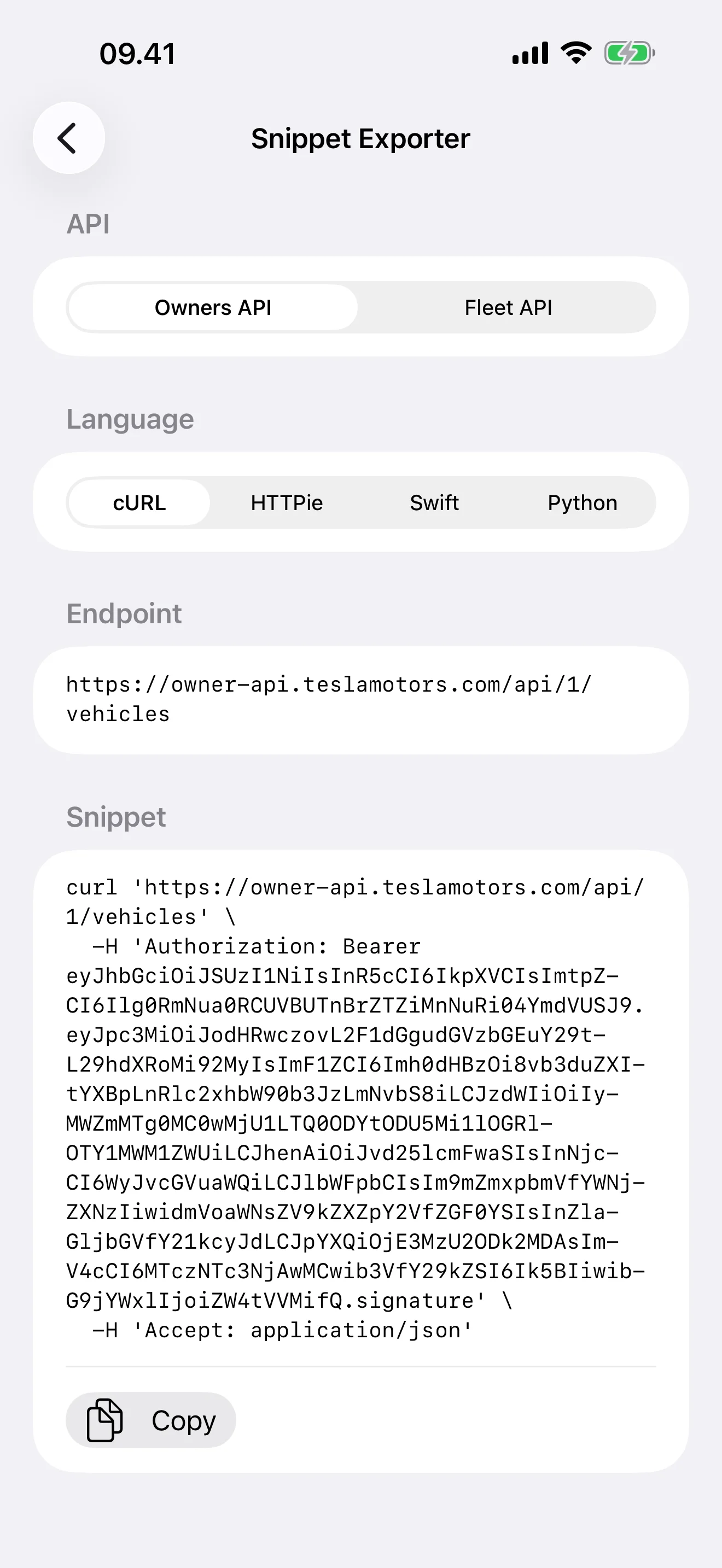
Paste Straight Into Code
cURL, HTTPie, Swift, or Python, bearer header included
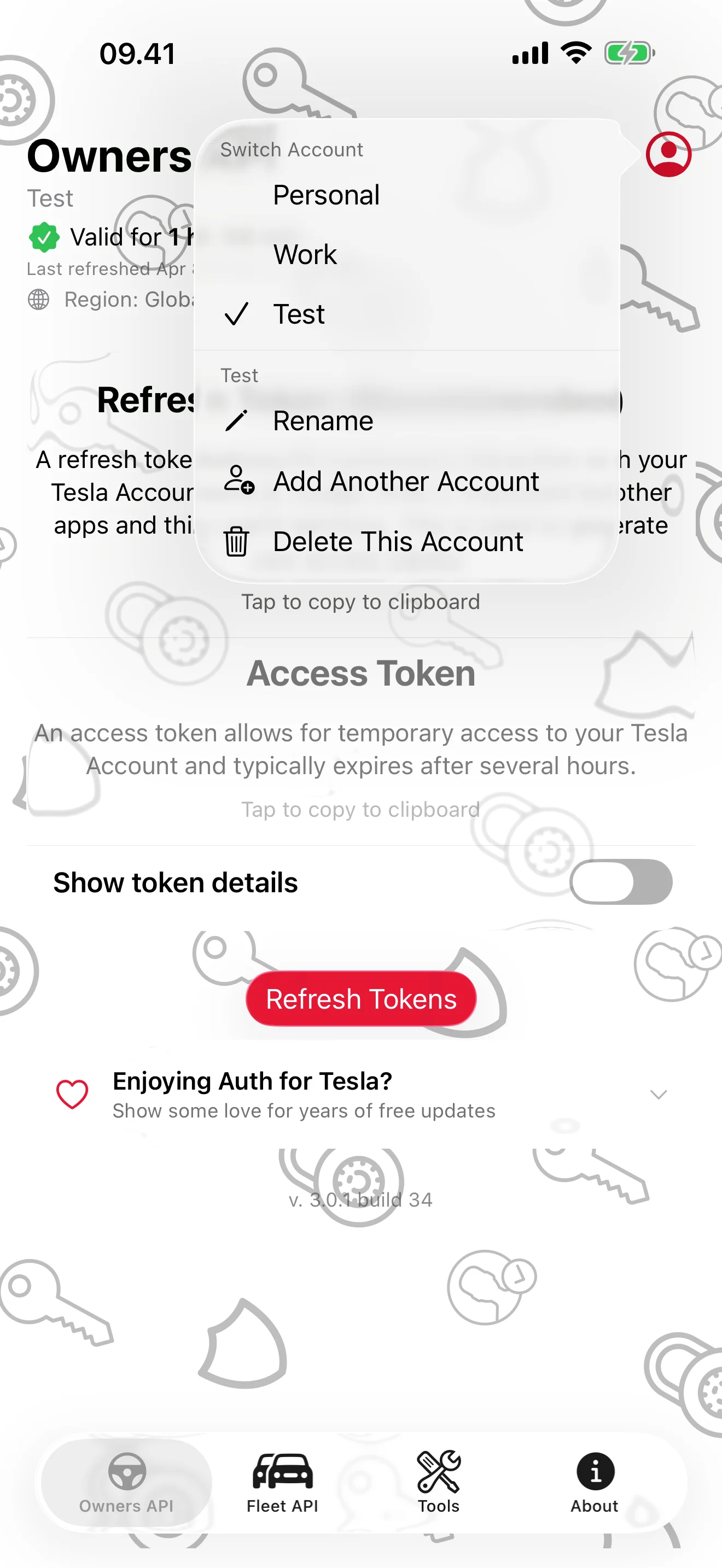
Every Account, One Tap Apart
Personal, work, and test accounts side by side
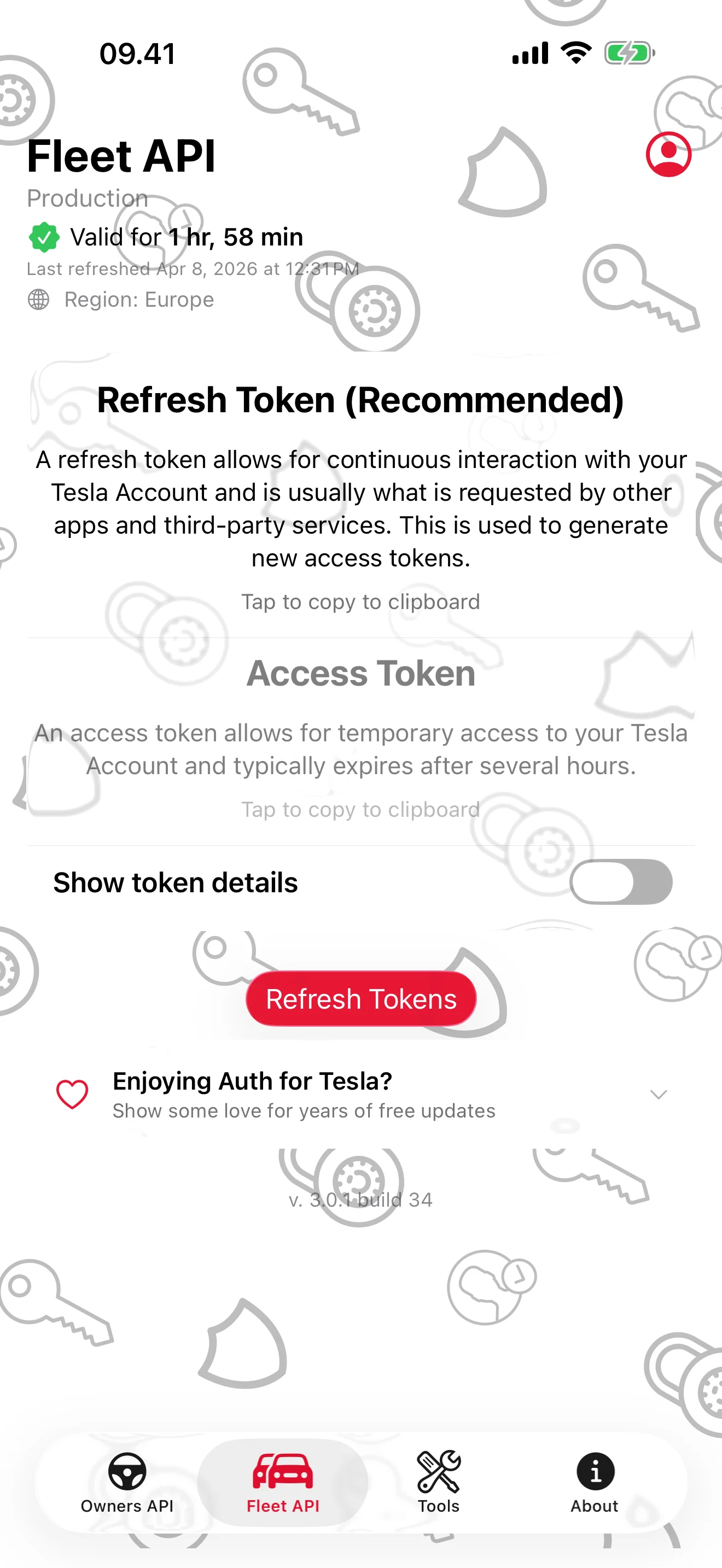
Built for the Fleet API Too
Region detected, expiry counting down
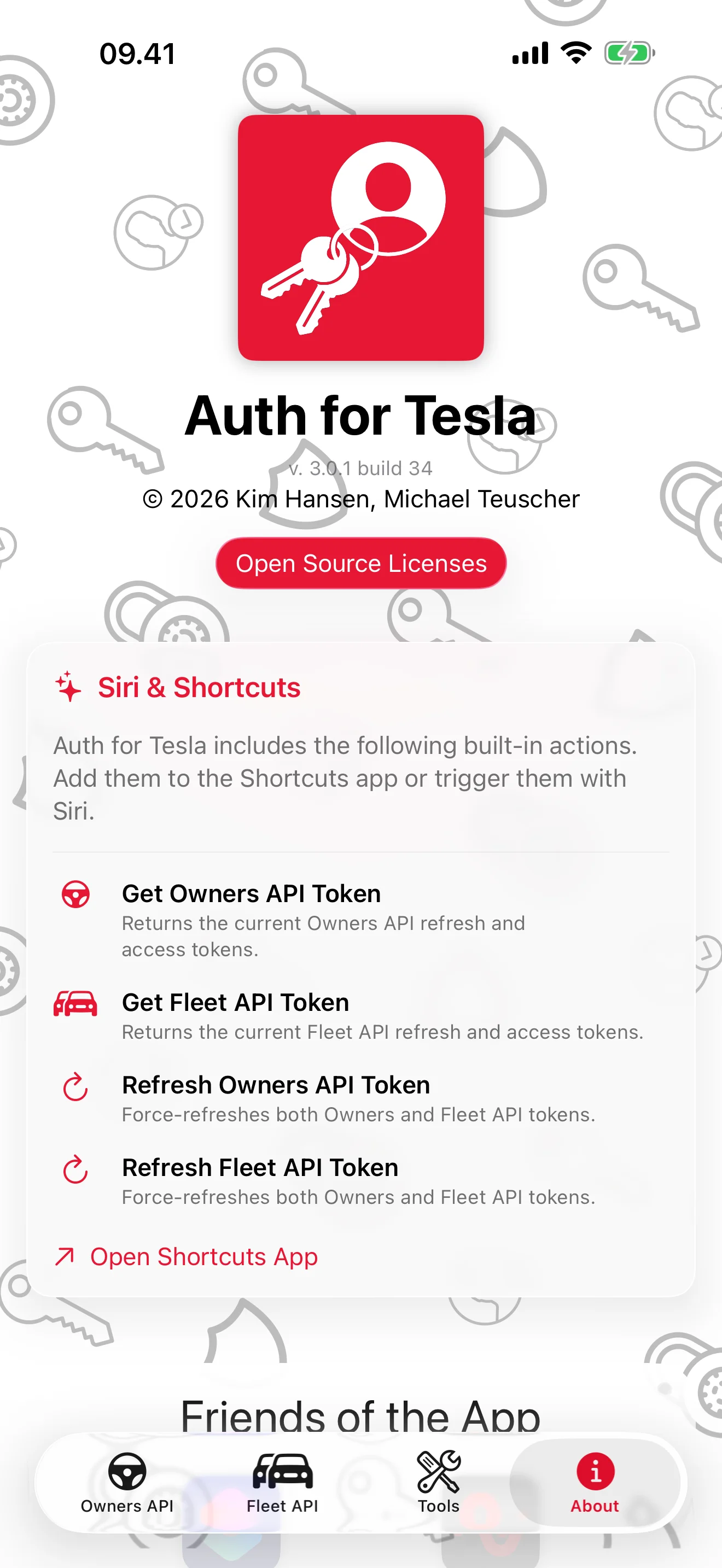
Made for Siri and Shortcuts
Get and Refresh actions for both APIs
iPad
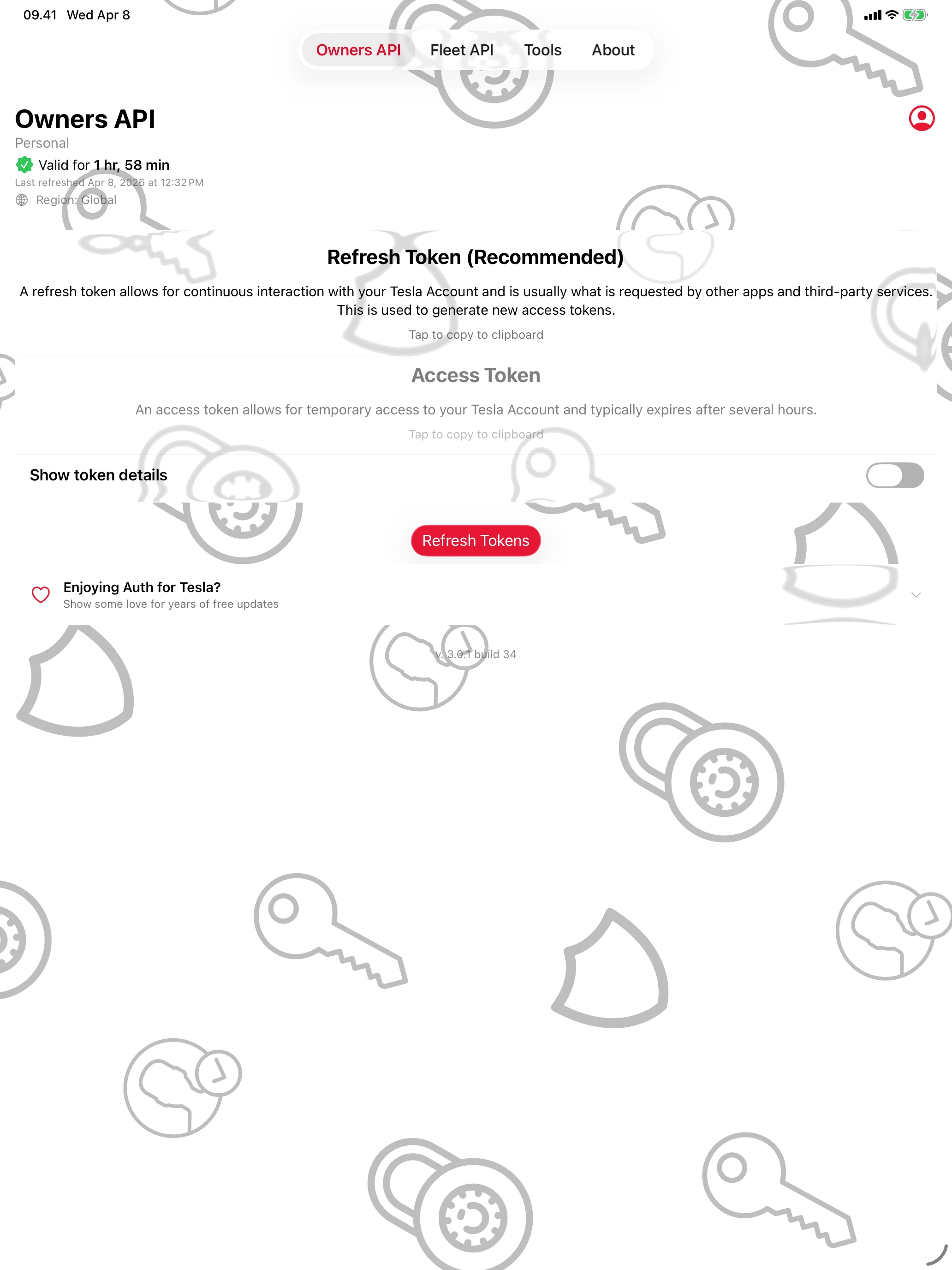
Tesla API Tokens, in Seconds
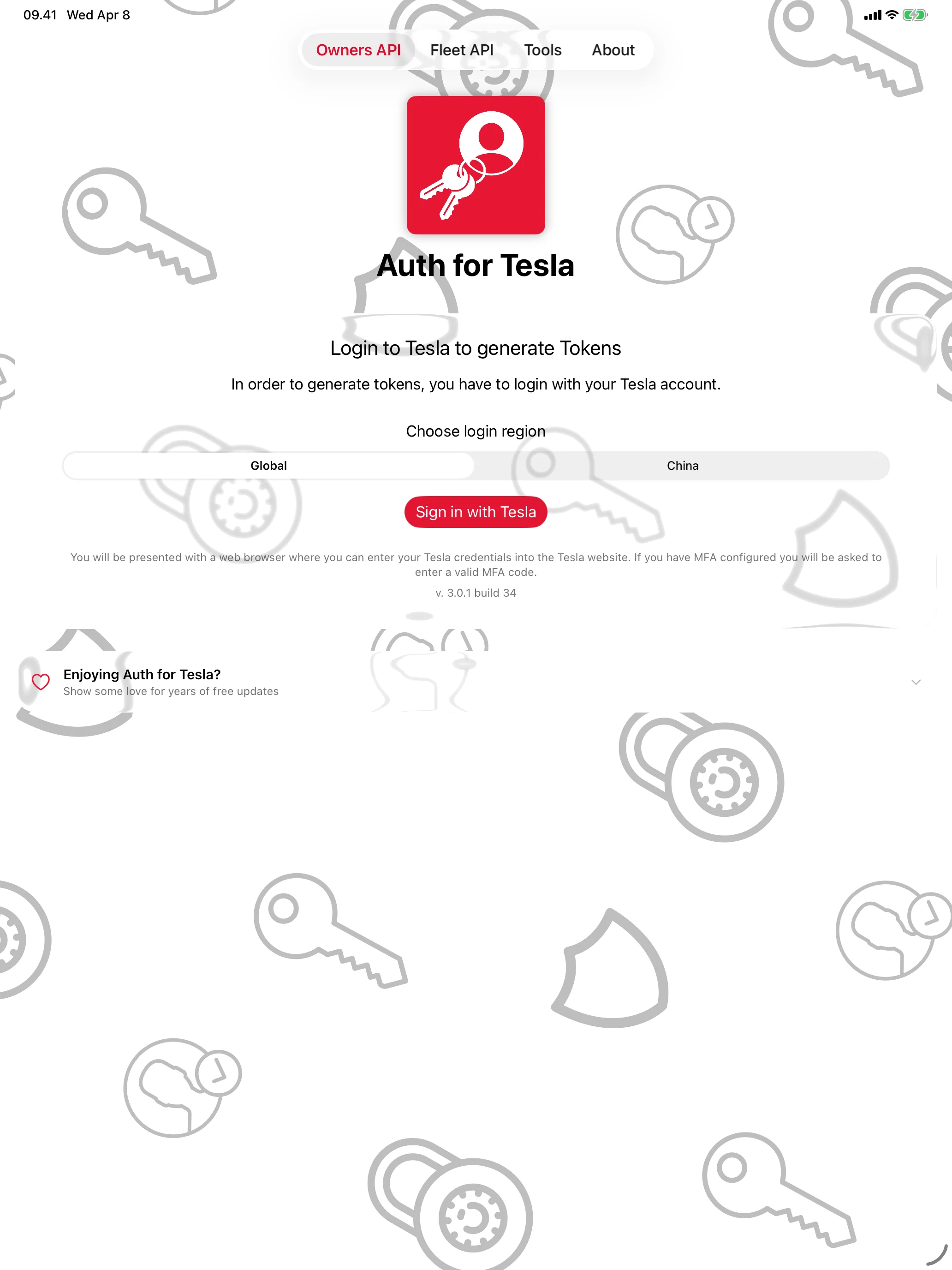
Your Password Stays with Tesla
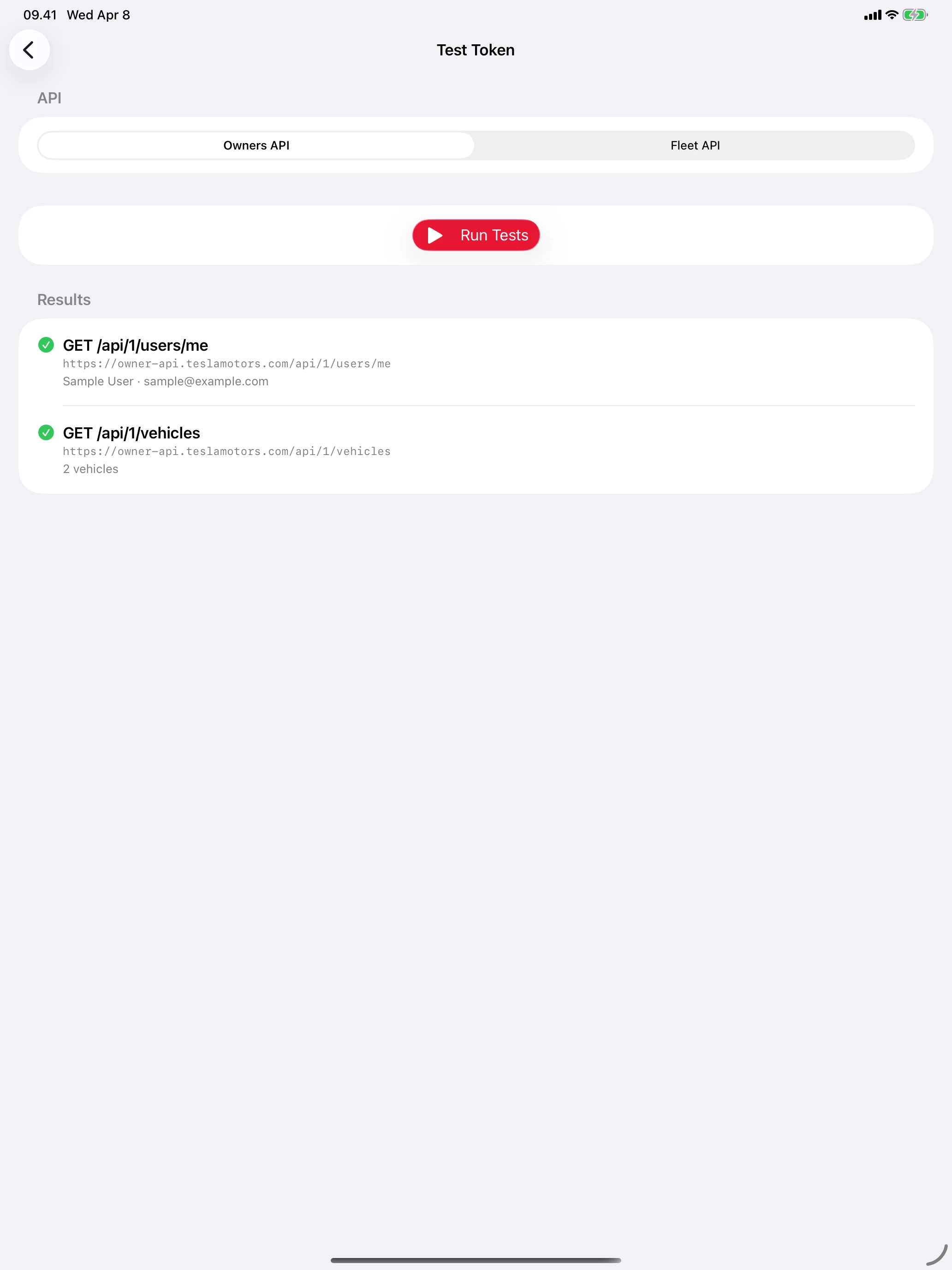
Prove Your Token Works
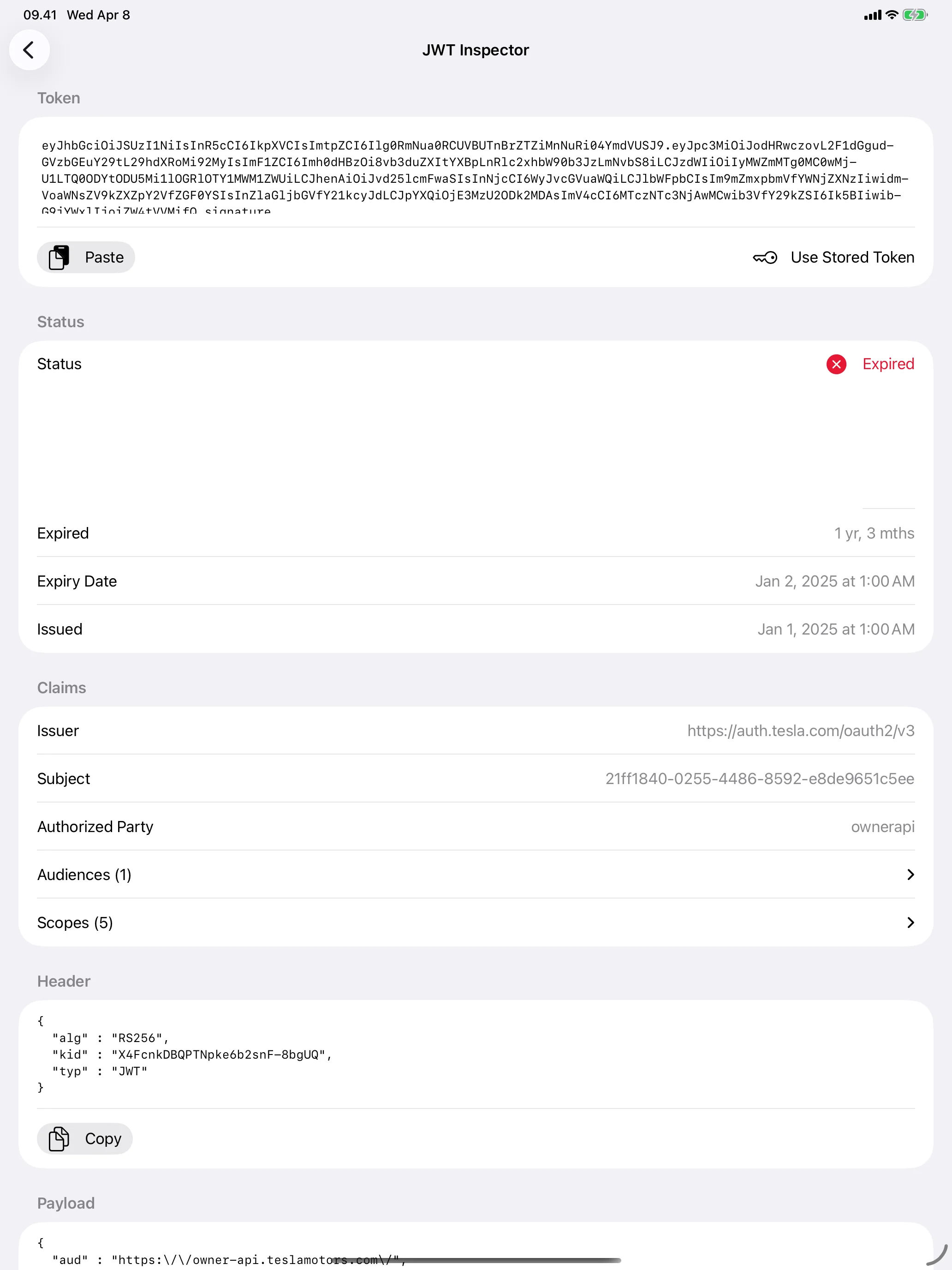
Decode Any JWT
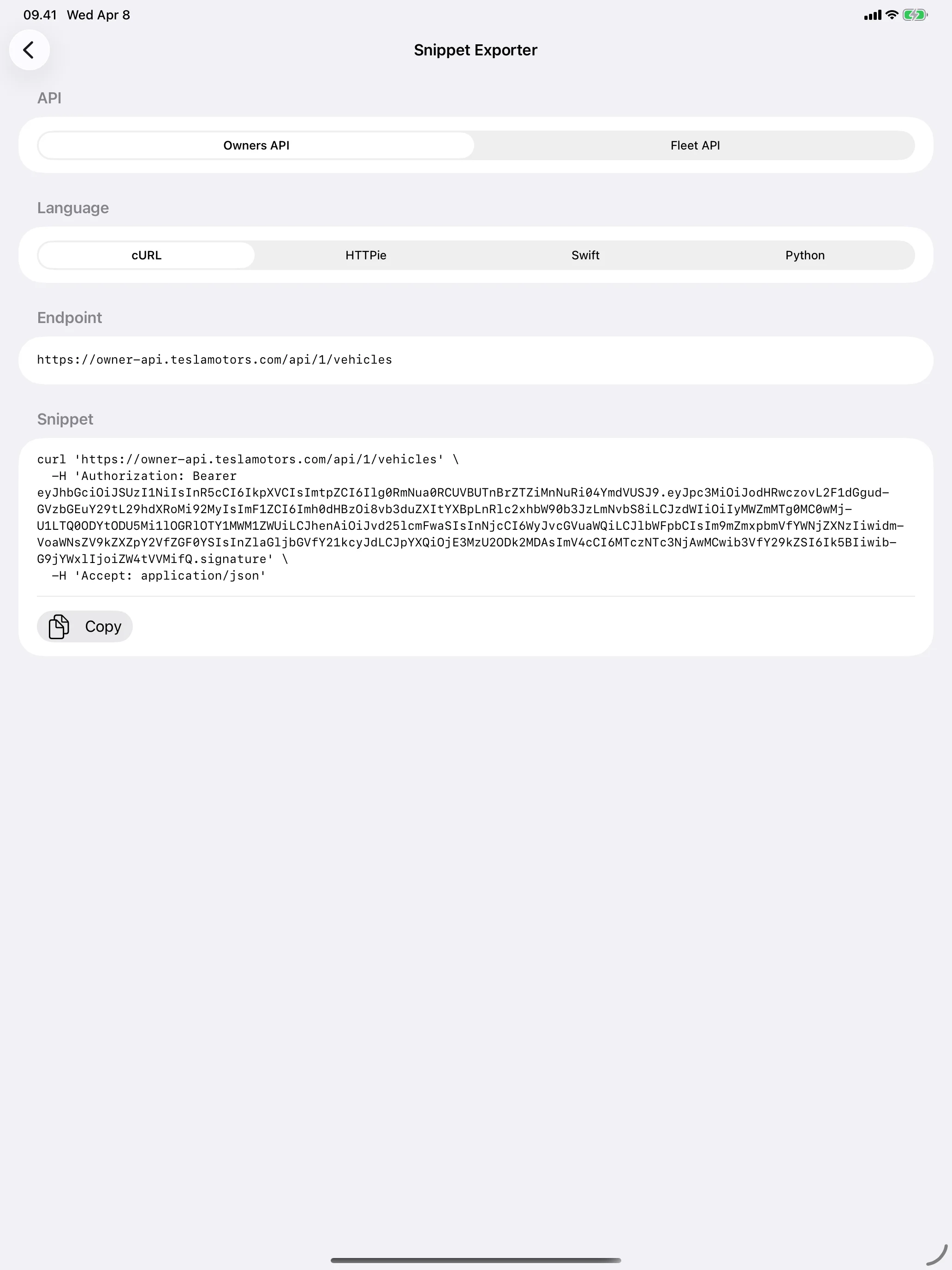
Paste Straight Into Code
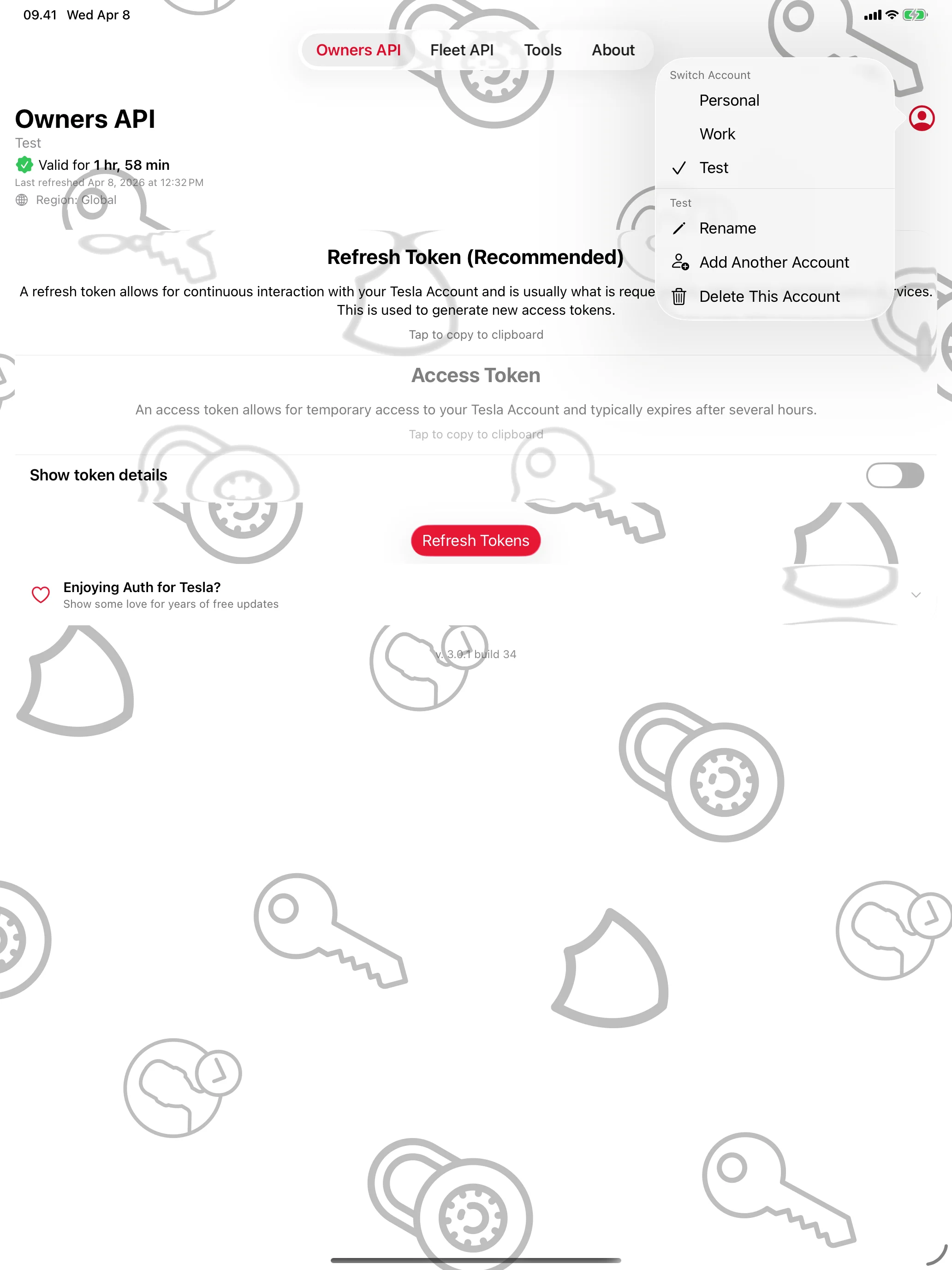
Every Account, One Tap Apart
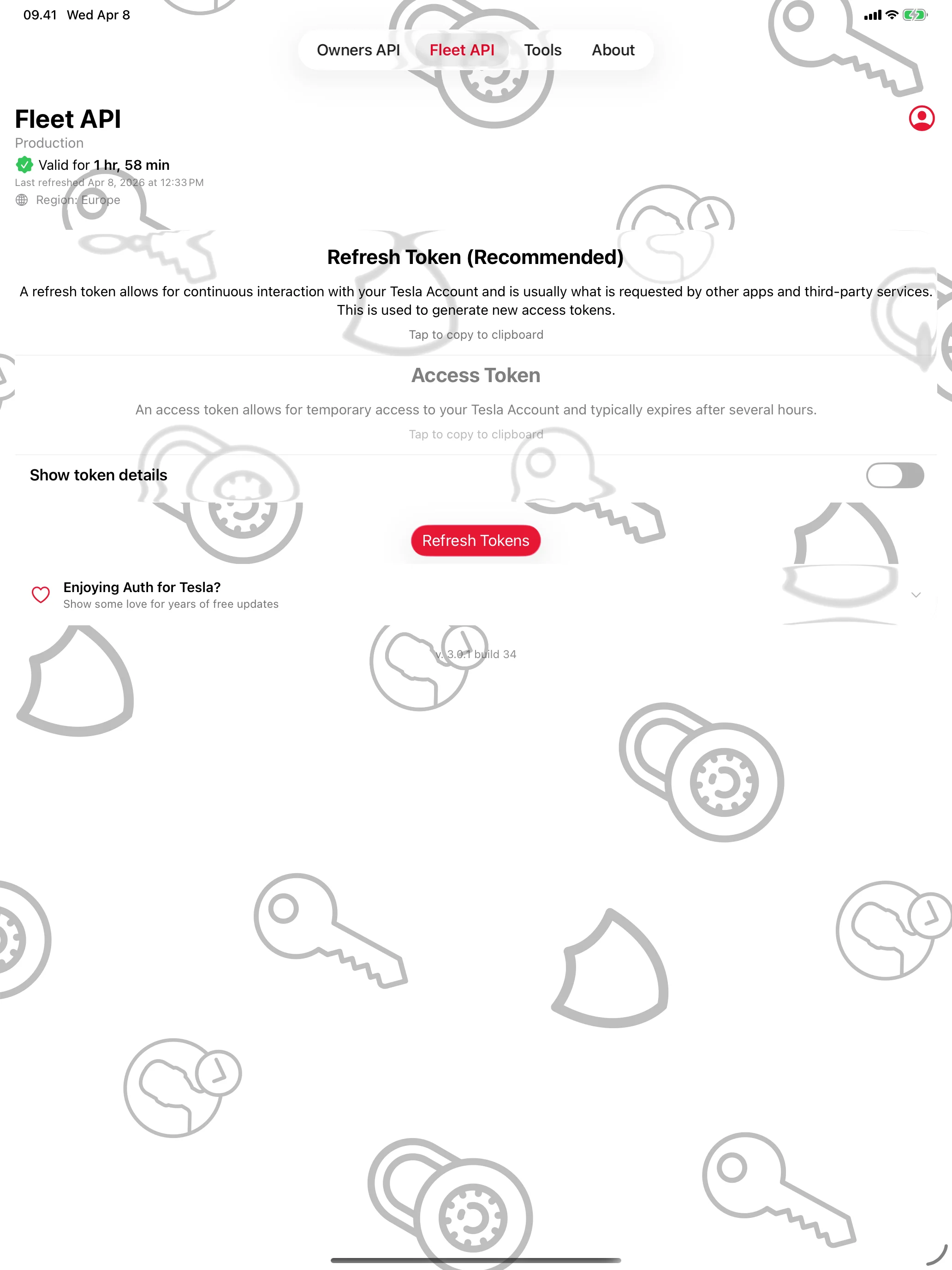
Built for the Fleet API Too
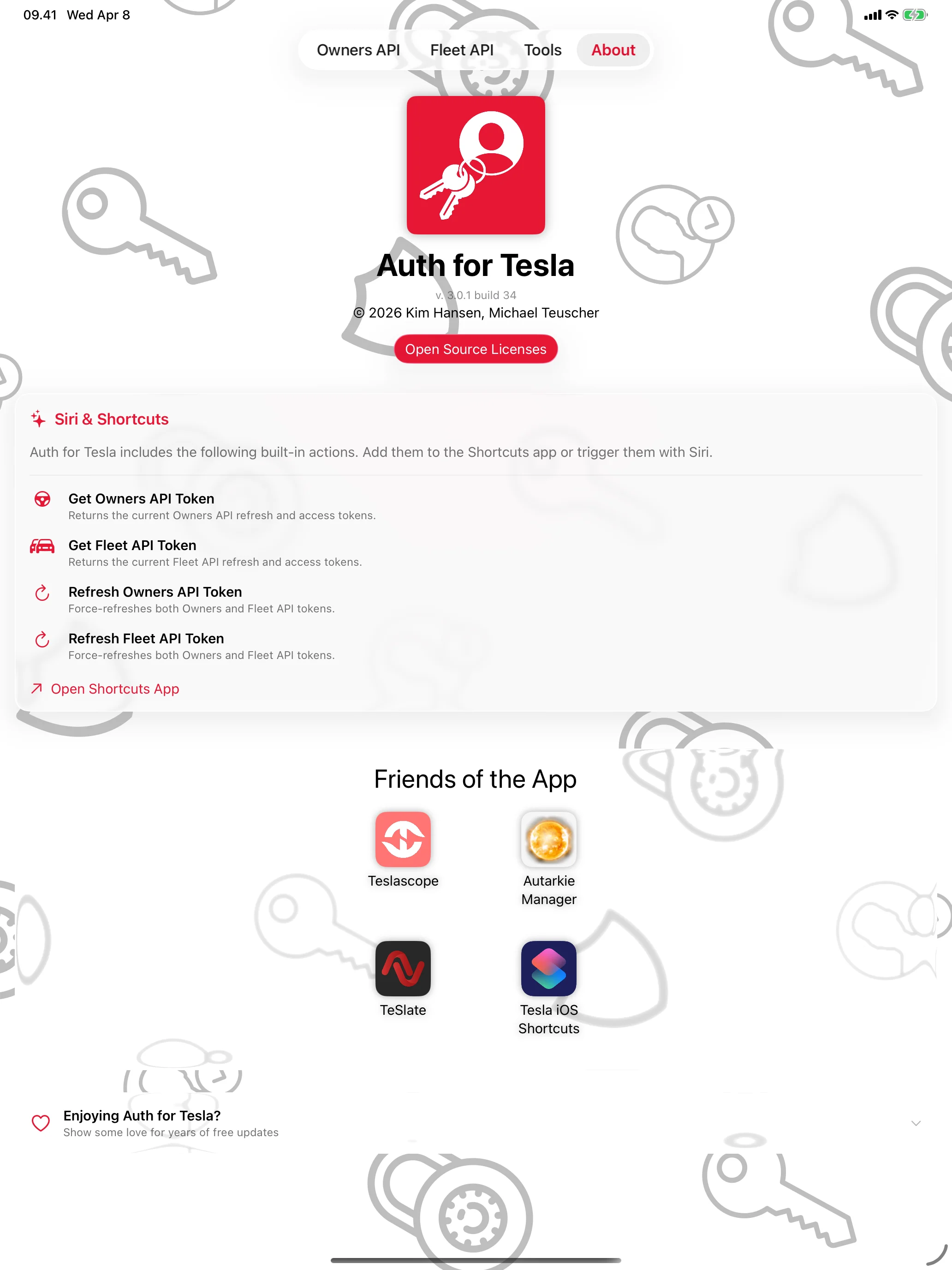
Made for Siri and Shortcuts
Mac
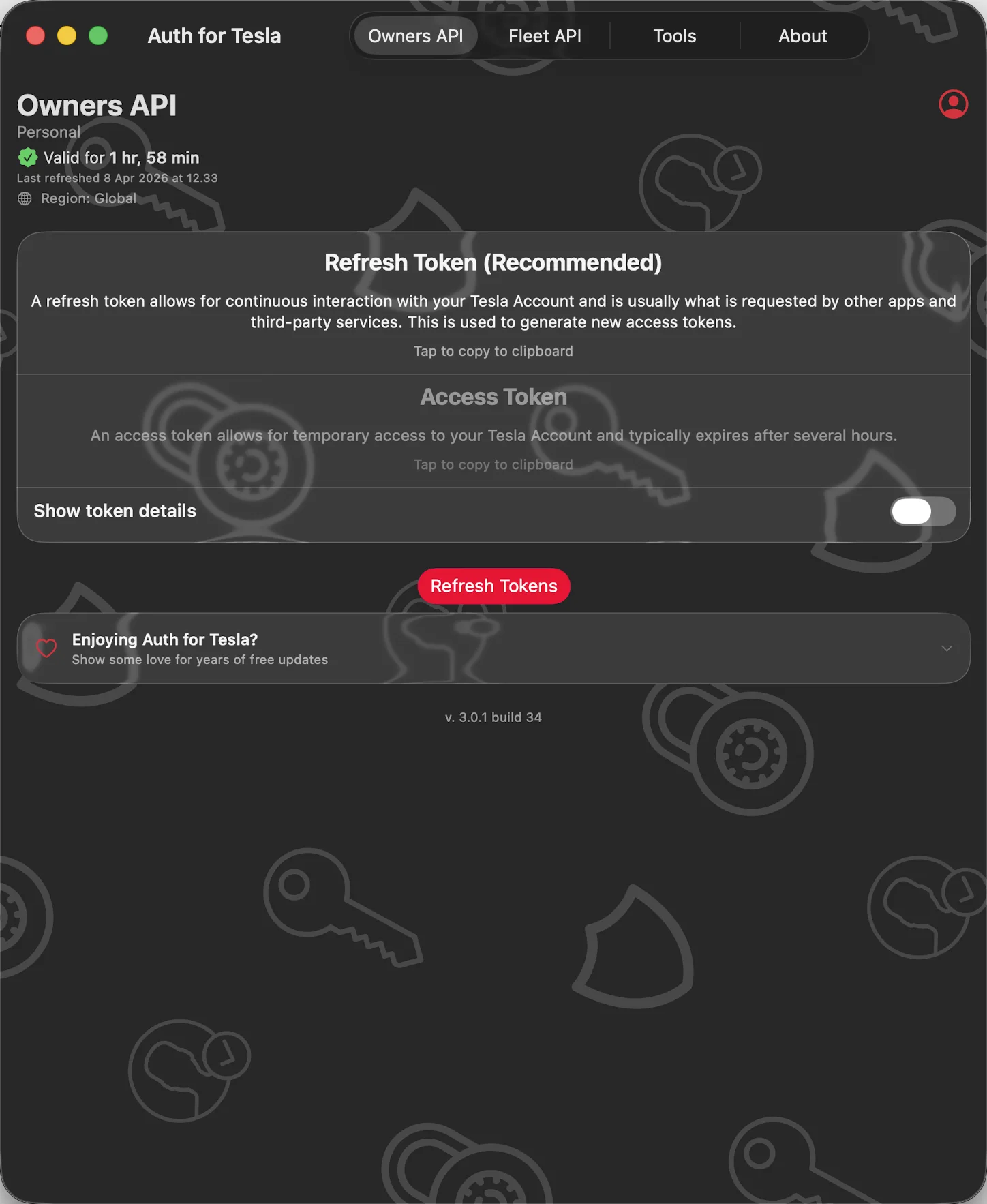
Tesla API Tokens, in Seconds
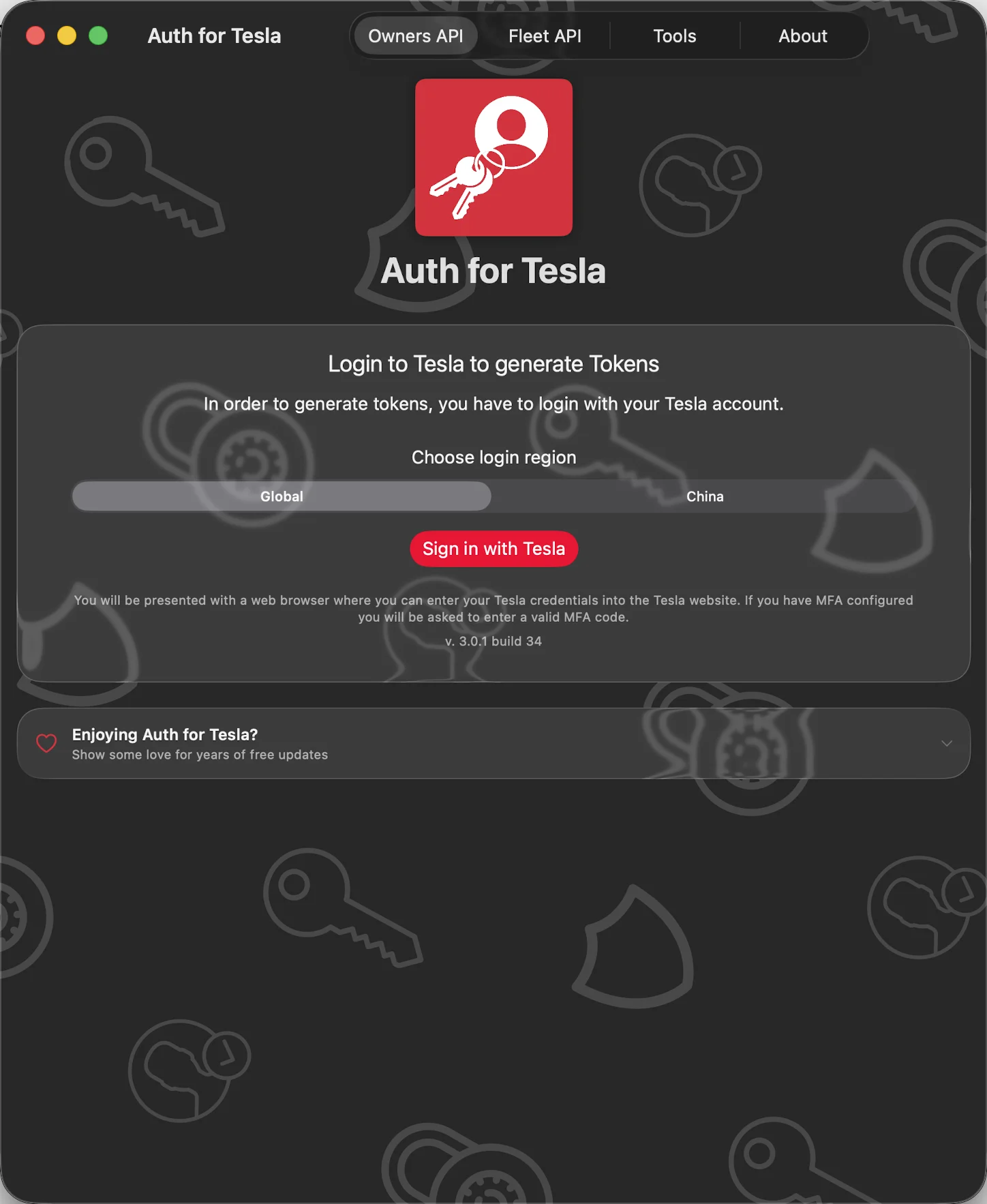
Your Password Stays with Tesla
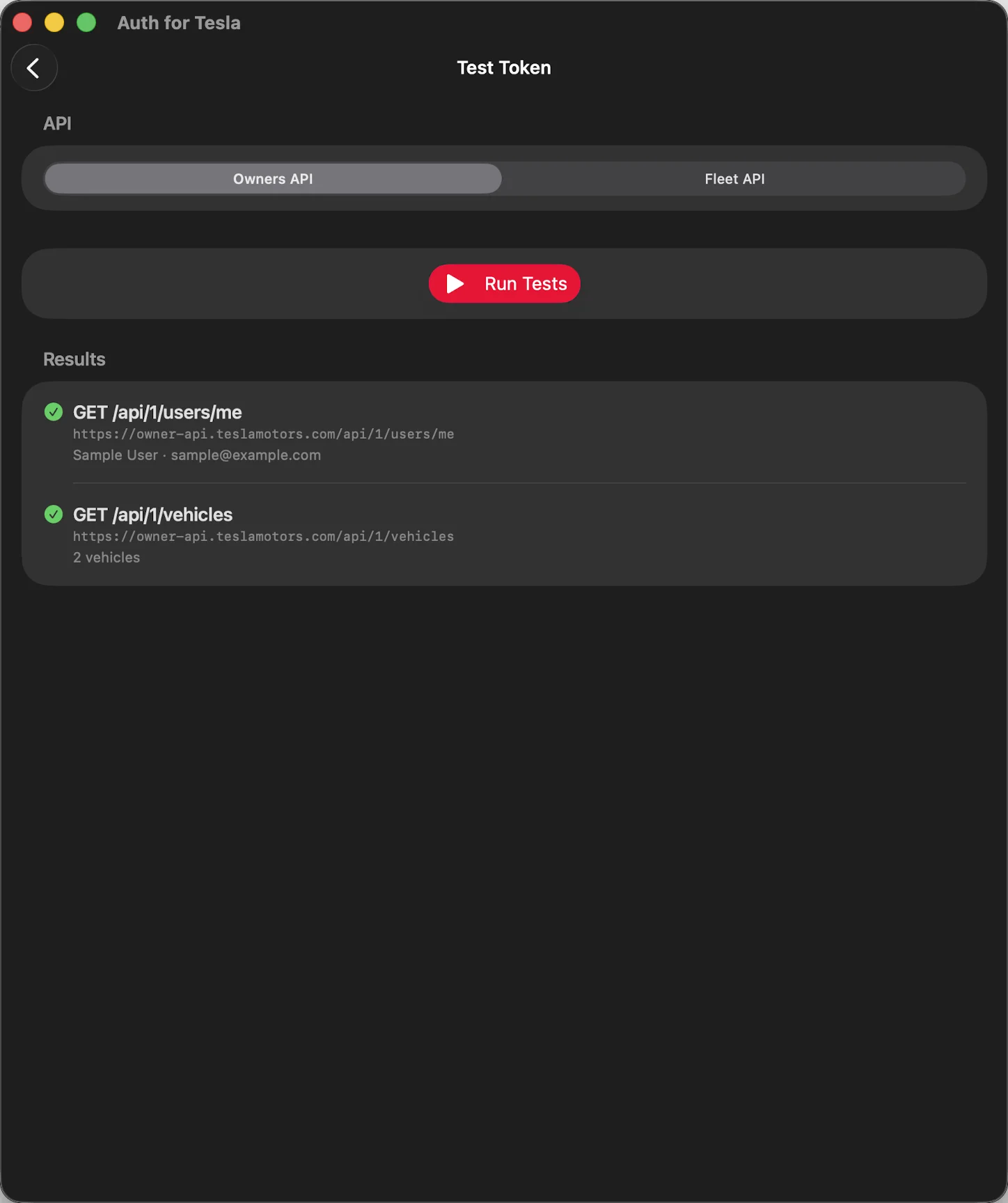
Prove Your Token Works
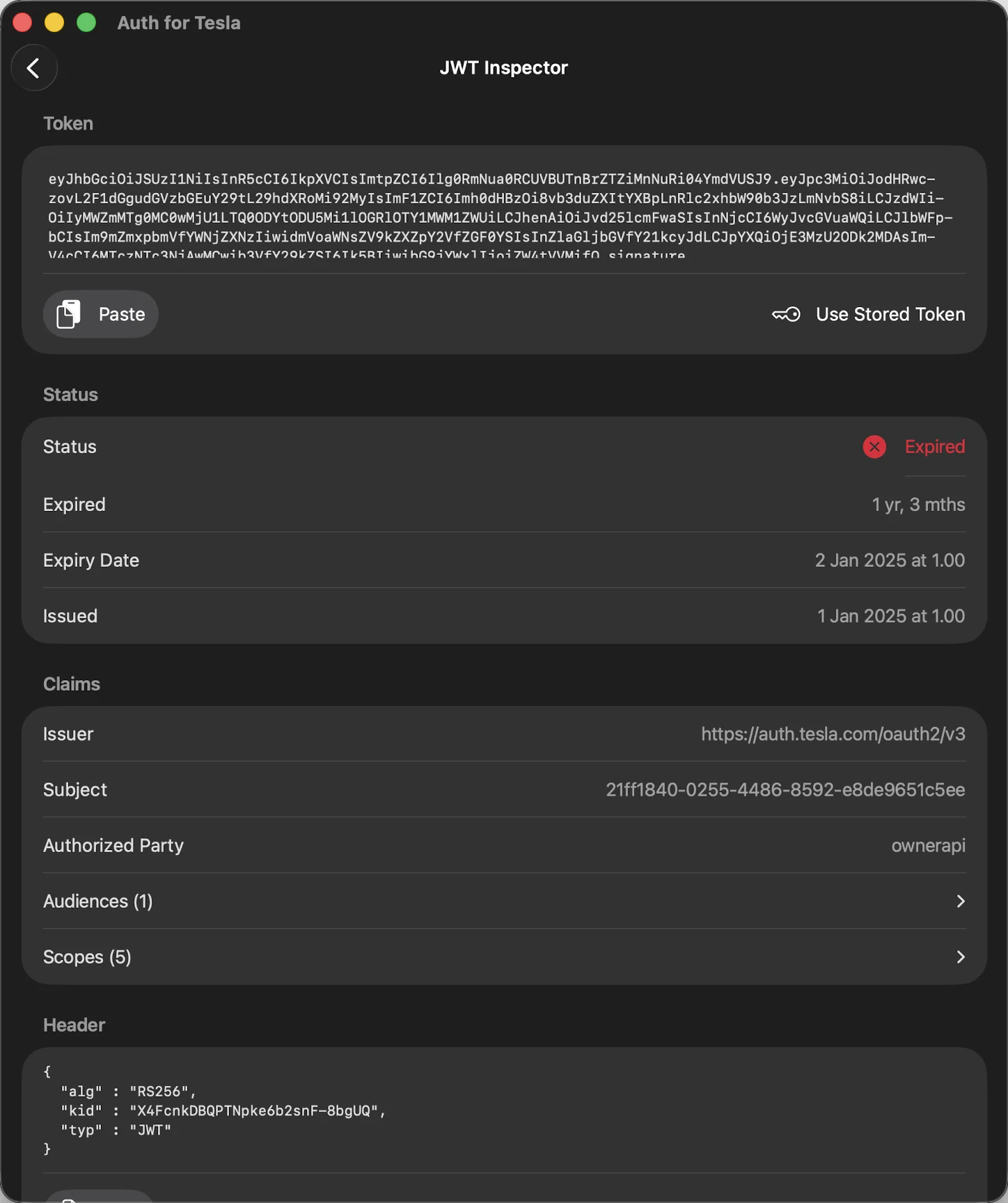
Decode Any JWT
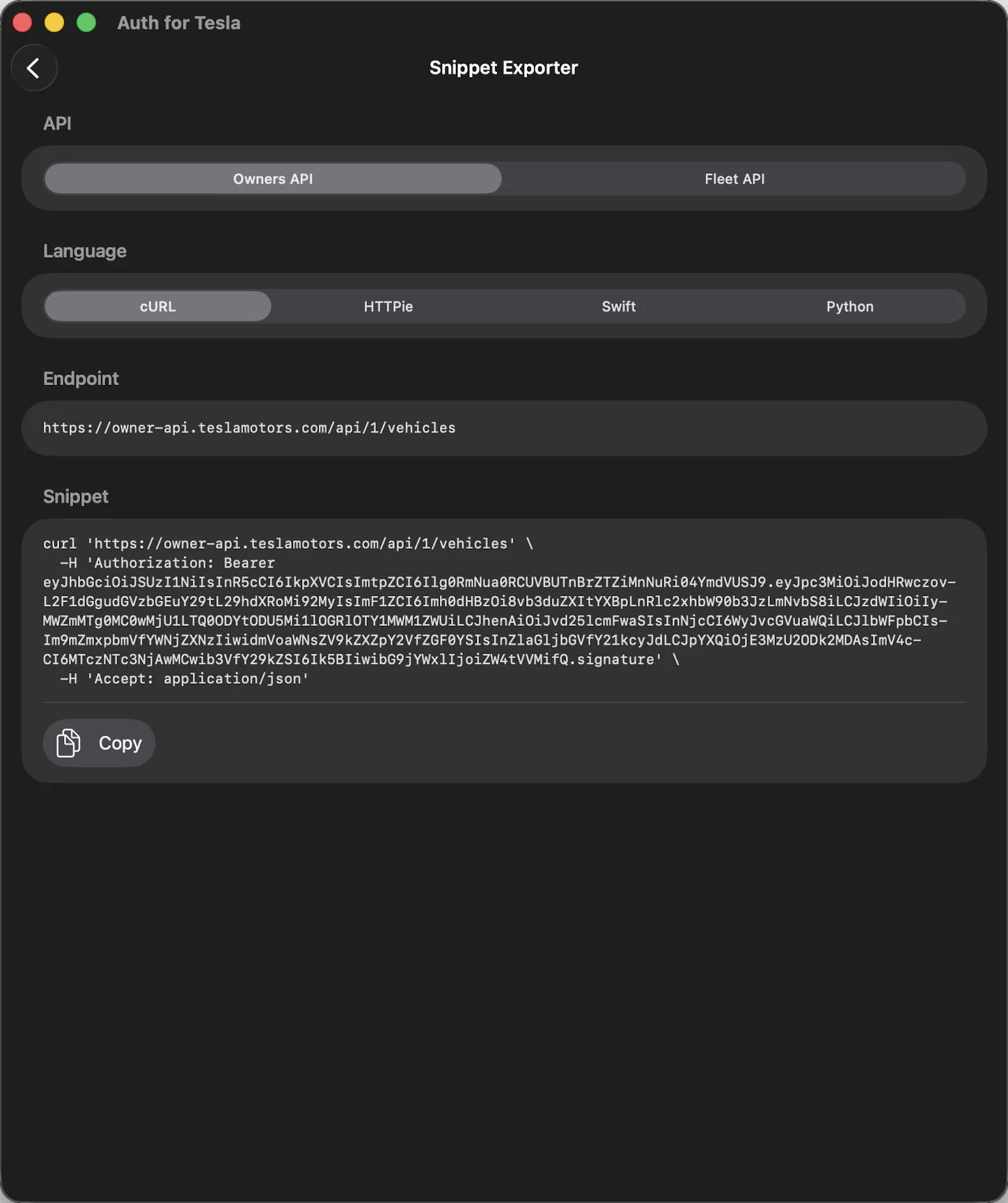
Paste Straight Into Code
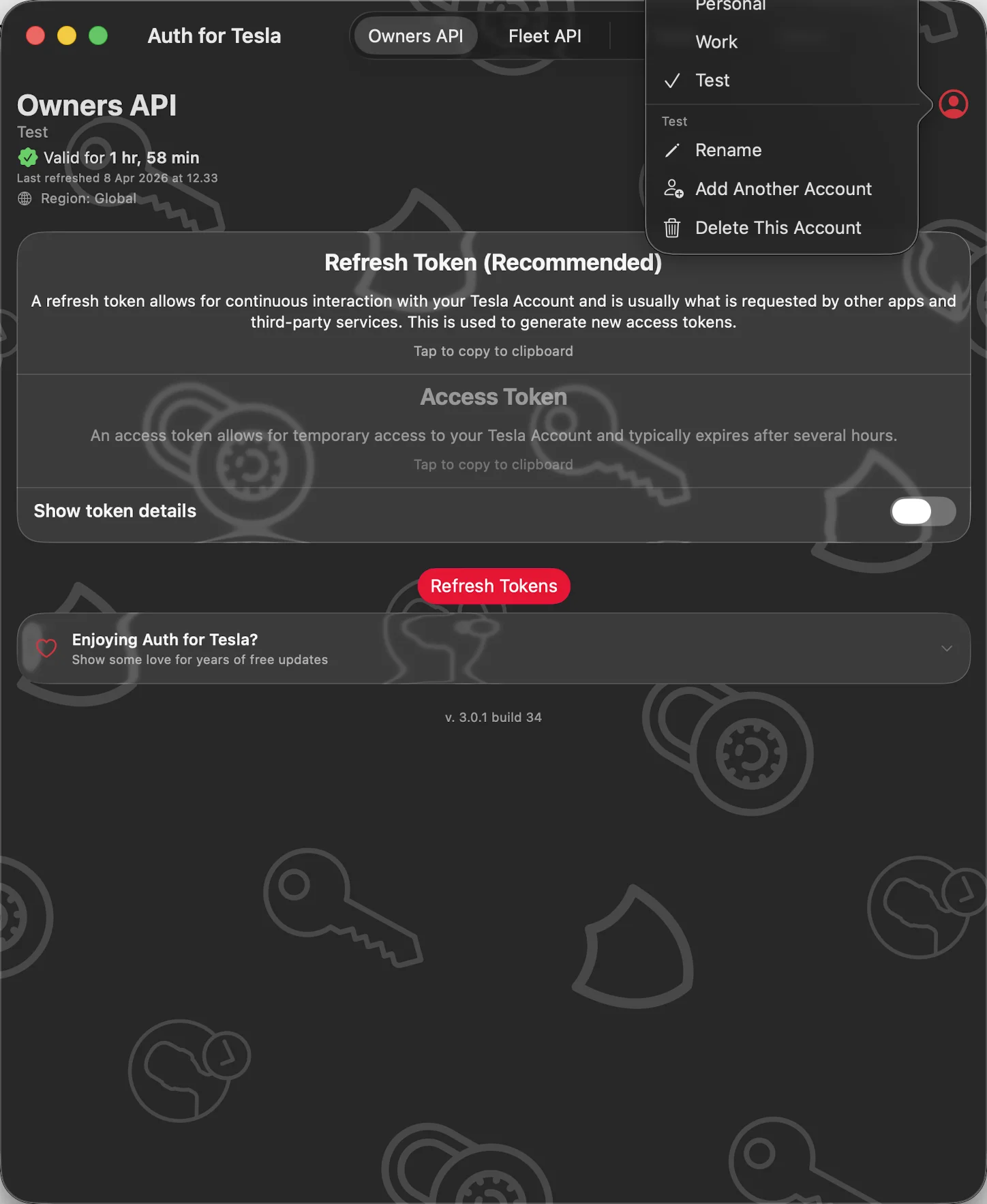
Every Account, One Tap Apart
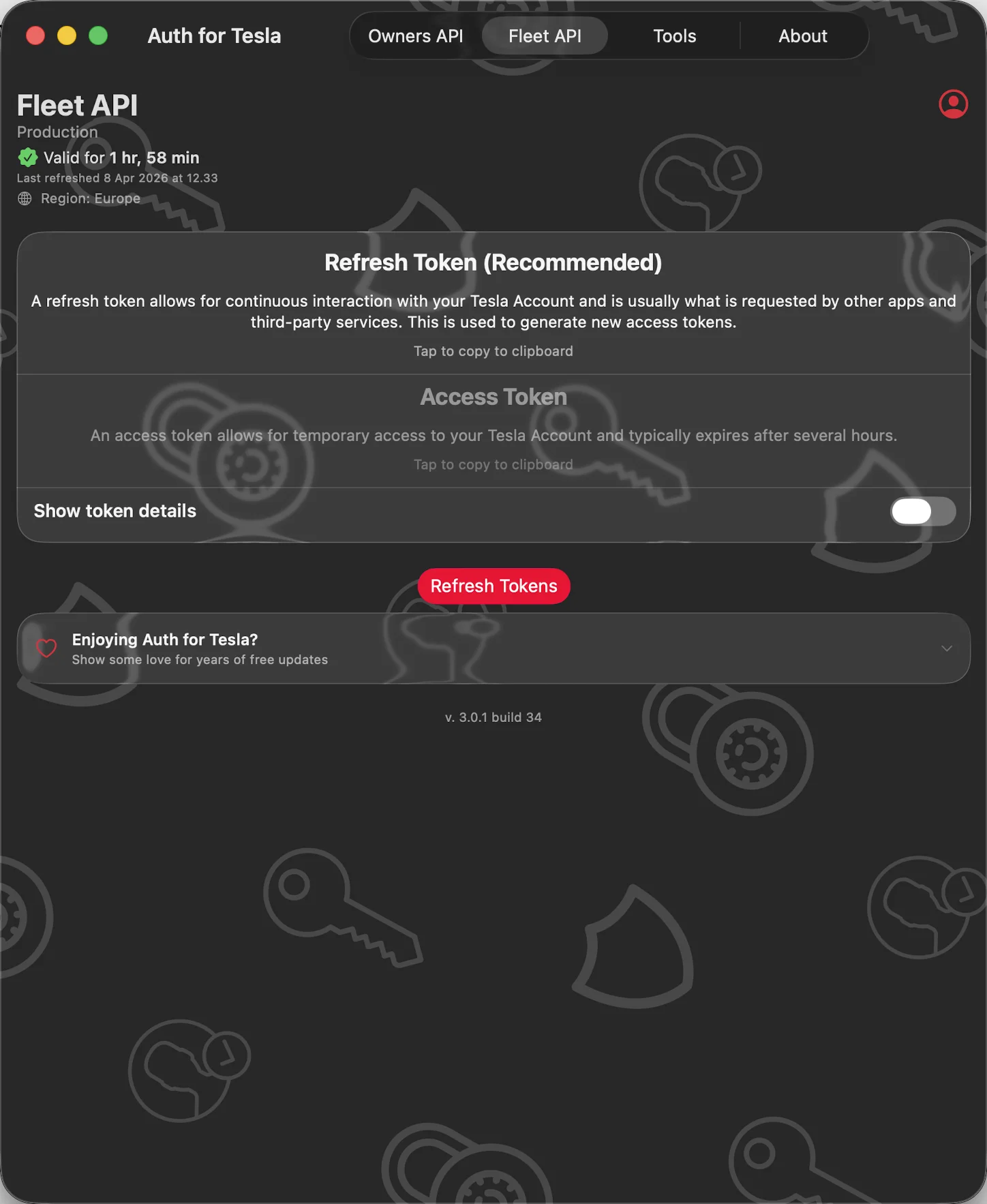
Built for the Fleet API Too
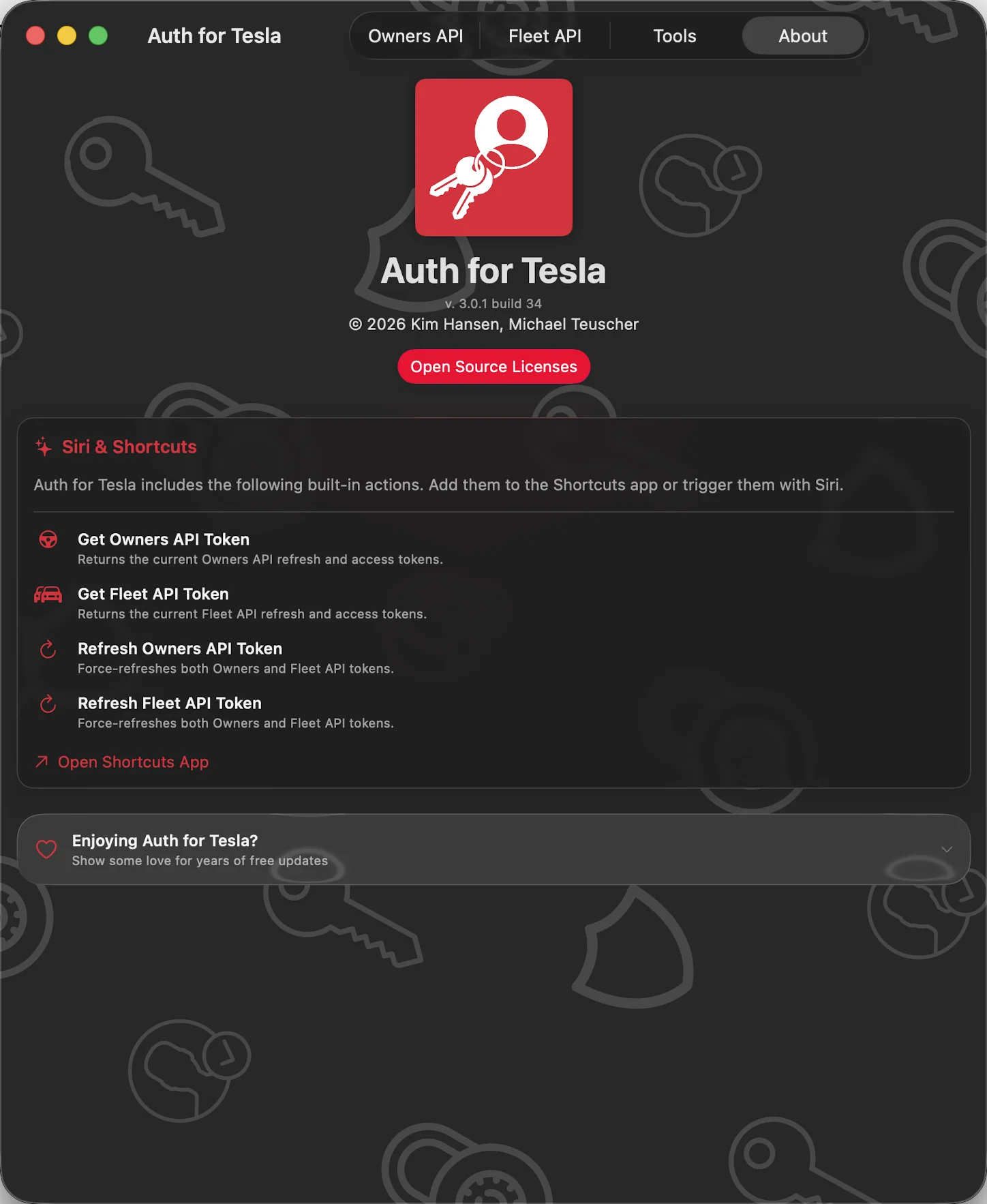
Made for Siri and Shortcuts
Features
One Tap to Copy
Refresh and access tokens side by side, with a live “Valid for…” countdown and one-button refresh (⌘R on Mac).
Your Password Stays with Tesla
You sign in on Tesla’s own website in a secure in-app browser. Multi-factor sign-in works as usual.
Test Your Token
Read-only calls against the Owners or Fleet API confirm your account, vehicles, and scopes before you paste the token anywhere.
JWT Inspector
Paste or pick any token to see the decoded header, payload, scopes, expiry, and a clear Valid/Expired status.
Snippet Exporter
Copy the active token as ready-to-run cURL, HTTPie, Swift, or Python — bearer header included.
Every Account, One Tap Apart
Personal, work, and test accounts for each API. Switch, rename, and add without signing in again.
Owners and Fleet API
The token most Tesla-compatible apps ask for, plus Tesla’s official Fleet API with the region detected for you.
Siri & Shortcuts
Get and Refresh actions for both APIs, each able to target a specific account. Automations always have a fresh token.
Private and Open Source
Tokens stay encrypted in your iCloud Keychain. No analytics, no tracking, no third-party SDKs — and every line of code is on GitHub.
About
Auth for Tesla is a token tool, not a car app. It doesn’t drive your car or try to replace the Tesla app — it hands you a valid OAuth token for Shortcuts, scripts, home-automation tools, or your own app, and makes it easy to check and use.
Private by design: your Tesla username and password are entered on Tesla’s own website in a secure in-app browser and never pass through this app or any server run by the developer.
Auth for Tesla is an independent app. It is not affiliated with, endorsed by, or sponsored by Tesla, Inc.
Join the beta
Want a say in where Auth for Tesla goes next? Join the public beta on TestFlight and try new builds before they reach the App Store.
The beta runs in Apple’s TestFlight app. Install TestFlight, then tap Join — TestFlight installs the beta build of Auth for Tesla and offers each new build as it’s ready.
Purchases in TestFlight builds are test purchases: you’re never charged, and they don’t carry over to your account or to the App Store version. Purchases in the App Store version are real — please make sure which version you’re using; we can’t take responsibility for purchases made by mistake.
Spot a bug, a rough edge or a missing feature? Take a screenshot in the beta build and TestFlight offers to send it as feedback, or use Send Beta Feedback in the TestFlight app. Every report is read and helps decide what gets built and fixed next — there’s no support desk behind it, so reports aren’t answered one by one.
To leave the beta, open Auth for Tesla in the TestFlight app and tap Stop Testing.