Rumskrot Remote
The whole Mac on your iPad — smoothly
Turn on Screen Sharing in System Settings and Rumskrot Remote connects straight to it: no helper app, no account, no relay. The desktop is drawn with Metal, touch behaves like a trackpad, and the keys macOS needs but iOS lacks sit right above the keyboard.
View release notes →
- Every key your Mac expects. Esc, F1–F12, arrows, Forward Delete and sticky ⌘⌃⌥⇧ on a bar you can reorder.
- Connect your way. macOS login, VNC or Apple Remote Desktop auth, SSH tunnels with host-key pinning, per-host auto-unlock.
- Multiple monitors, snippets, Shortcuts. Pick a display, paste text as keystrokes, open a session from Siri.
Use it when… the build is on the Mac mini at home and you’re on the sofa, or three time zones away.
iPad
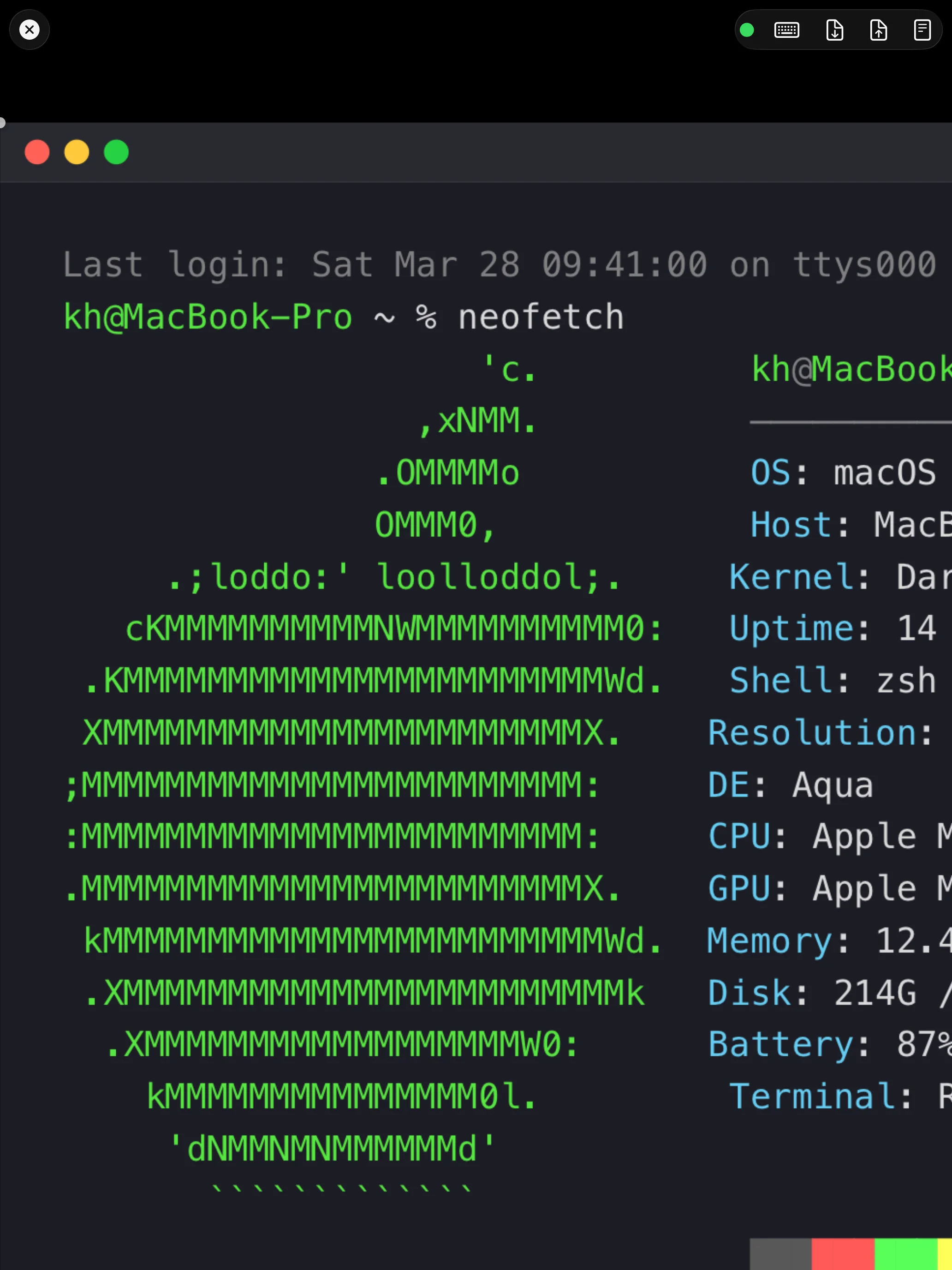
Your Mac, in Your Hand
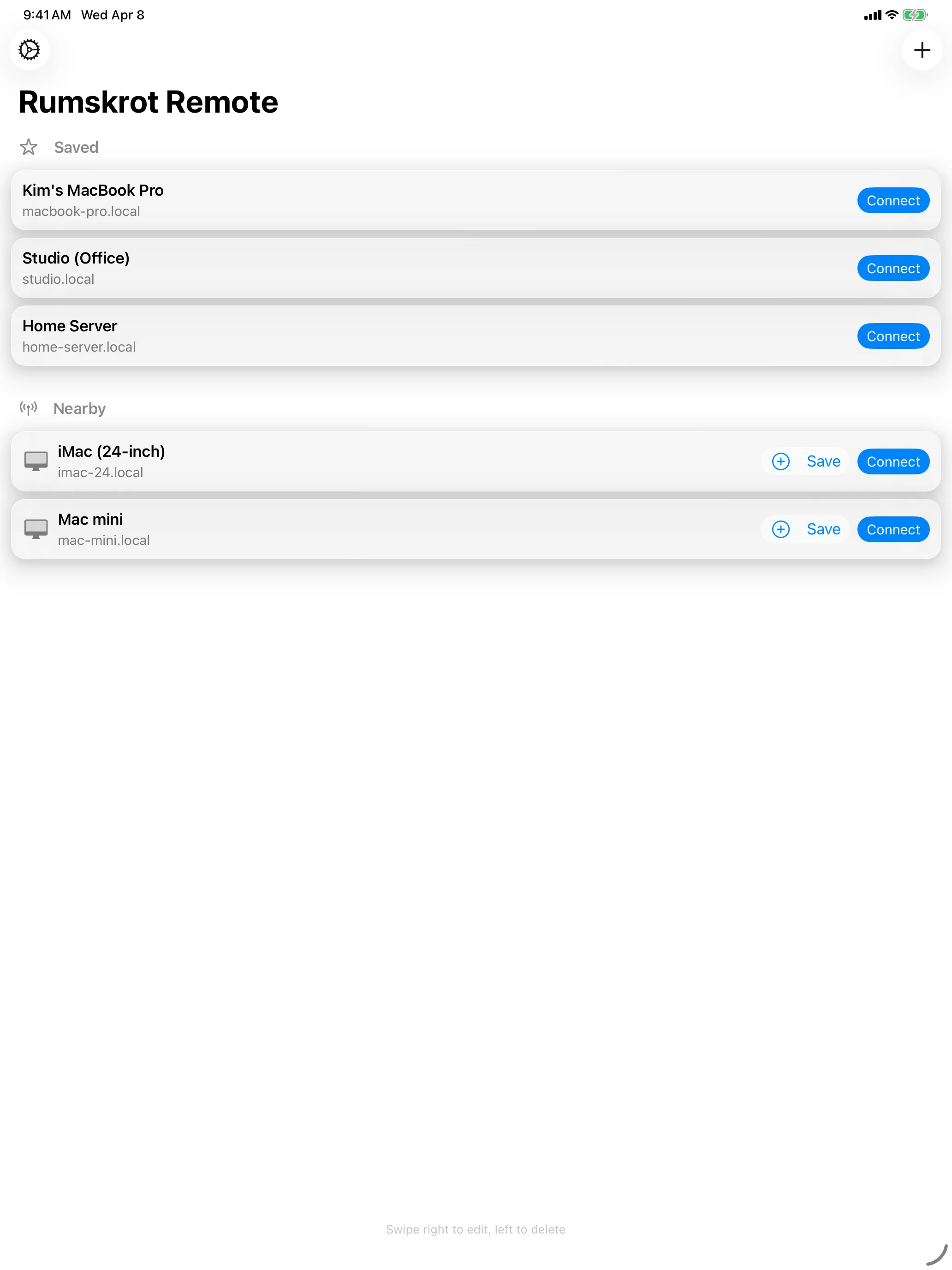
Your Macs, One Tap Away
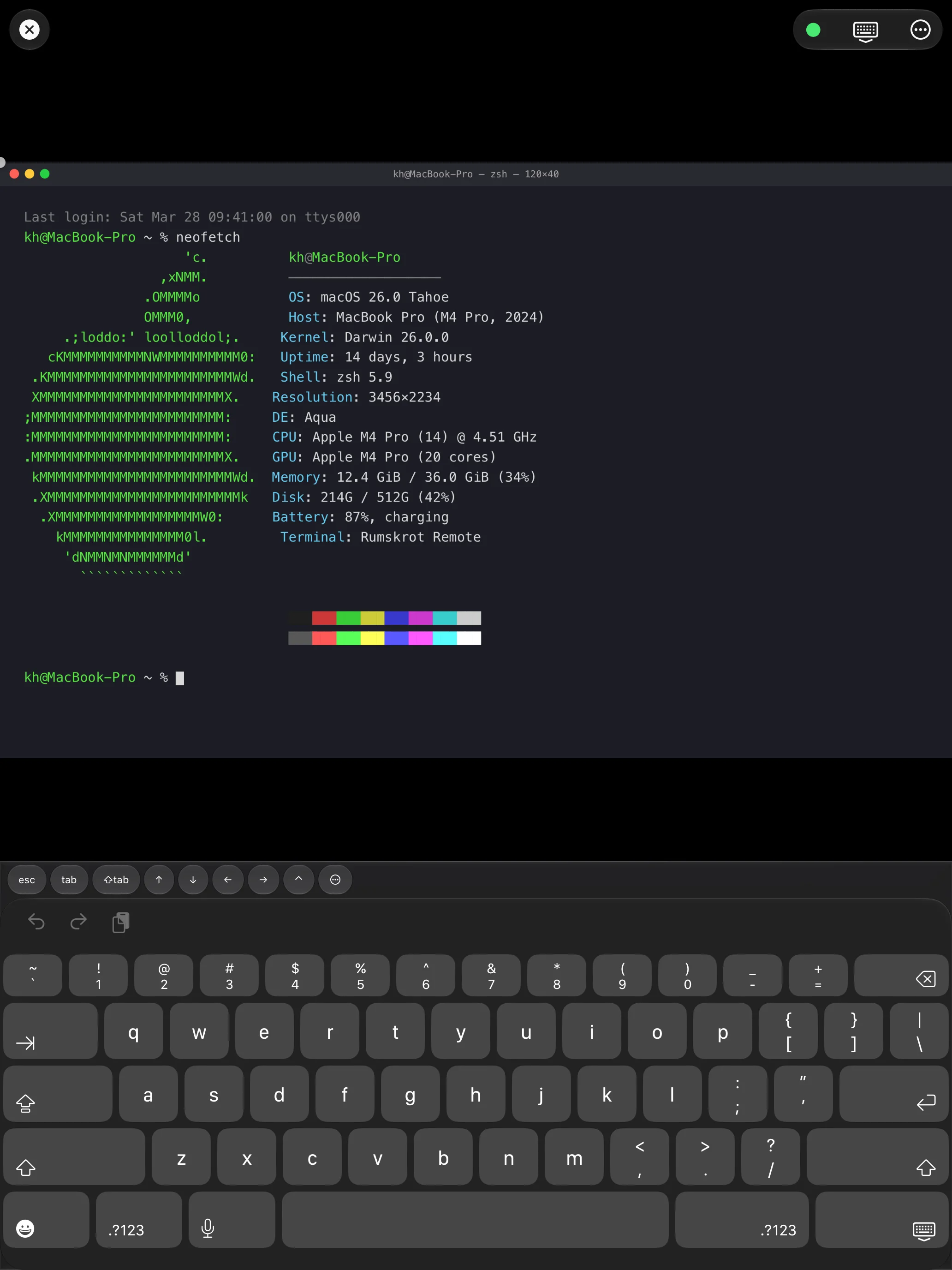
Every Key Your Mac Expects
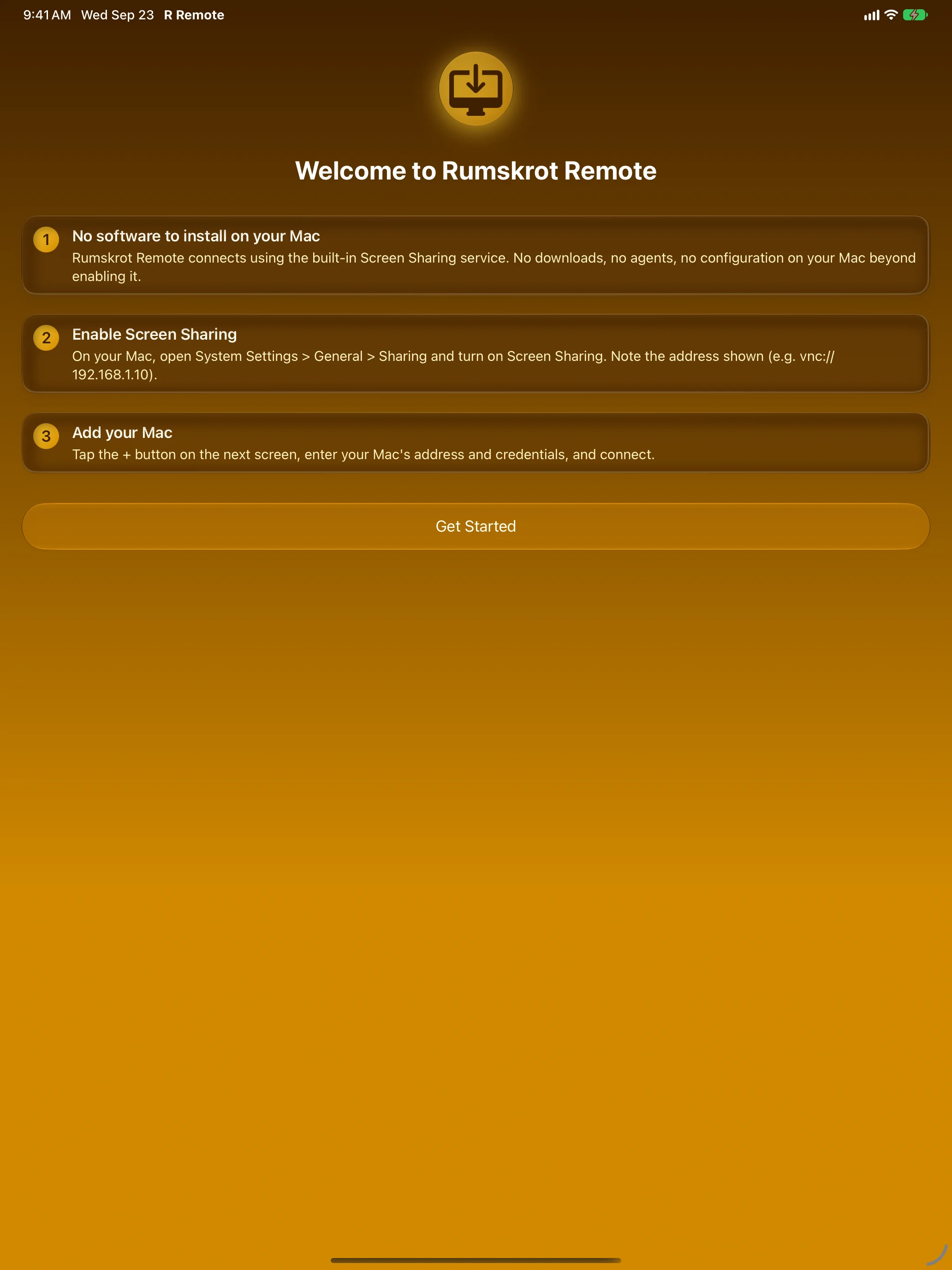
Nothing to Install on Your Mac
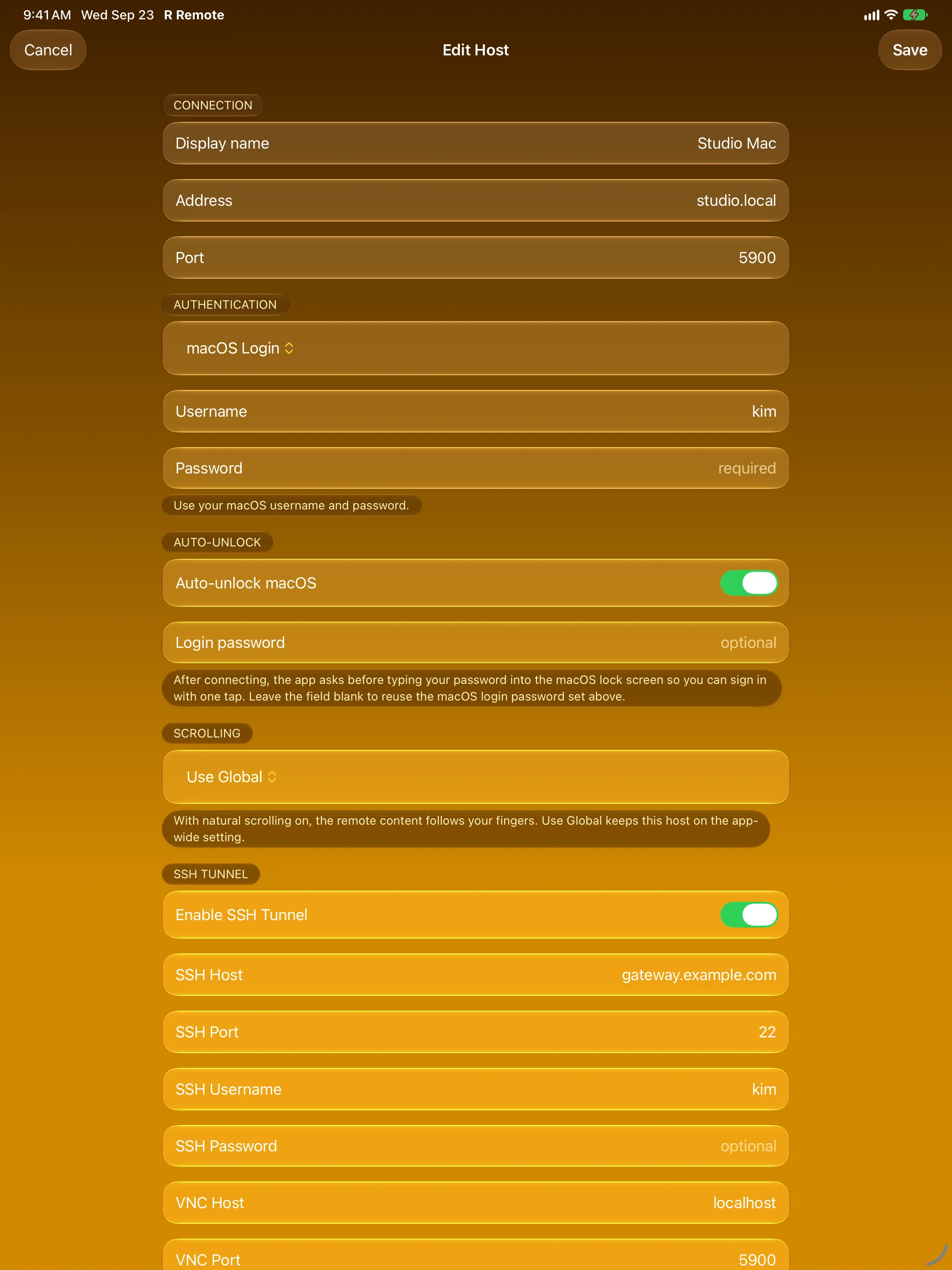
Connect Your Way
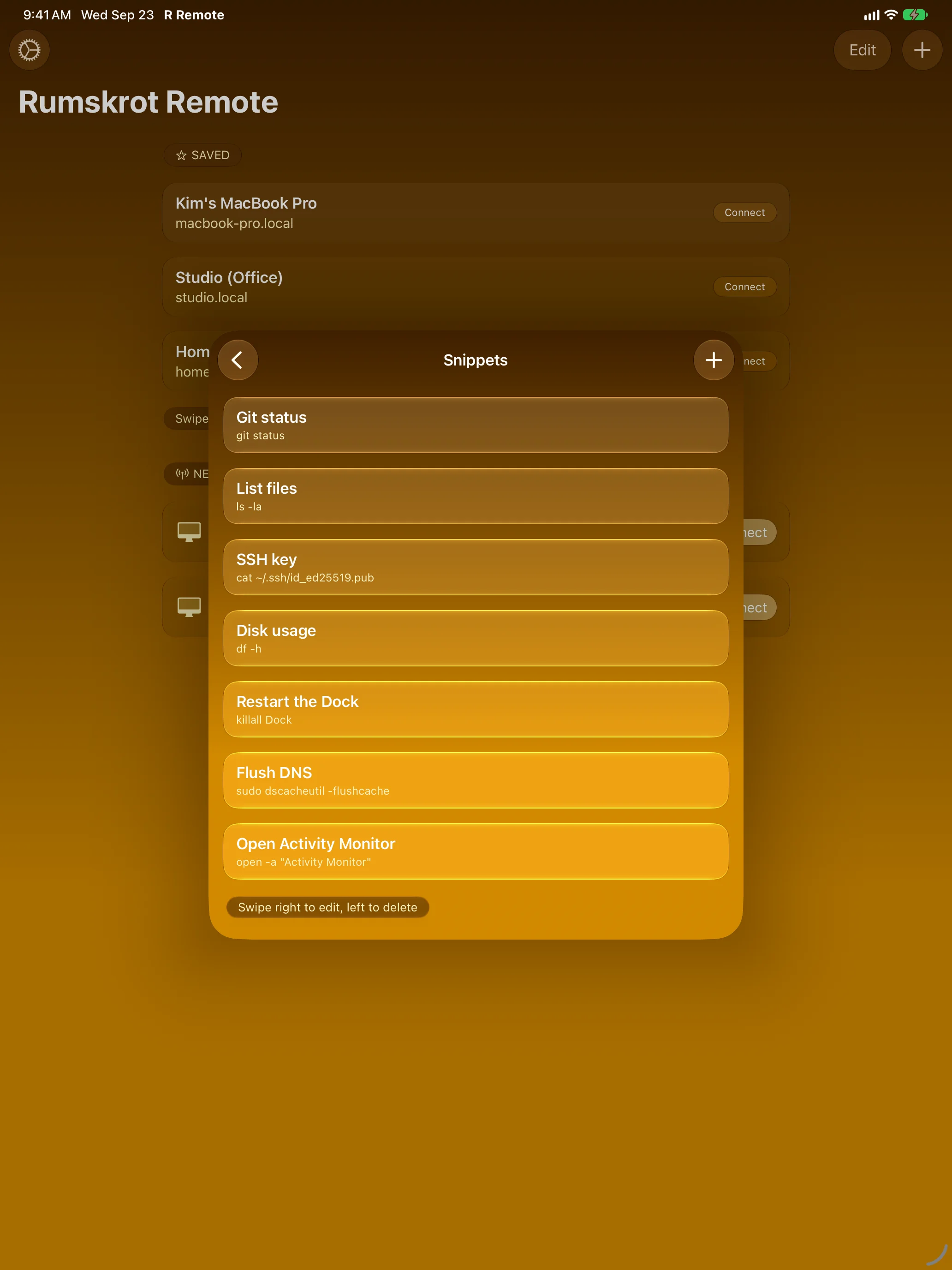
Snippets, One Tap Away
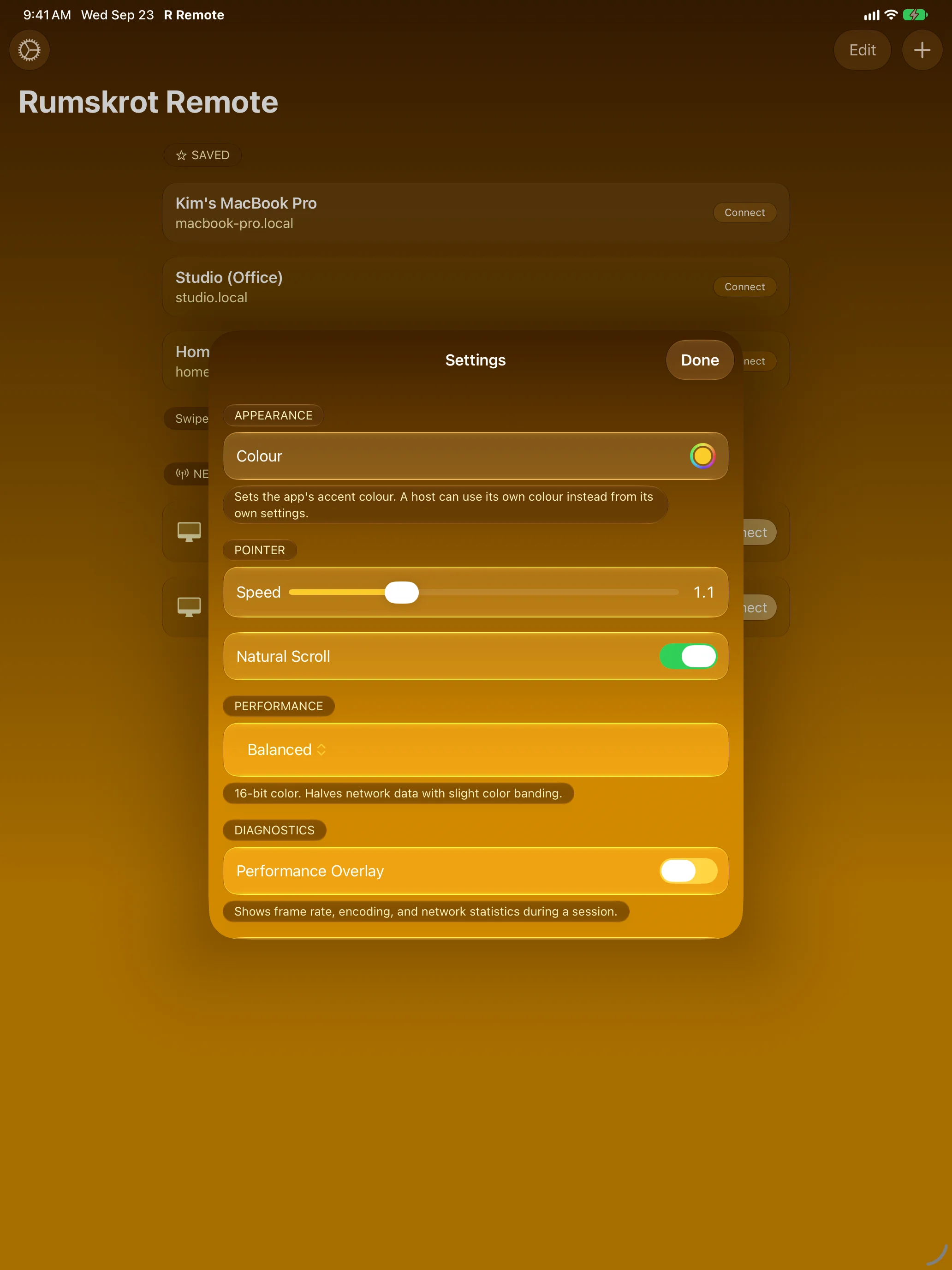
Tuned to Your Touch
iPhone
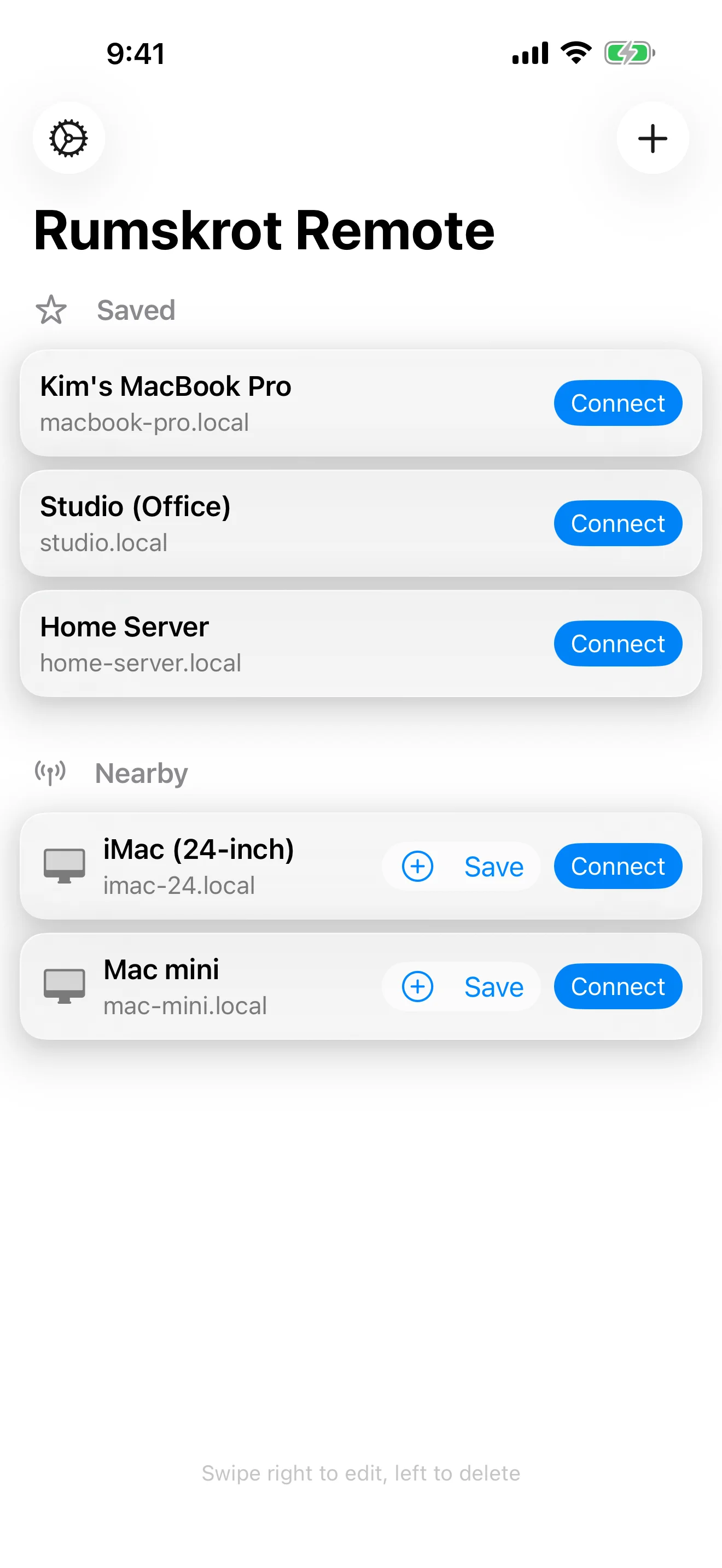
Your Macs, One Tap Away
Saved Macs plus the ones nearby, found automatically
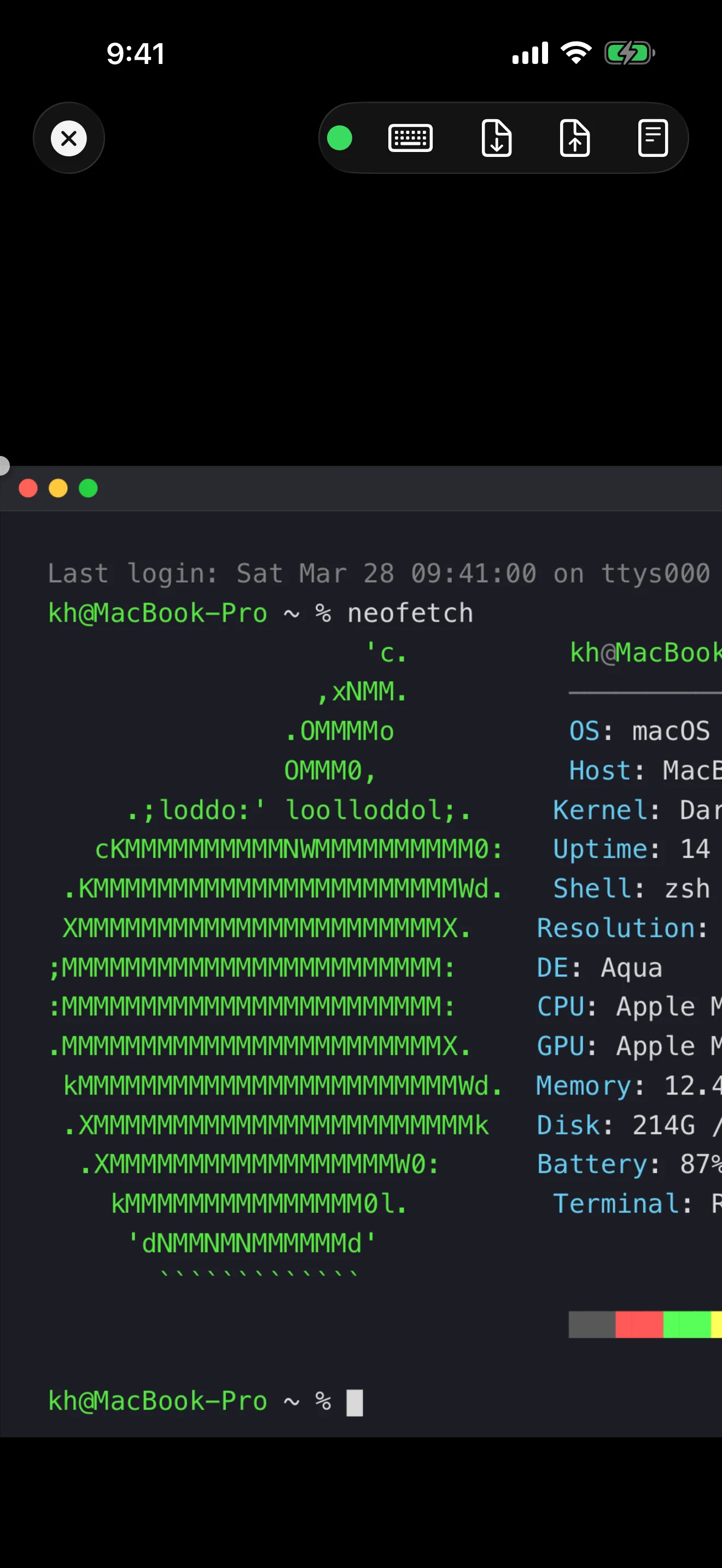
Your Mac, in Your Hand
The full desktop, drawn smoothly with Metal
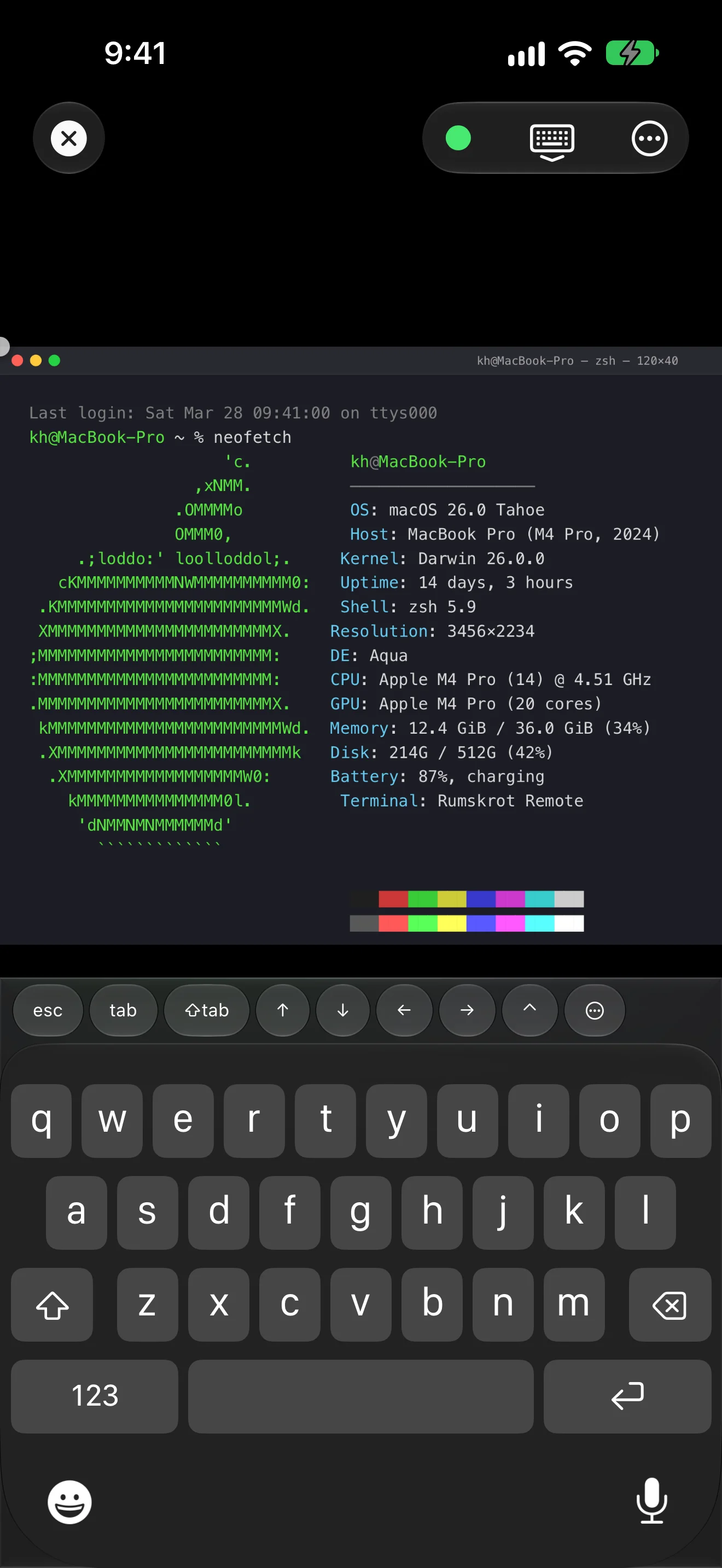
Every Key Your Mac Expects
Esc, Tab, arrows and sticky modifiers above the keyboard
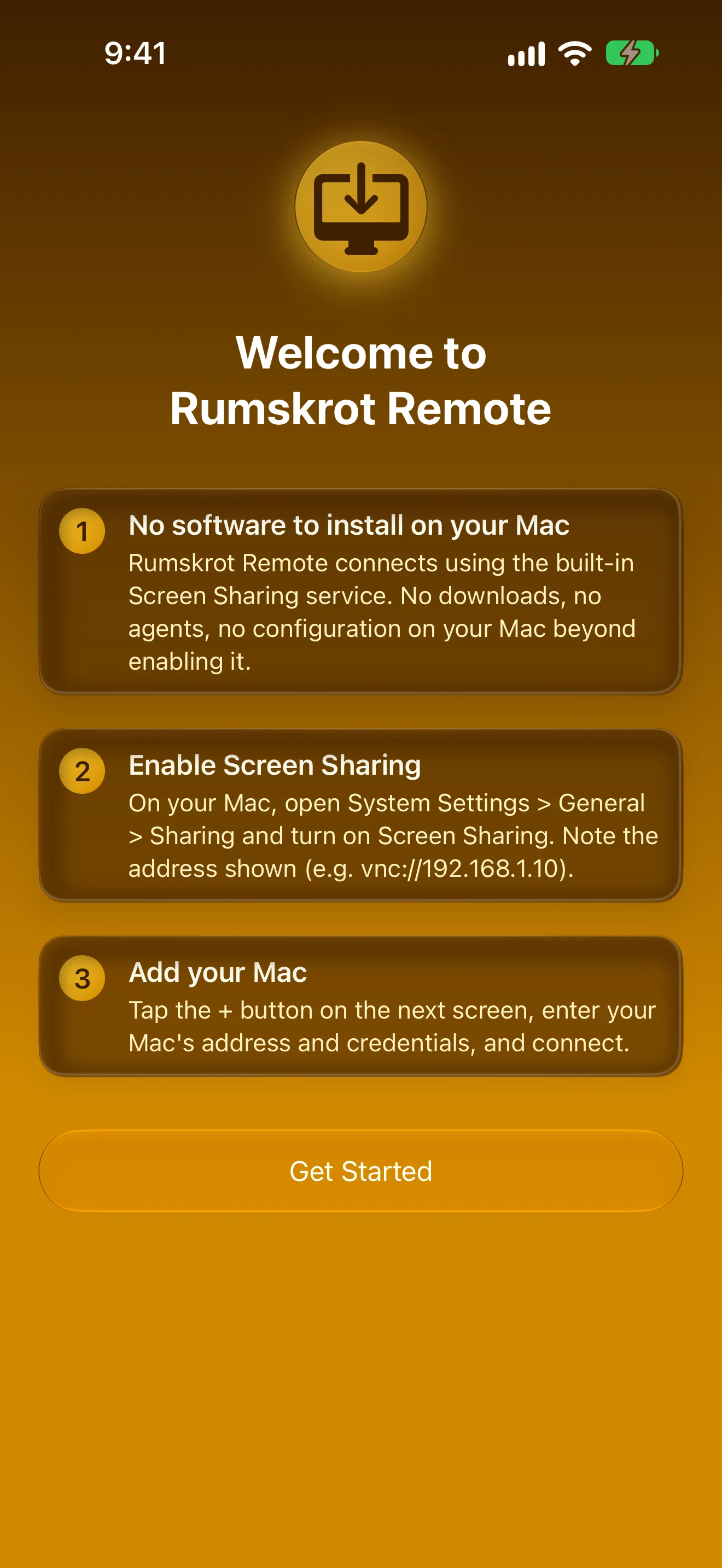
Nothing to Install on Your Mac
Uses the Screen Sharing built into macOS
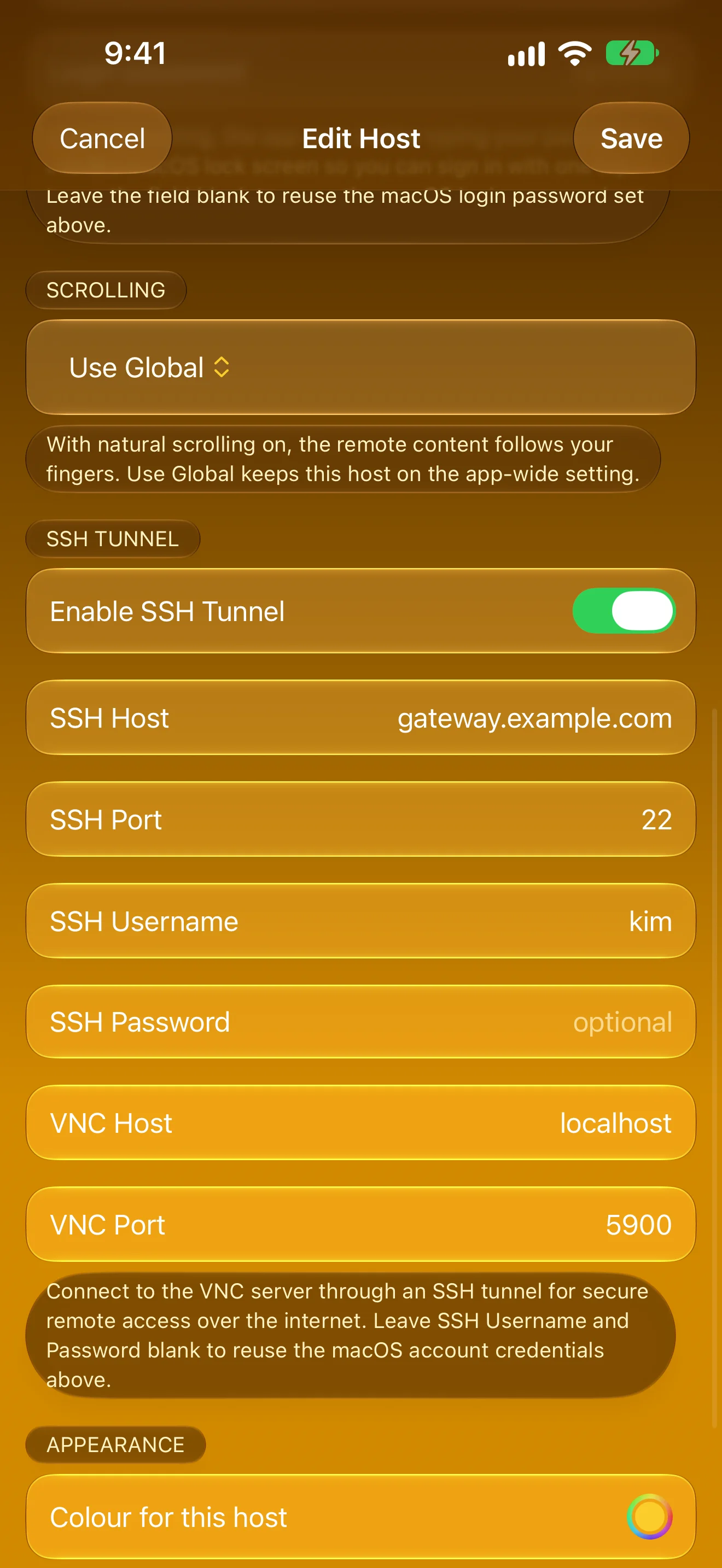
Connect Your Way
Mac login, auto-unlock and SSH tunnels, per host
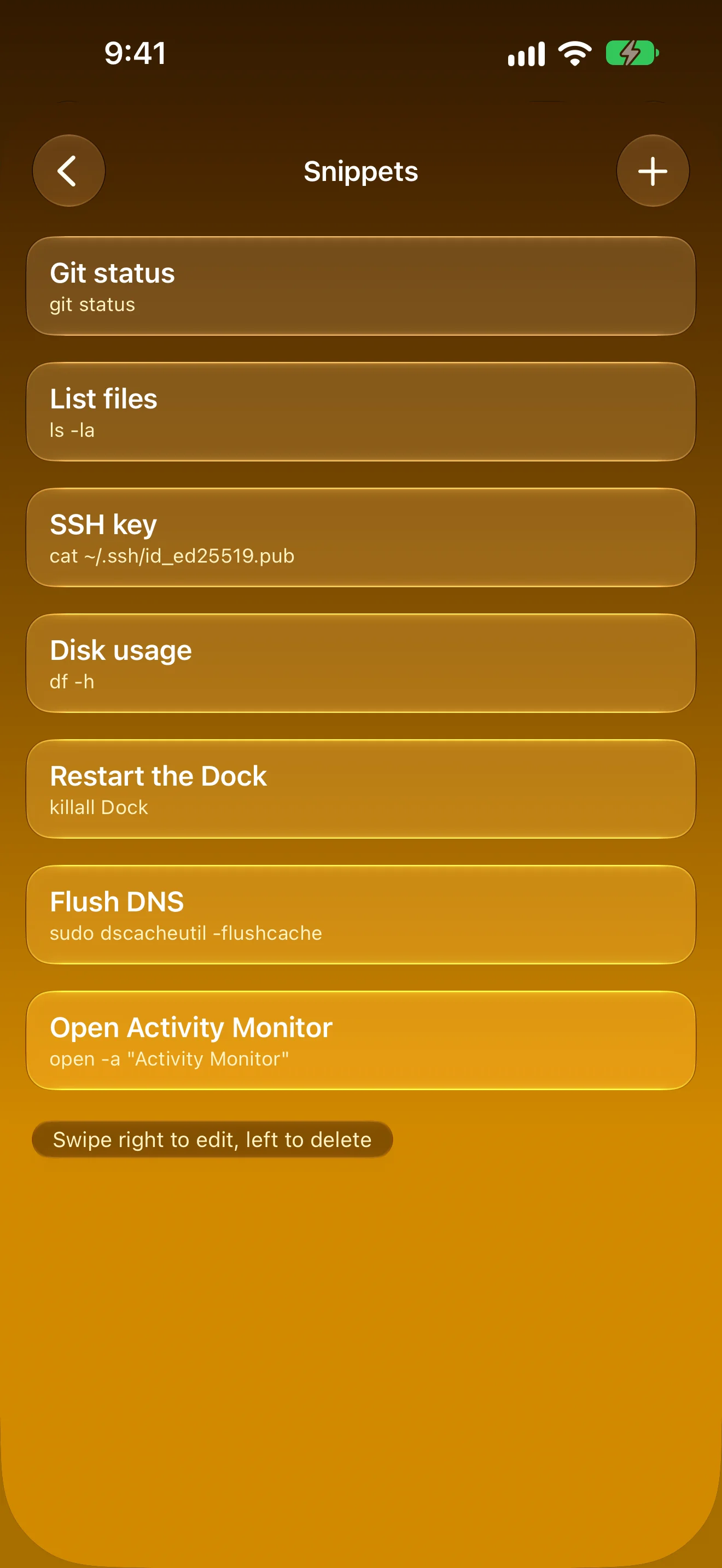
Snippets, One Tap Away
Send commands straight to your Mac
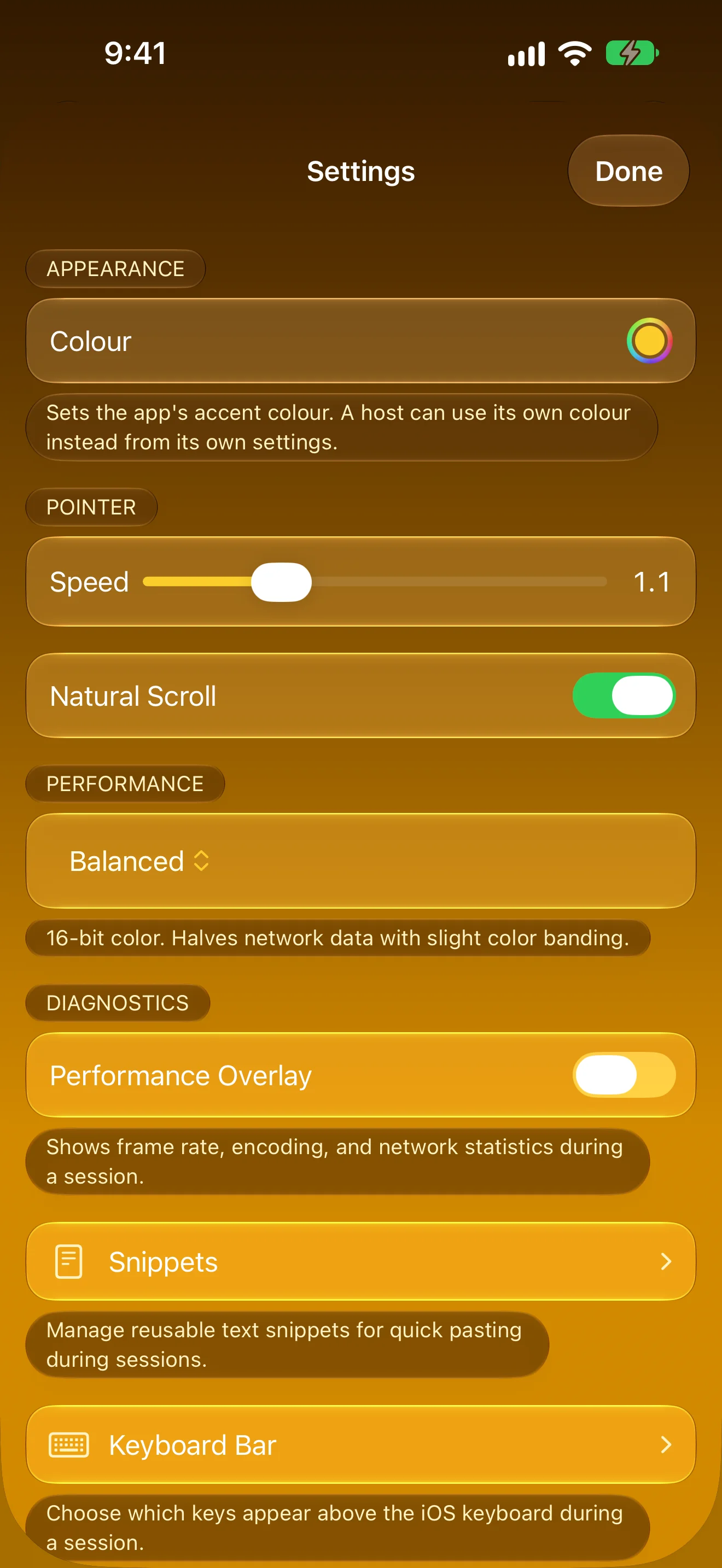
Tuned to Your Touch
Pointer speed, scrolling, picture quality and colour
Features
Zero Install
Connects directly to macOS Screen Sharing (Apple Remote Desktop / VNC). No software to install on your Mac.
Metal Rendering
GPU-accelerated framebuffer display for smooth, responsive remote control at high resolution.
Bonjour Discovery
Automatically discovers Macs on your local network. Tap to connect — no IP address needed.
Full Input Support
Drag, tap and two-finger scroll like a trackpad. Three-finger swipes for Mission Control, App Exposé and jumping between monitors, with haptics that confirm every click.
Keyboard Accessory Bar
Arrow keys, Tab, Esc, F1–F12, Page Up/Down, Home/End plus Mission Control and App Exposé — all directly above the iOS keyboard. Sticky ⌘⌃⌥⇧ modifiers, reorderable layout, auto-hides with a hardware keyboard.
Auto-Unlock
Opt in per host to type your macOS password right after connecting — land at your desktop instead of the lock screen.
Secure Authentication
Supports Apple ARD RSA-AES, DH-AES, and classic VNC authentication. Credentials stored in your Keychain.
SSH Tunnel
Reach Macs only available over SSH by tunnelling the VNC connection. First connect verifies the host's fingerprint; later connections refuse to send credentials if the identity ever changes. Per-host Forget button clears a pinned key when you reinstall a server.
Multi-Monitor Support
Full ExtendedDesktopSize encoding support for multi-monitor setups. See all your screens.
Clipboard Sync
Bidirectional clipboard sharing between your iOS device and your Mac.
Shortcuts & Siri
Connect to a saved Mac and disconnect again from Shortcuts, Siri or Spotlight — one shortcut can open a session, do its job and close it.
Text Snippets
Save common commands and text as snippets and send them to your Mac with a single tap.
About
Rumskrot Remote is built from the ground up as a native Swift app with a complete RFB protocol implementation. It supports all major framebuffer encodings including Raw, CopyRect, RRE, Hextile, ZRLE, and Tight — the same encoding macOS Screen Sharing uses by default.
No cloud relay, no telemetry, no third-party SDKs. All connections are direct, peer-to-peer. Your credentials stay in your device's Keychain.
Performance target: 30+ FPS on LAN with under 150ms perceived input latency.
Join the beta
Want a say in where Rumskrot Remote goes next? Join the public beta on TestFlight and try new builds before they reach the App Store.
The beta runs in Apple’s TestFlight app. Install TestFlight, then tap Join — TestFlight installs the beta build of Rumskrot Remote and offers each new build as it’s ready.
Purchases in TestFlight builds are test purchases: you’re never charged, and they don’t carry over to your account or to the App Store version. Purchases in the App Store version are real — please make sure which version you’re using; we can’t take responsibility for purchases made by mistake.
Spot a bug, a rough edge or a missing feature? Take a screenshot in the beta build and TestFlight offers to send it as feedback, or use Send Beta Feedback in the TestFlight app. Every report is read and helps decide what gets built and fixed next — there’s no support desk behind it, so reports aren’t answered one by one.
To leave the beta, open Rumskrot Remote in the TestFlight app and tap Stop Testing.