
Rumskrot Terminal
Live charts for every machine you run
A native SSH terminal for the Mac under the desk, the Pi in the cupboard and the VPS — with true colour, vim, htop and tmux just working. Turn any command into a dashboard tile, keep an eye on it from a widget, and restart a service from your wrist.
View release notes →
- Dashboards from any command. Number, line or bar chart per host; 45 ready-made tiles for CPU, disk, Docker.
- tmux and SFTP without typing. Attach, detach and kill sessions from a list; browse files on the same connection.
- Standalone on Apple Watch. Hosts sync via iCloud; run snippets and read live output with the phone at home.
Use it when… a deploy is misbehaving and your laptop is in another room — or another country.
iPhone
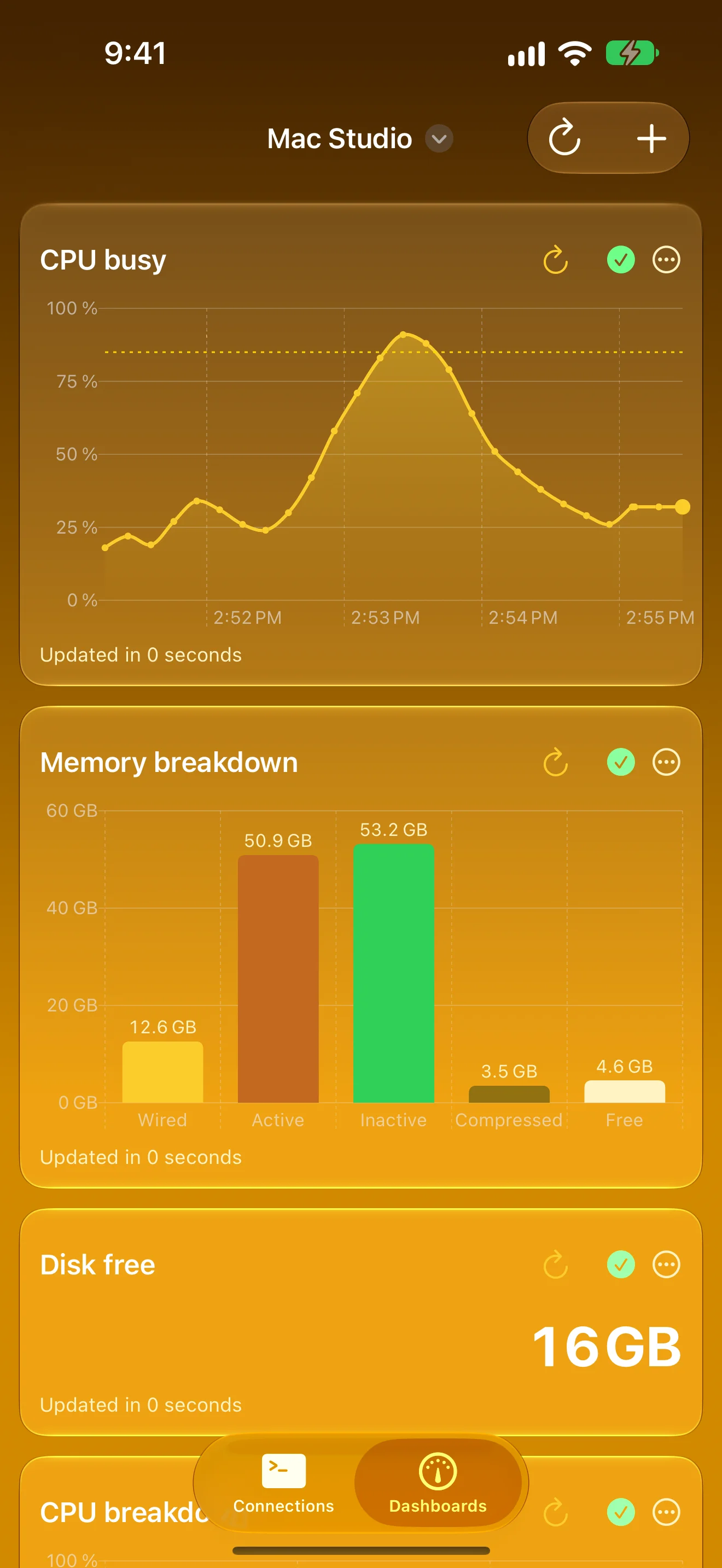
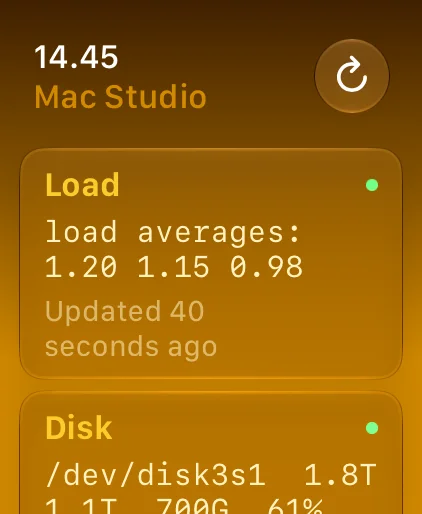
Your Servers at a Glance
Any command becomes a live chart — on your wrist too
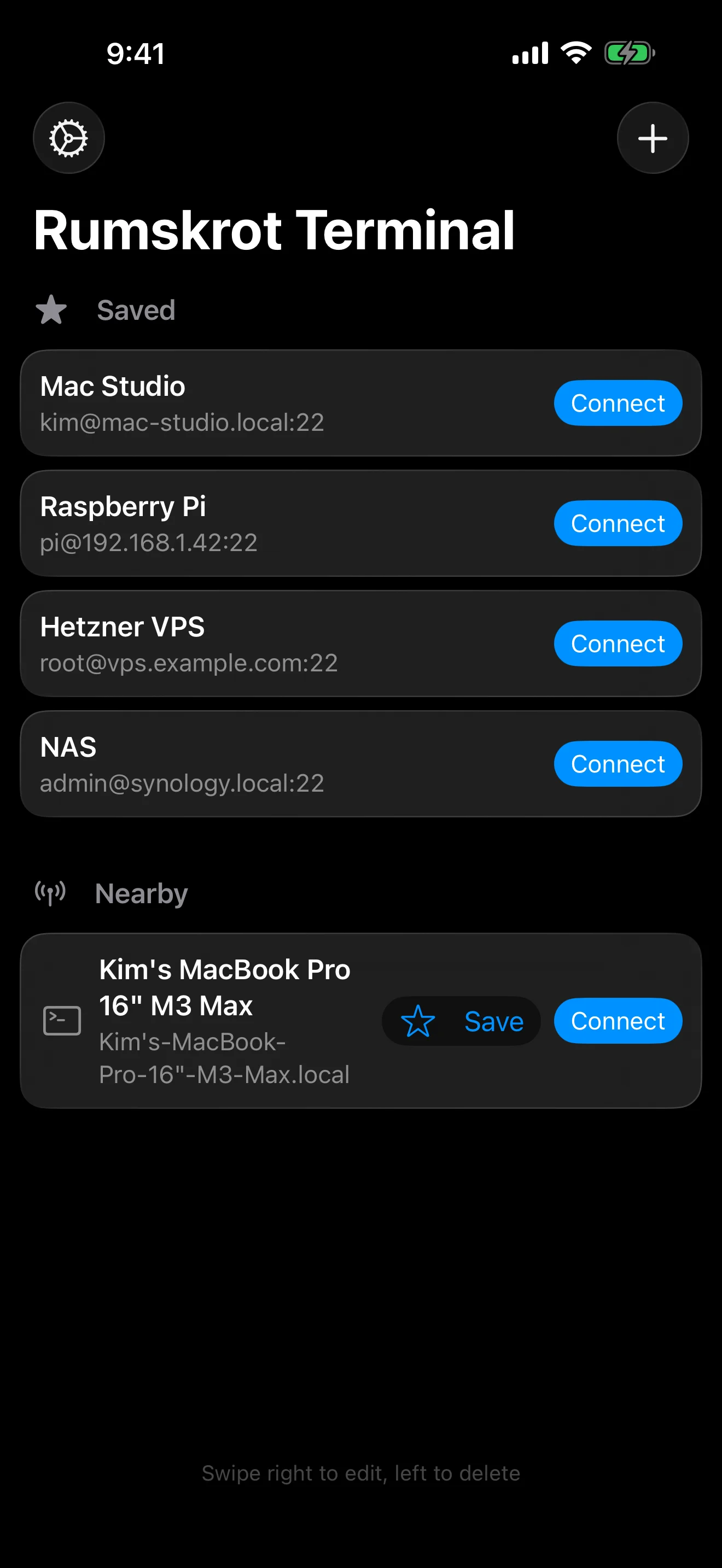
Every Server, One Tap Away
Saved hosts, plus SSH machines found nearby
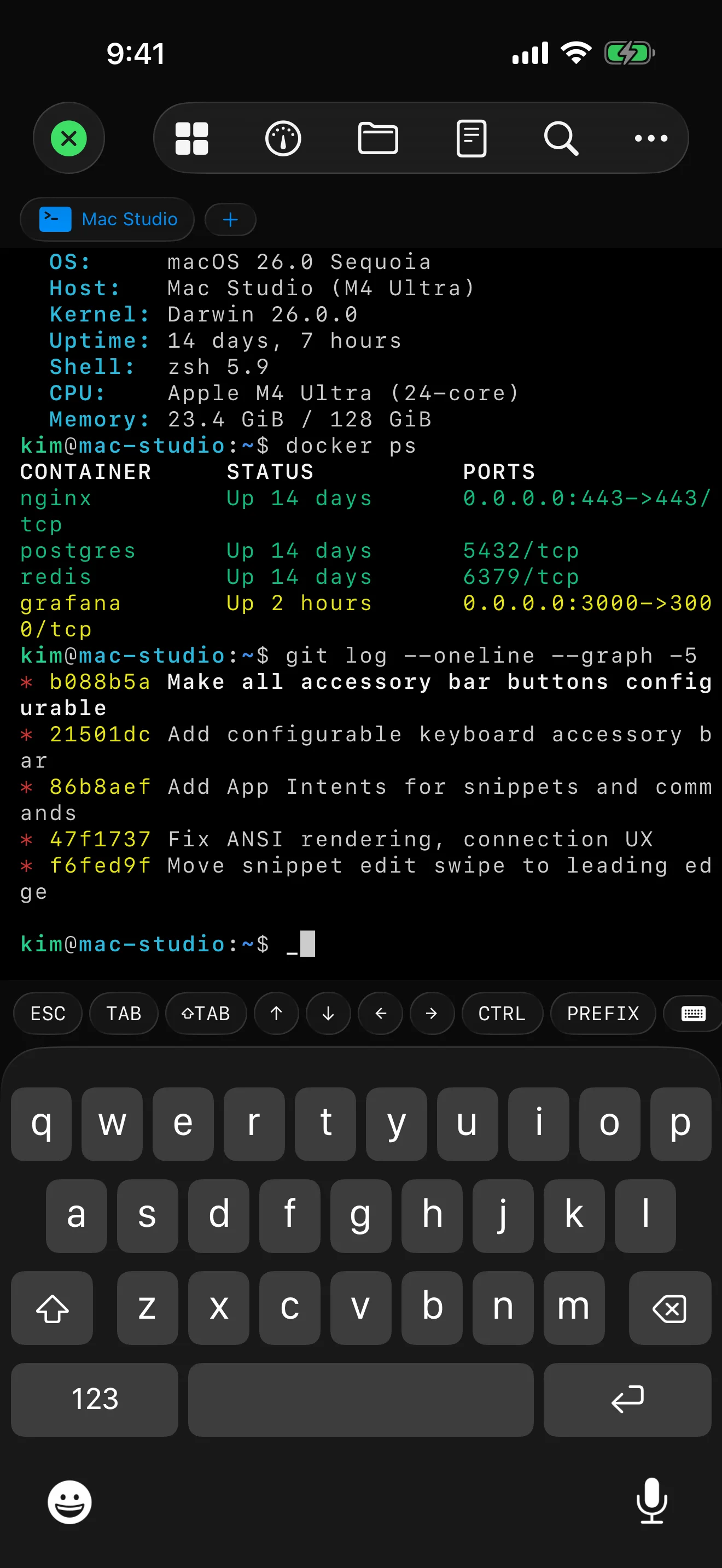
A Real Terminal in Your Pocket
True colour, vim, htop and tmux, drawn on the GPU
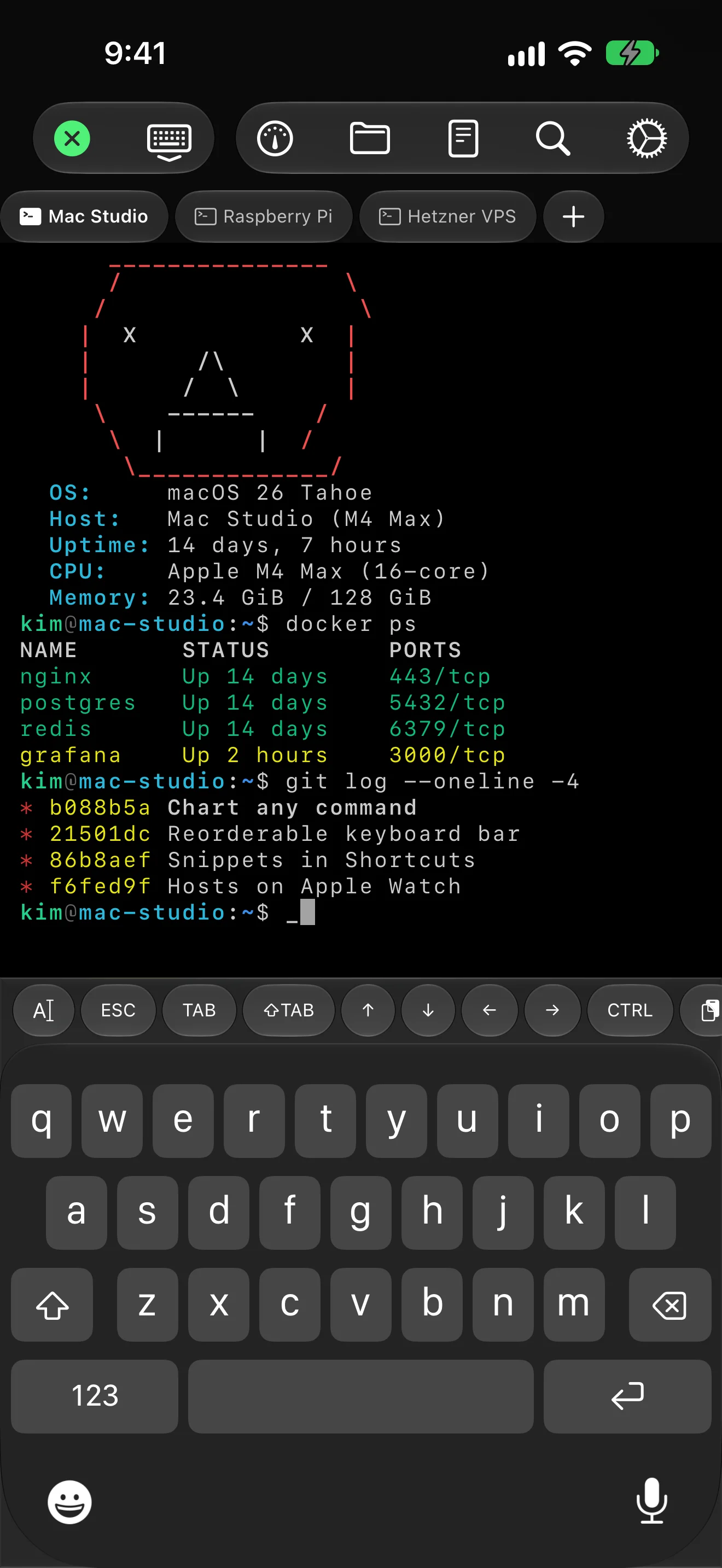
Several Servers at Once
Keep sessions open, switch with a tap
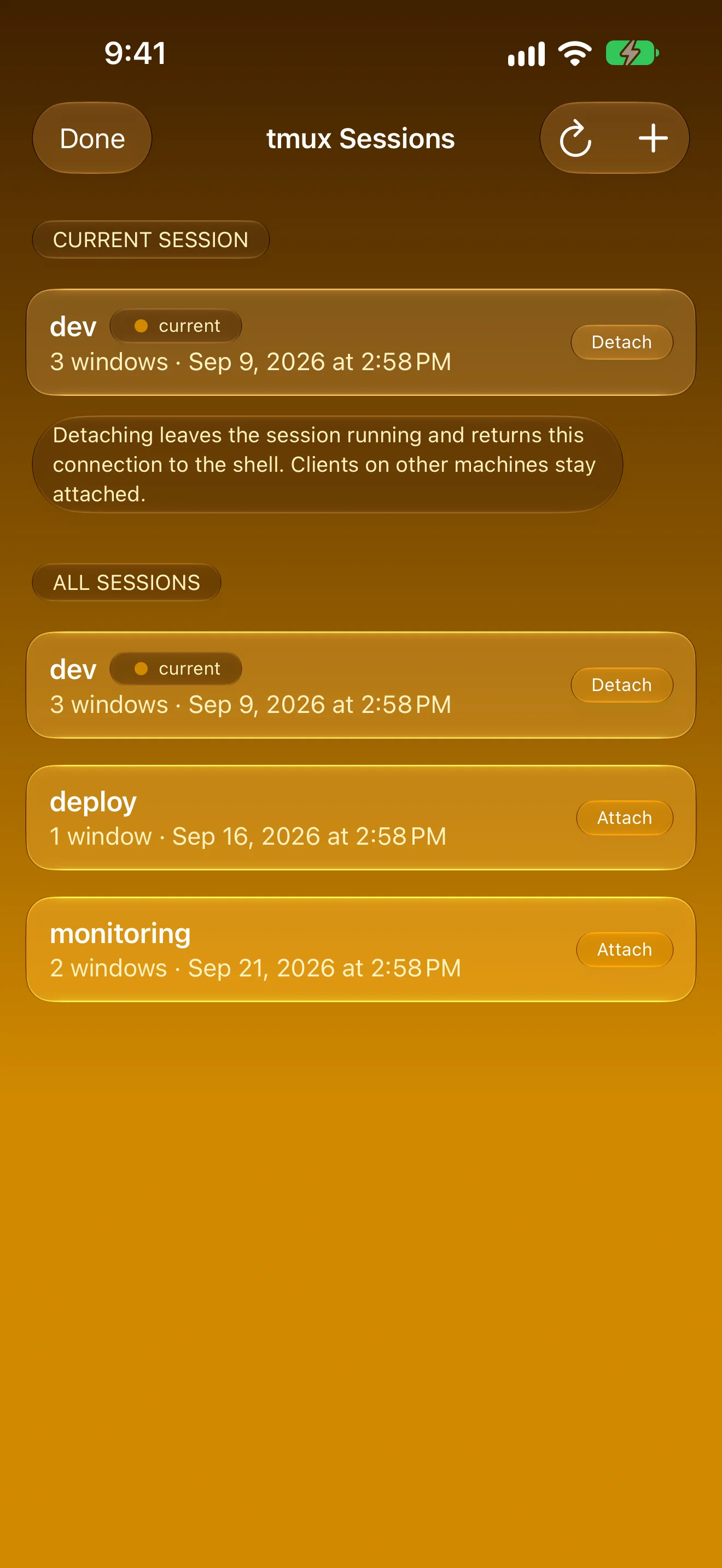
tmux Without the Typing
Attach, detach, create and kill from a list
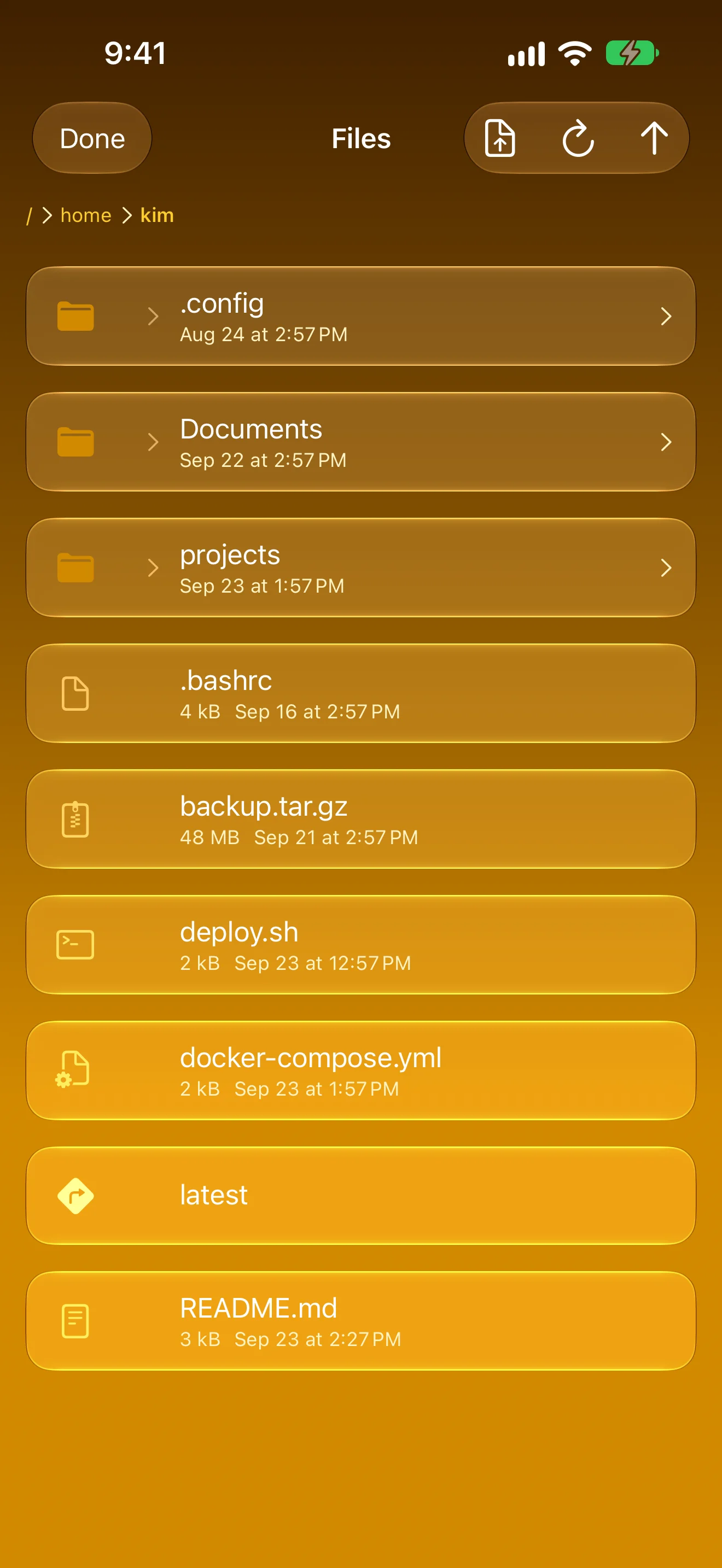
Files on the Same Connection
Browse, upload and download over SFTP
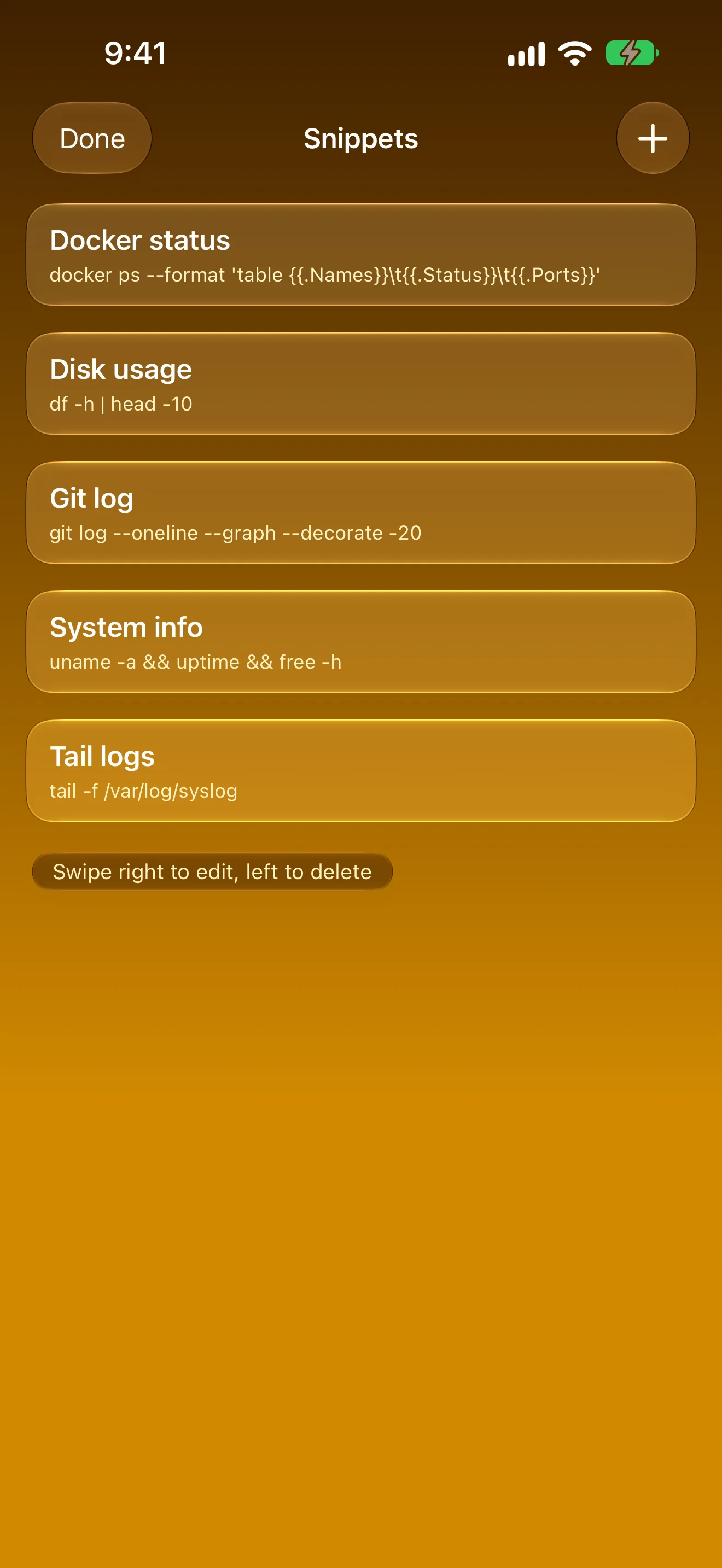
Commands You Run Every Day
Save once, run with one tap
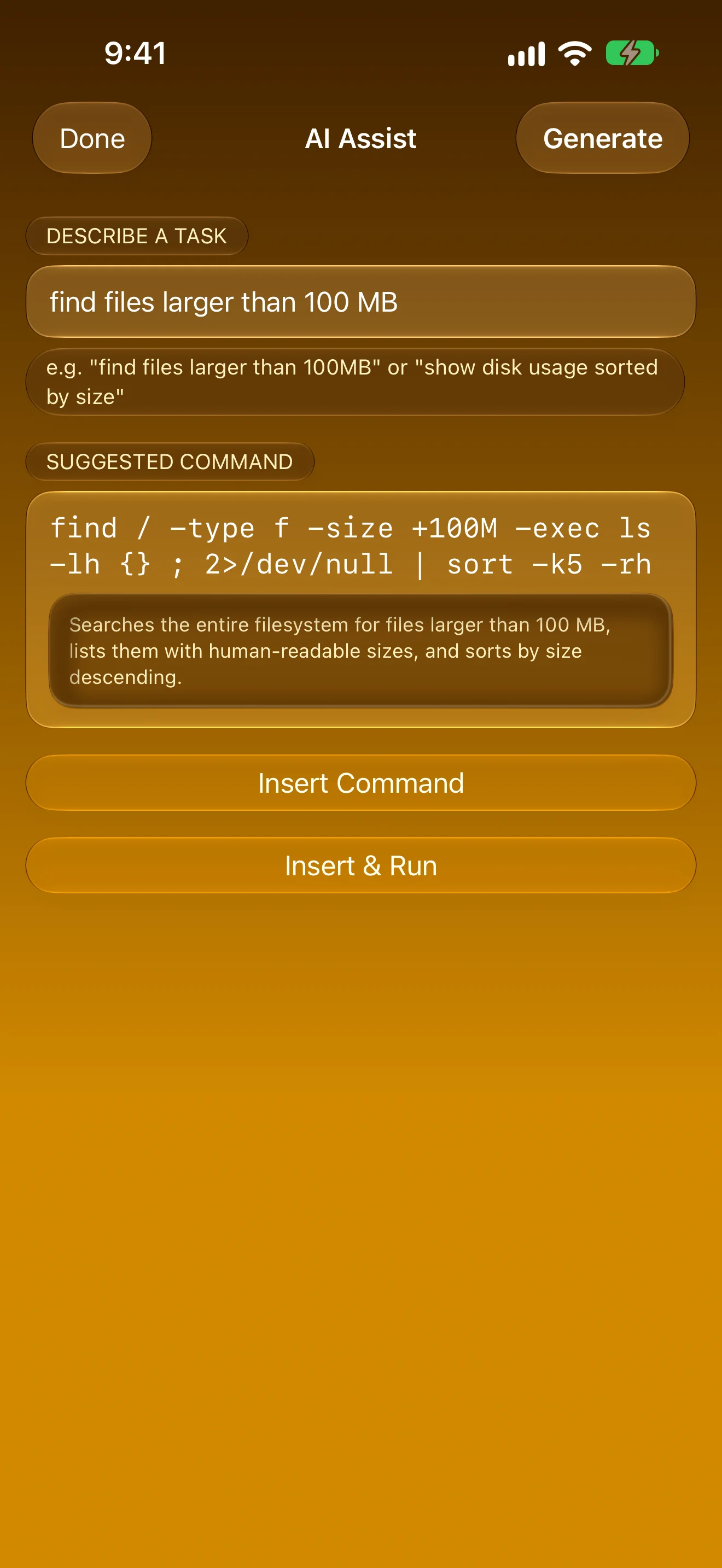
Describe It, Get the Command
On-device suggestions, explained before they run
iPad
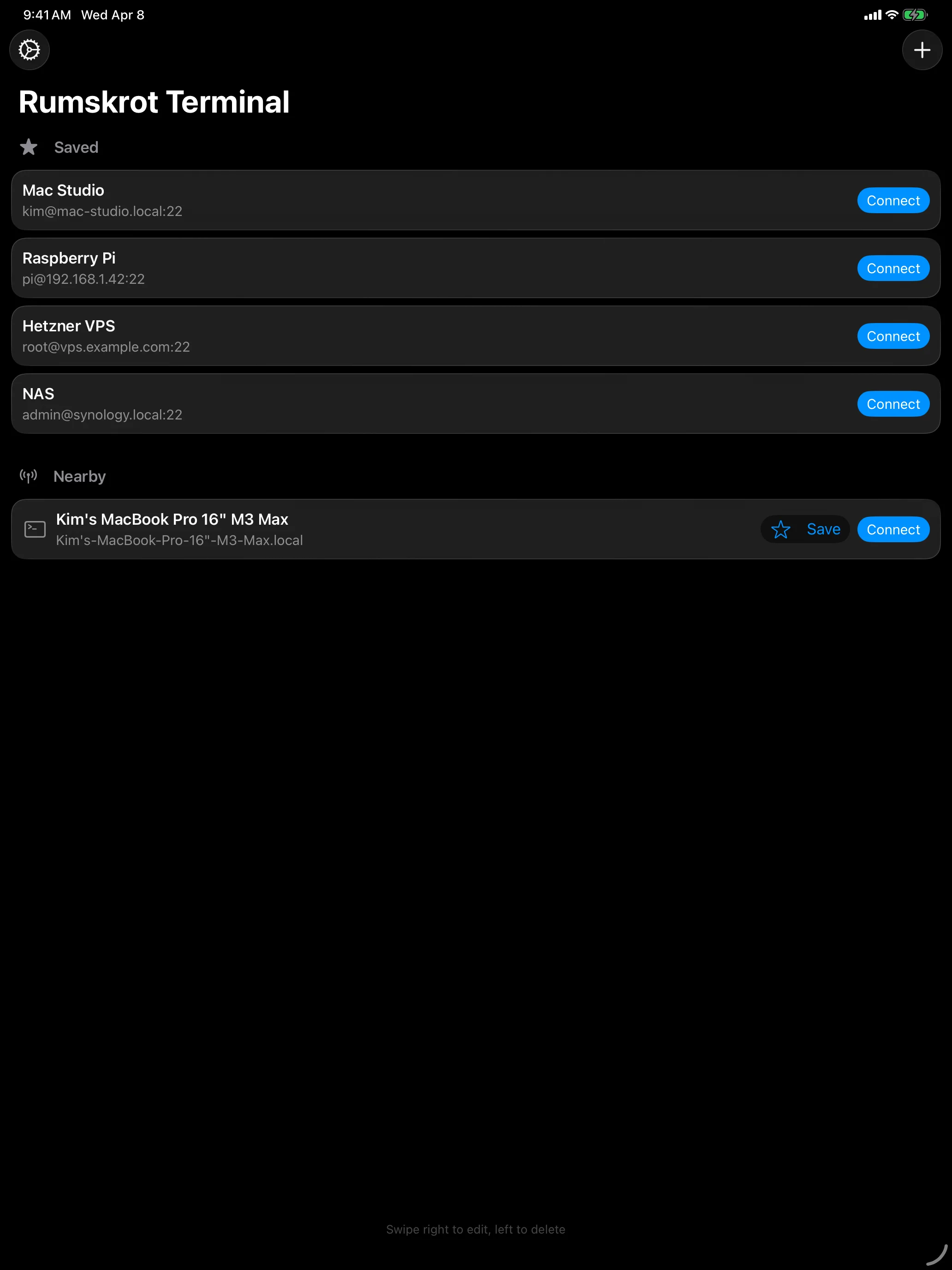
Every Server, One Tap Away
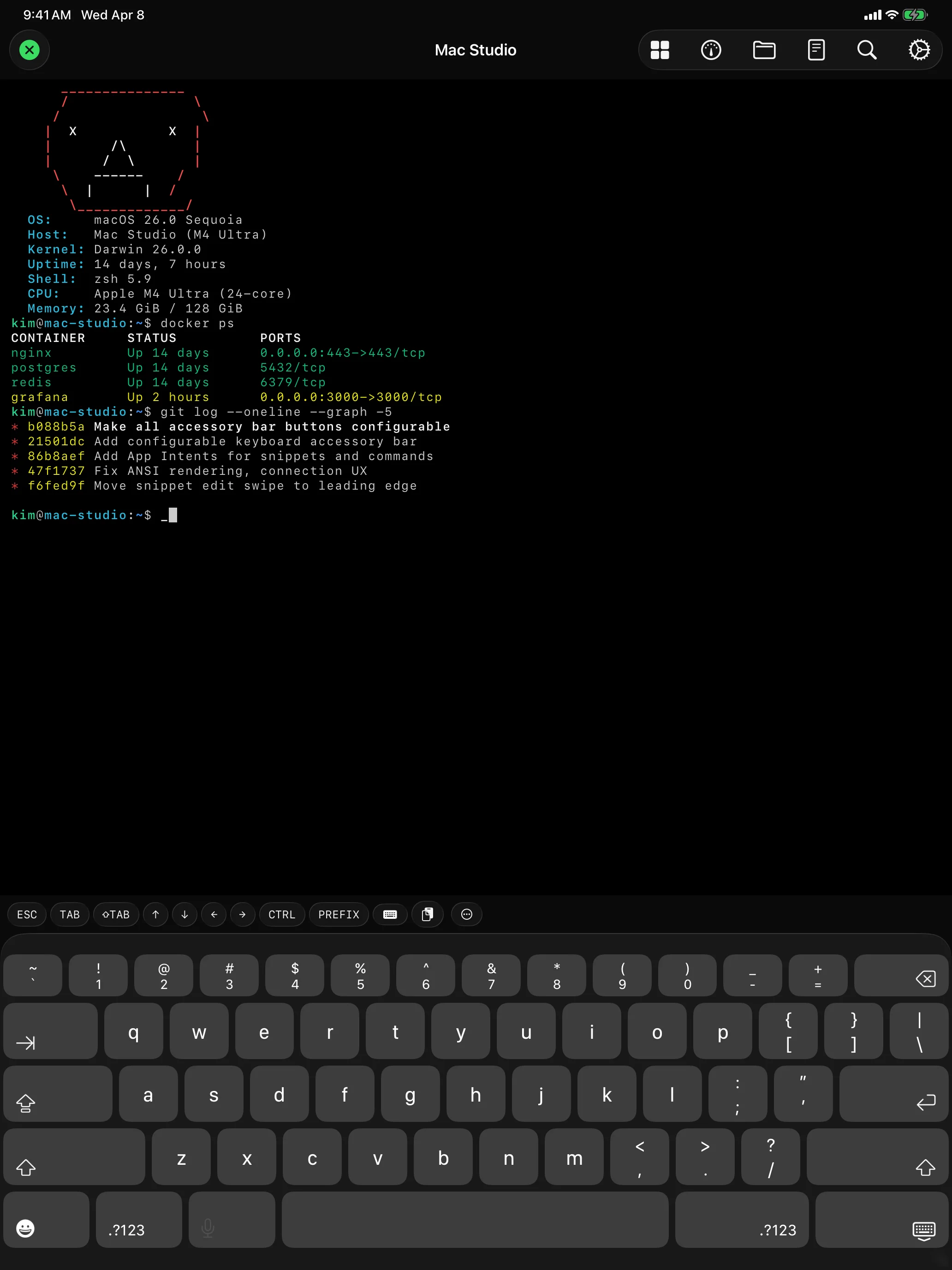
A Real Terminal, Built for iPad
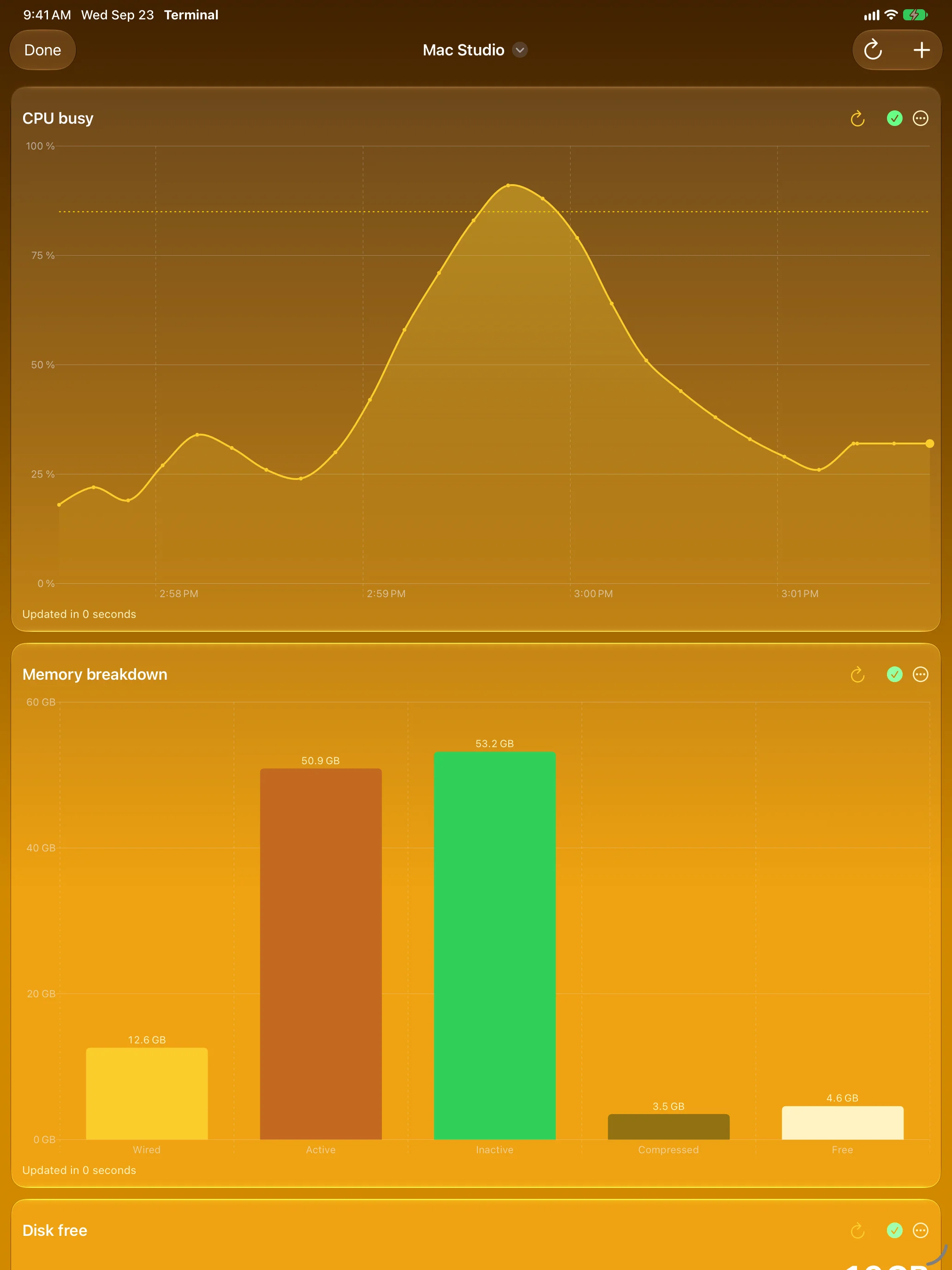
Your Servers at a Glance
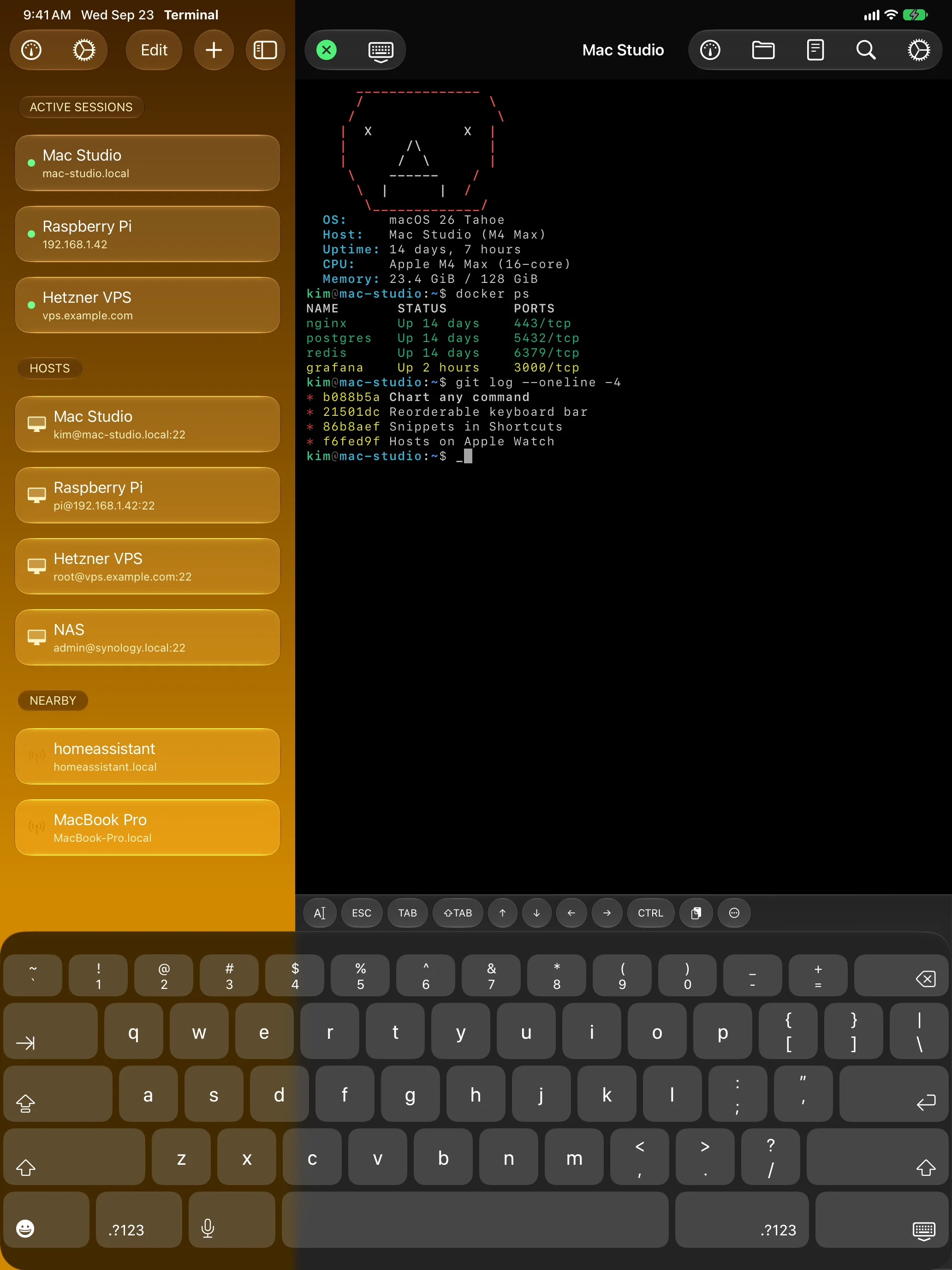
Sessions in the Sidebar, Terminal Beside Them
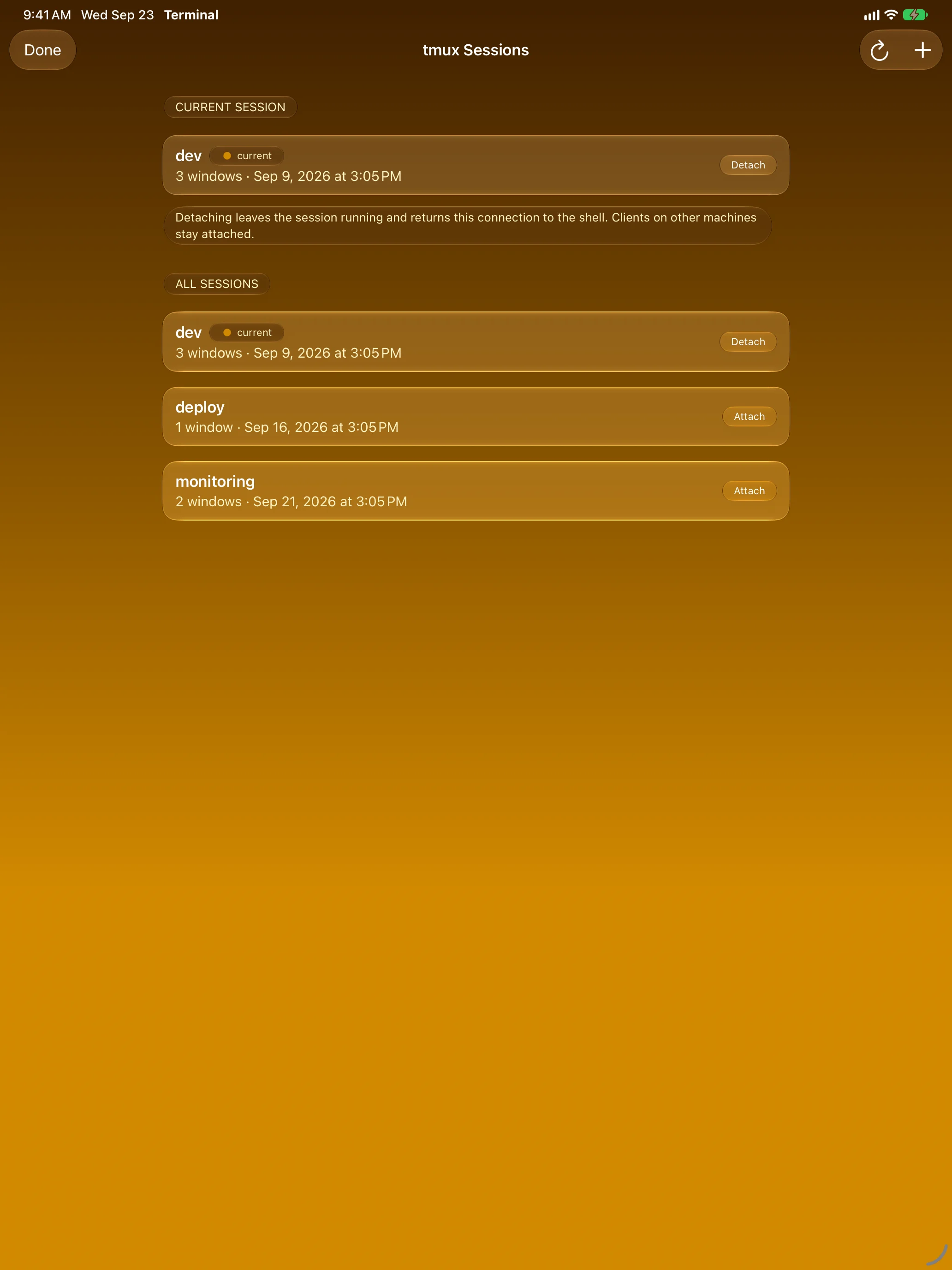
tmux Without the Typing
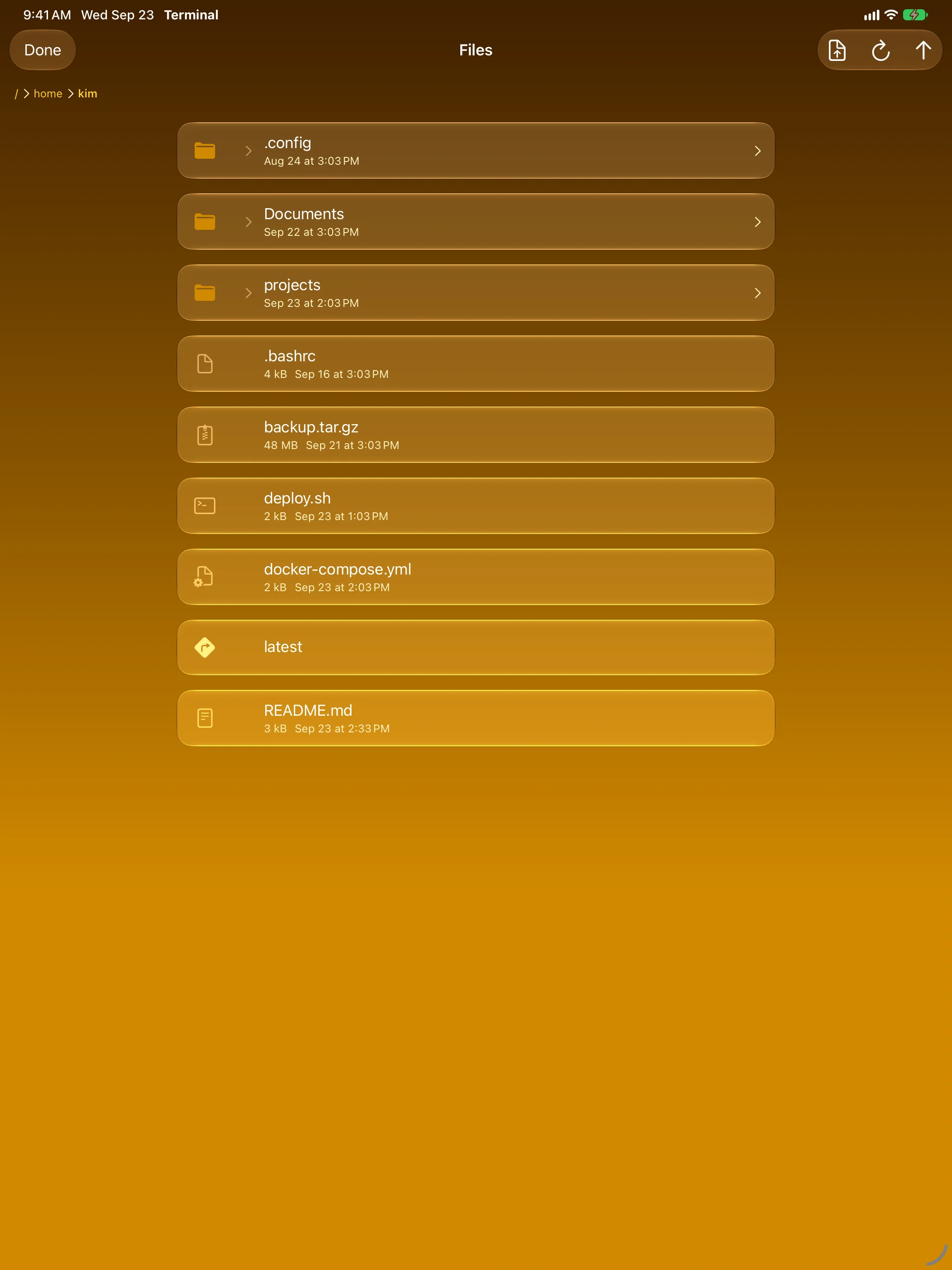
Files on the Same Connection
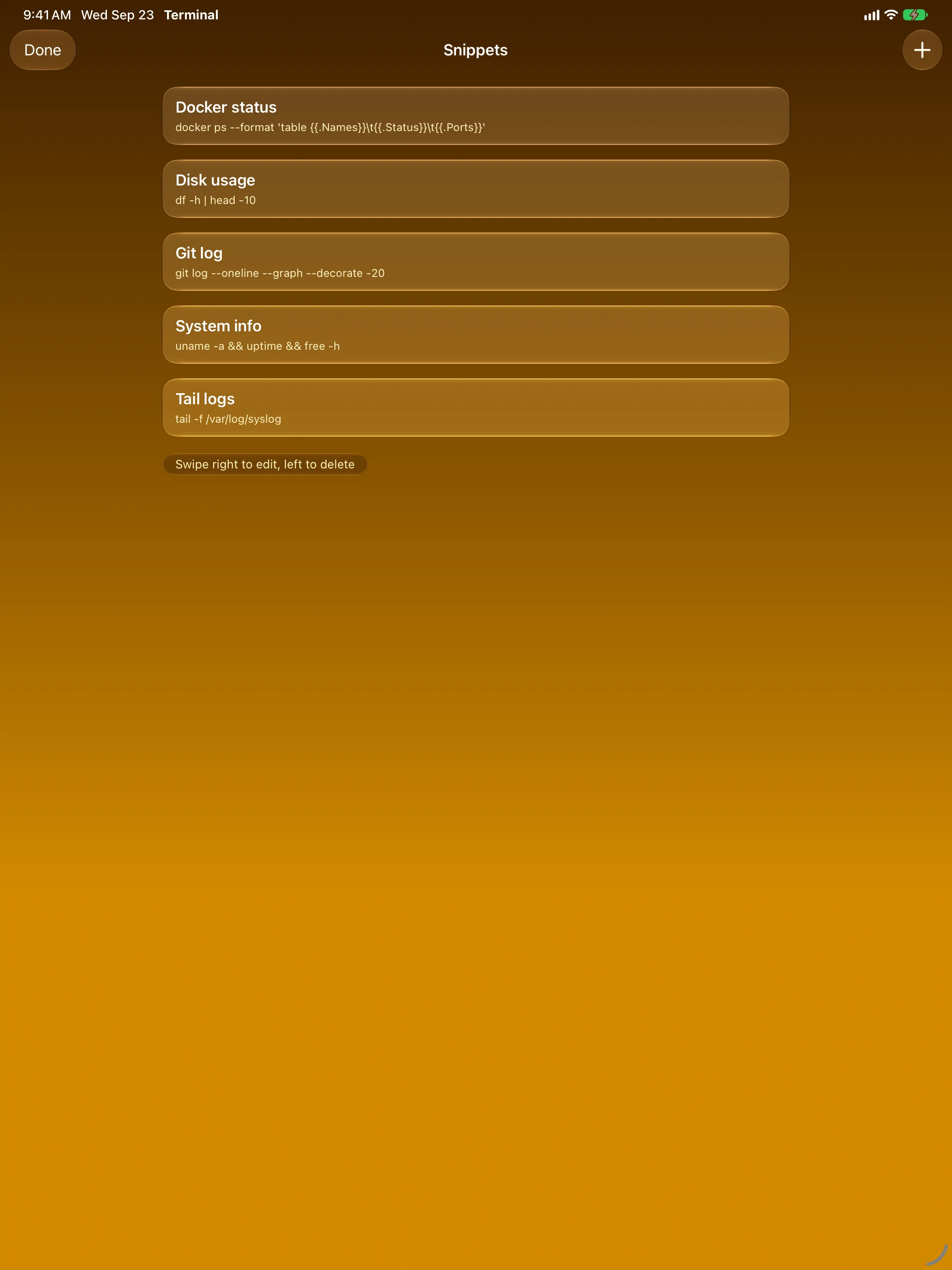
Commands You Run Every Day
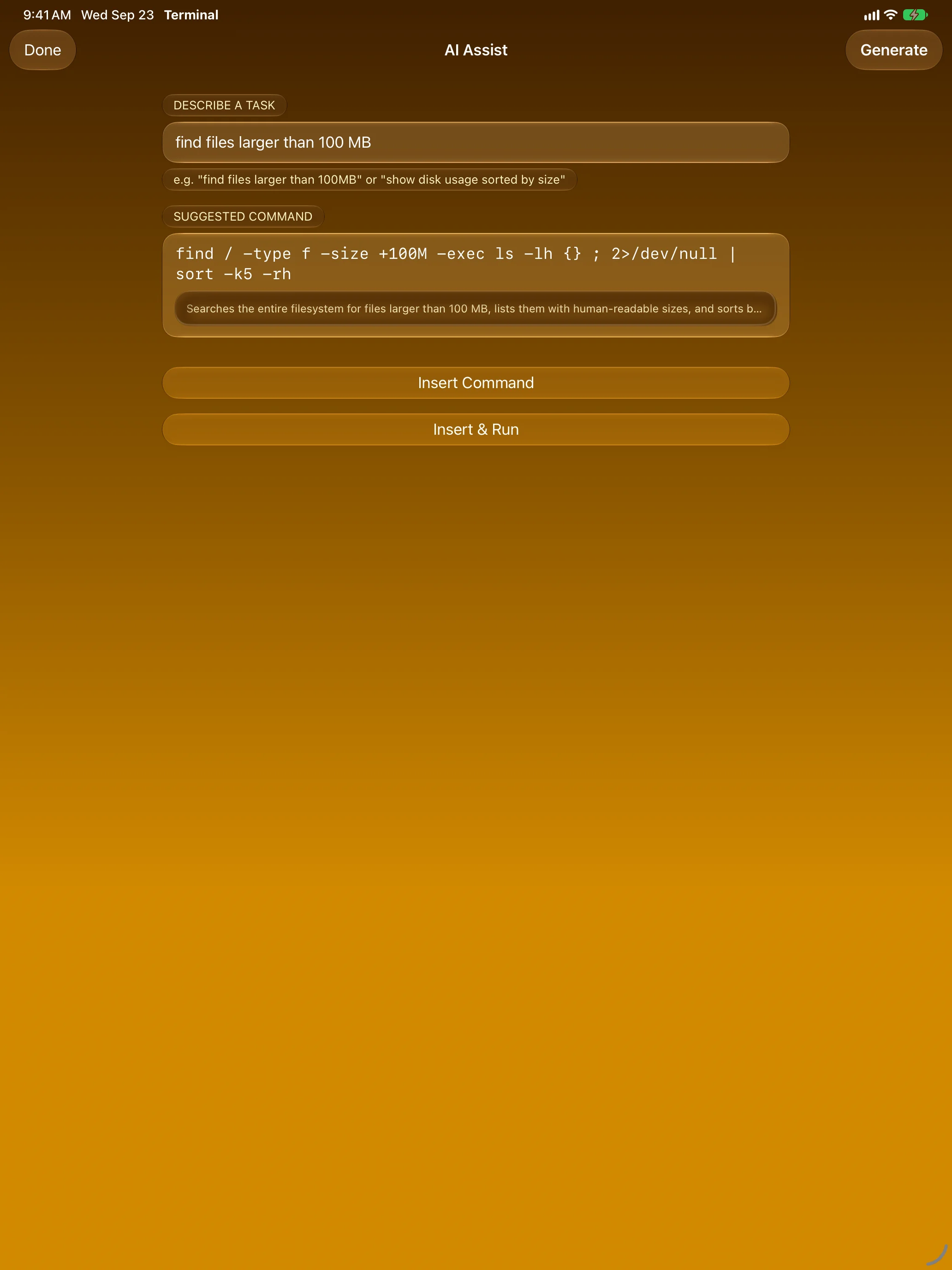
Describe It, Get the Command
Apple Watch
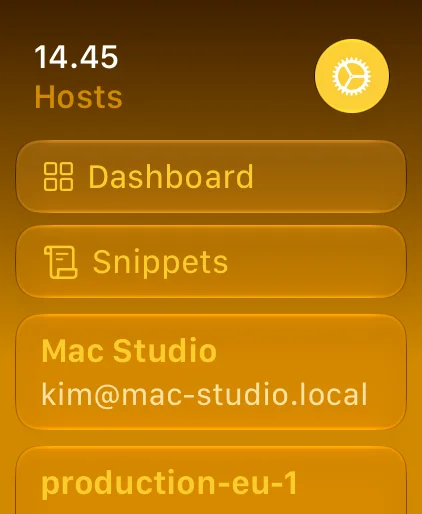
Your Servers, On Your Wrist
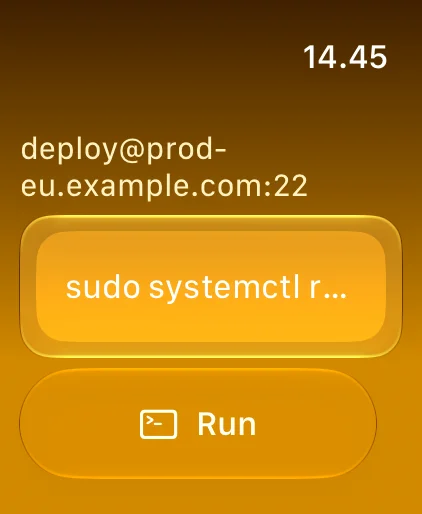
One Tap to Restart a Service
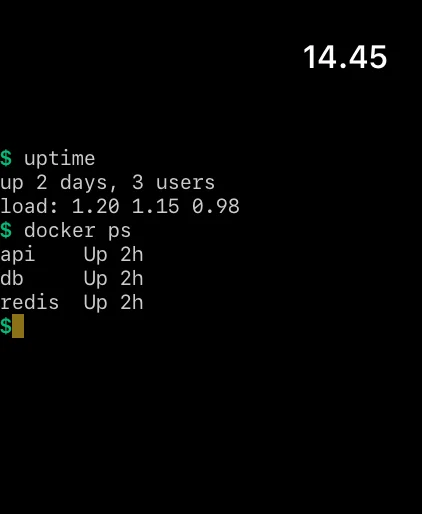
See the Result Right There
Dashboards on Your Wrist
Features
A Real Terminal
xterm-256color and true colour, drawn on the GPU. vim, htop and tmux just work, with scrollback search, mouse reporting and inline images.
Dashboards for Every Host
Turn any command into a number, line chart or bar chart. One page per server, refreshed on its own, with a Home Screen widget and a mirror on Apple Watch.
Native tmux
Attach, detach, create and kill tmux sessions from a list — no prefix keys to remember.
Files and Snippets
An SFTP browser on the same connection, and snippets for the commands you run every day.
Your Keyboard, Your Keys
Esc, Tab, Ctrl and arrows on a bar you can reorder, plus full hardware keyboard and trackpad support on iPad.
Bonjour Discovery
Macs and other SSH machines on your network show up by themselves. One tap to connect or save.
Standalone on Apple Watch
Hosts sync from iPhone through iCloud. Run a command, restart a service and read the output from your wrist.
Private by Design
Passwords and keys stay in the Keychain on your device. No account, no analytics — your connections go straight to your servers.
About
Rumskrot Terminal is built for developers, sysadmins and homelab tinkerers who want a real terminal on iPhone, iPad and Apple Watch — and a quick way to see how their machines are doing without opening one.
The SSH layer is built on SwiftNIO SSH for a fully native, modern Swift implementation. The terminal parser handles all standard ANSI sequences and passes the vttest core modules.
Privacy first: credentials stay in your Keychain, and nothing is sent anywhere except to your own SSH hosts. Passwords never sync through iCloud — they reach Apple Watch only when you confirm it on iPhone.
Join the beta
Want a say in where Rumskrot Terminal goes next? Join the public beta on TestFlight and try new builds before they reach the App Store.
The beta runs in Apple’s TestFlight app. Install TestFlight, then tap Join — TestFlight installs the beta build of Rumskrot Terminal and offers each new build as it’s ready.
Purchases in TestFlight builds are test purchases: you’re never charged, and they don’t carry over to your account or to the App Store version. Purchases in the App Store version are real — please make sure which version you’re using; we can’t take responsibility for purchases made by mistake.
Spot a bug, a rough edge or a missing feature? Take a screenshot in the beta build and TestFlight offers to send it as feedback, or use Send Beta Feedback in the TestFlight app. Every report is read and helps decide what gets built and fixed next — there’s no support desk behind it, so reports aren’t answered one by one.
To leave the beta, open Rumskrot Terminal in the TestFlight app and tap Stop Testing.