Caravan Leveler
Stop running in and out to check the bubble
Lay your iPhone flat inside and it tells you exactly what to do: “Raise the right side ≈ 6.3 cm”, then the front. A second iPhone, iPad or your Apple Watch shows the live level outside — with nothing to pair and nothing to set up.
View release notes →
- Instructions, not angles. Two tape-measure readings turn degrees into centimetres per wheel.
- Knows your vehicle. Motorhomes only get “raise” and a named wheel; caravans get jockey-wheel and chock guidance.
- Drive on by ear. Beeps quicken as you approach level and chime when you arrive — eyes stay on the ramps.
Use it when… you’ve just pulled onto a pitch and want the fridge running on level ground before the kettle boils.
iPhone
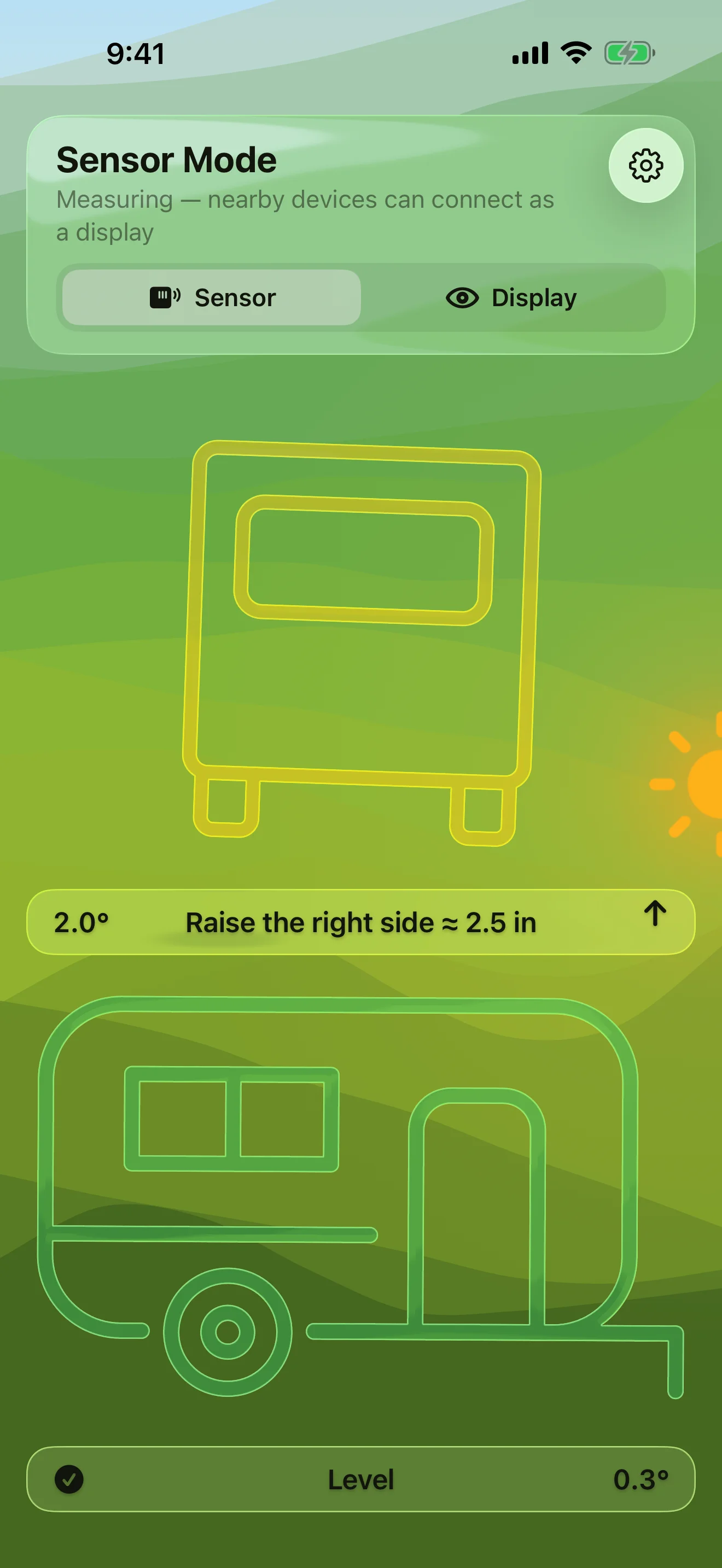
Know Exactly What to Raise
Which side, which end, how many centimetres
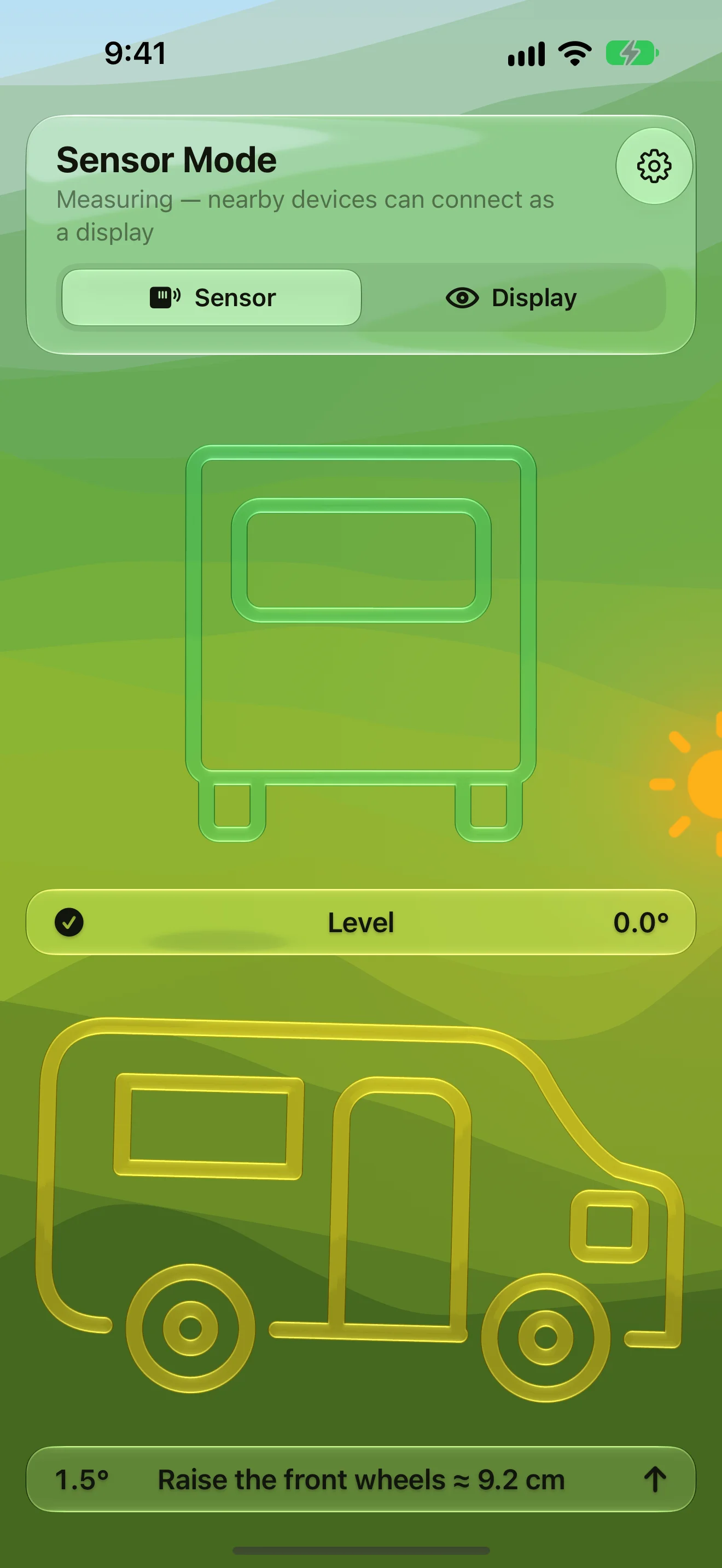
Made for Motorhomes Too
Ramp-aware — only ever asks you to raise
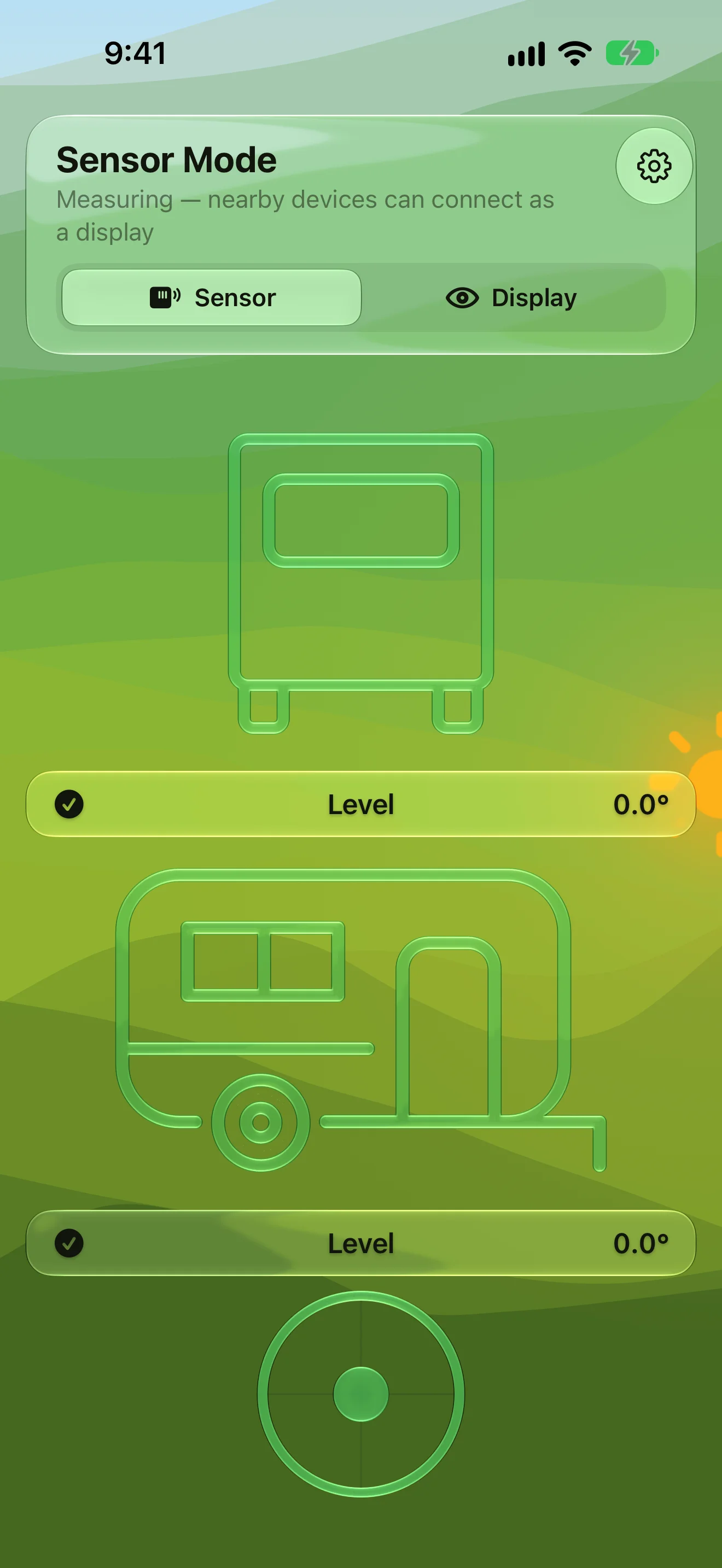
See the Moment You’re Level
Silhouettes, bubble and readout all turn green
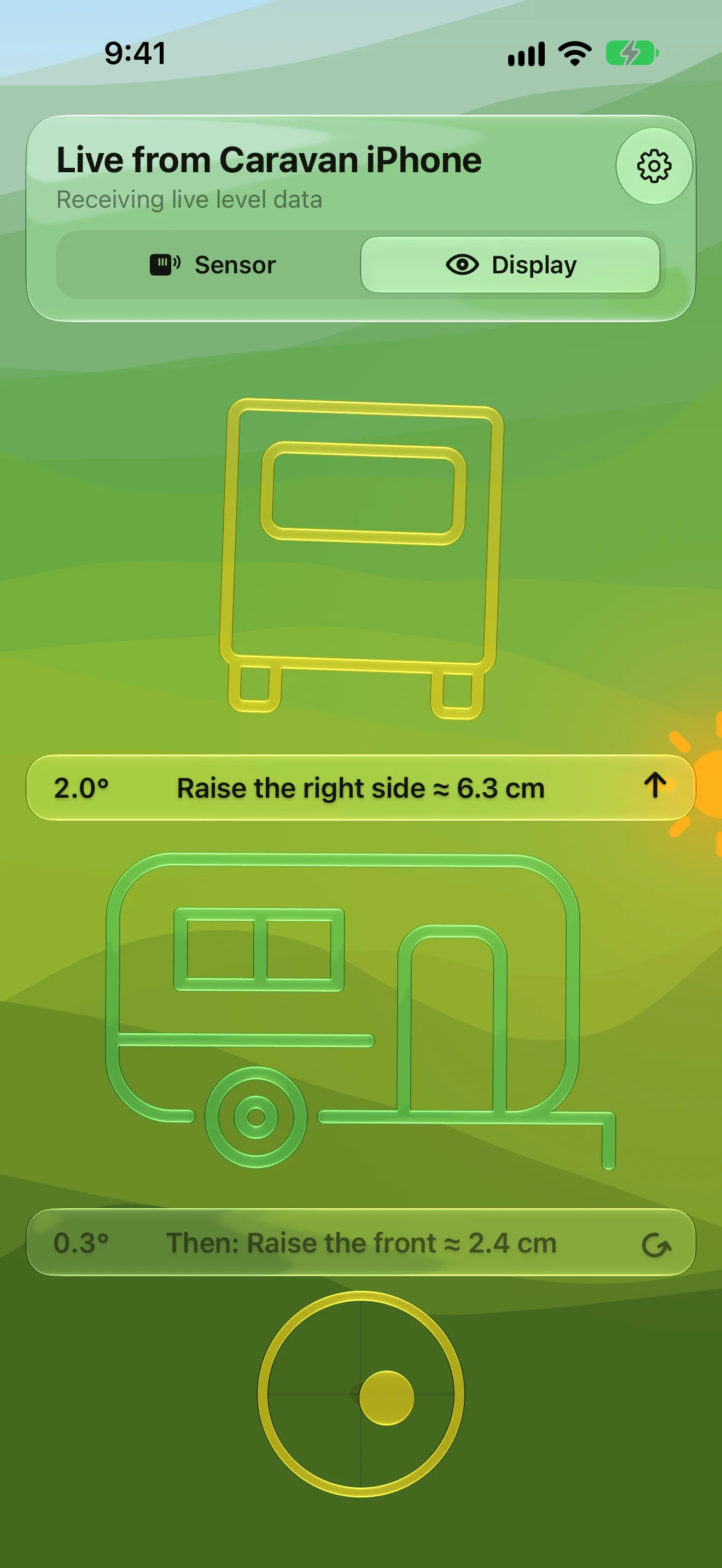
Read It From Outside
A second iPhone or iPad shows the live level — no Wi-Fi needed
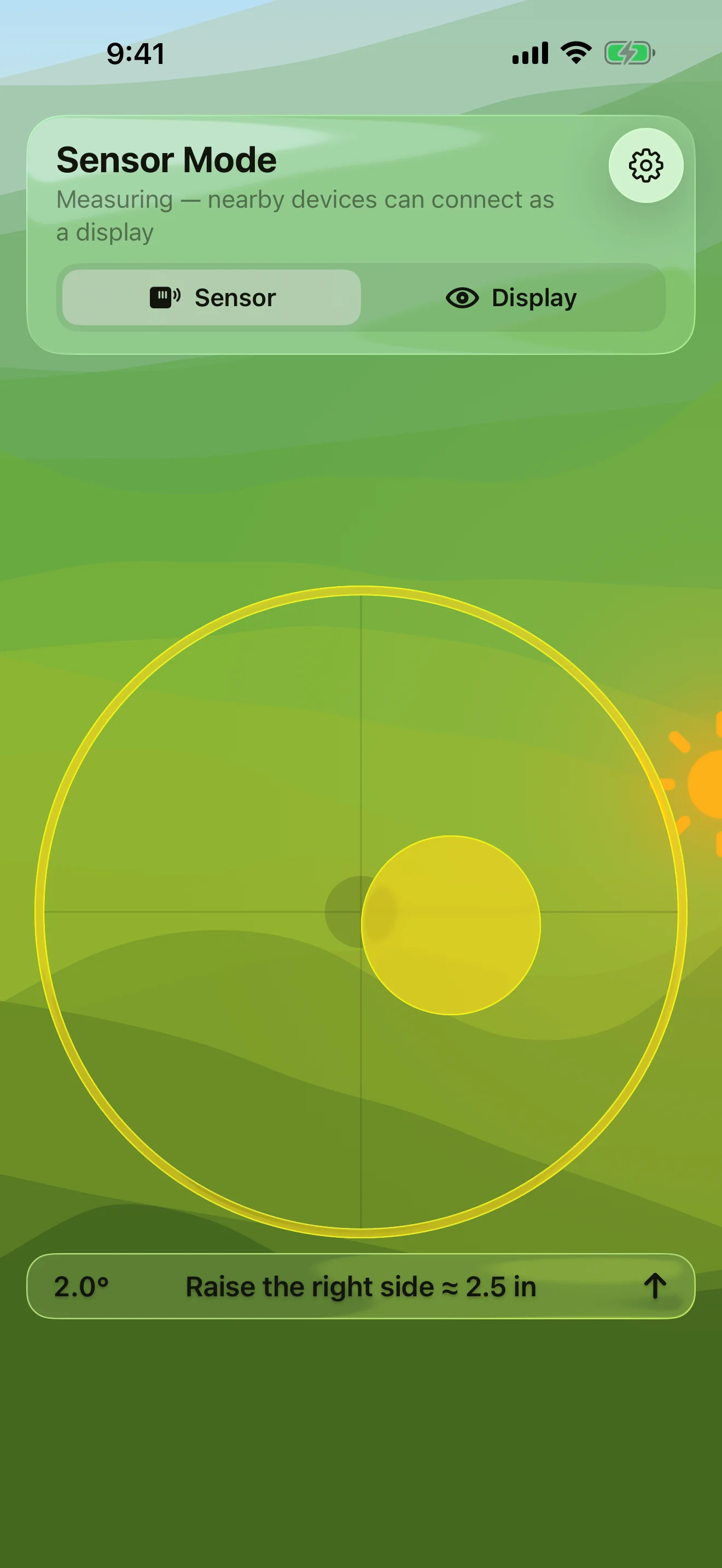
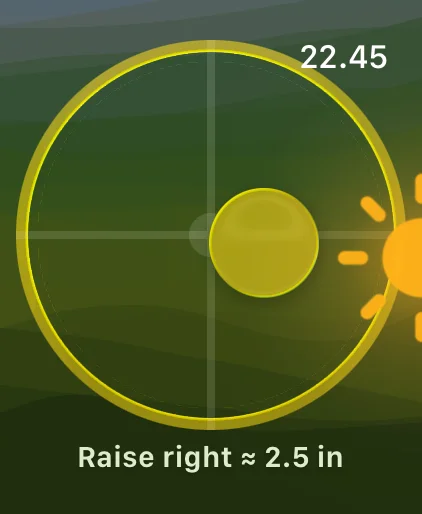
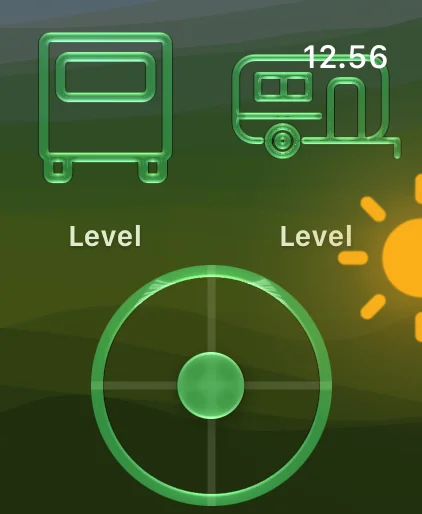
Levels on Your Wrist
Leave your iPhone inside, check your Apple Watch
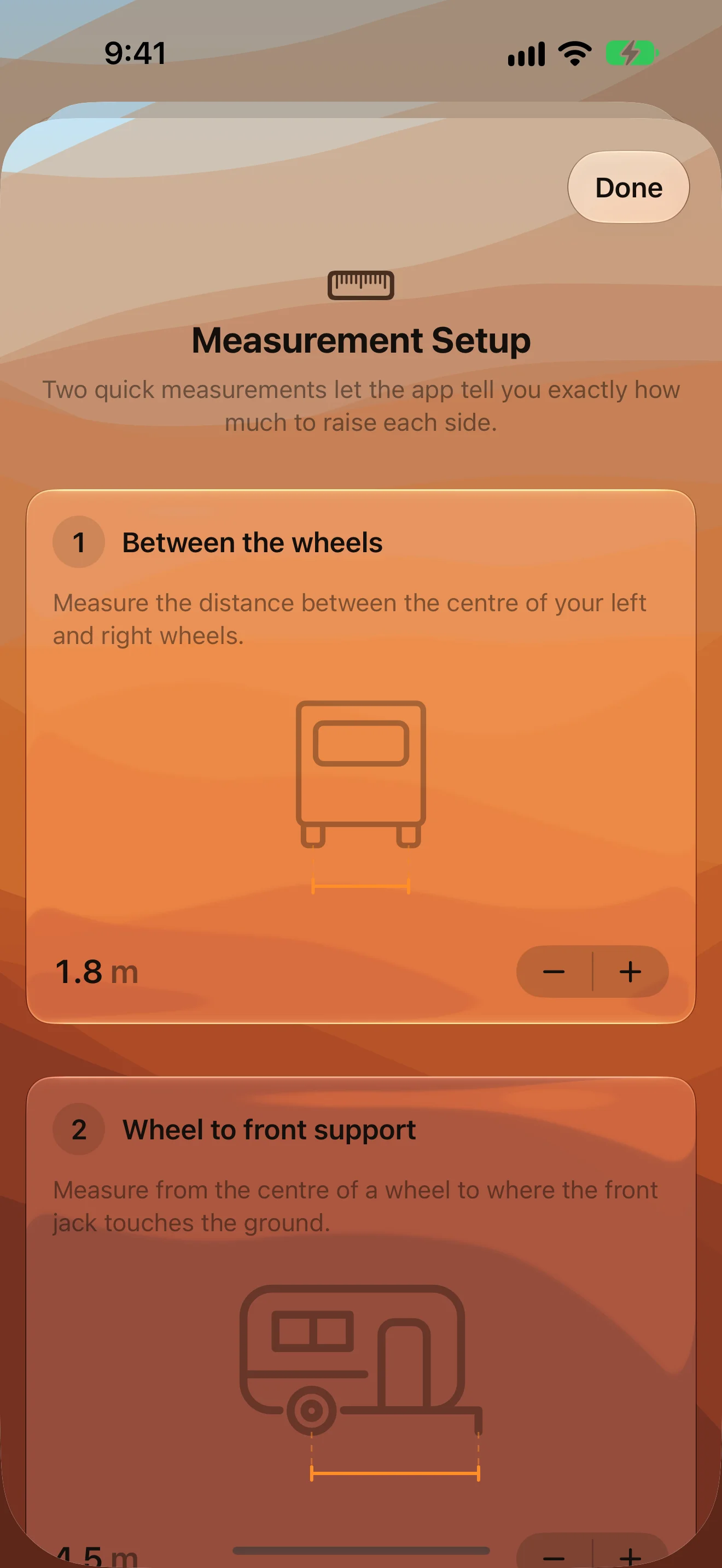
Measure Once, Raise Exactly
Two tape-measure readings turn degrees into centimetres
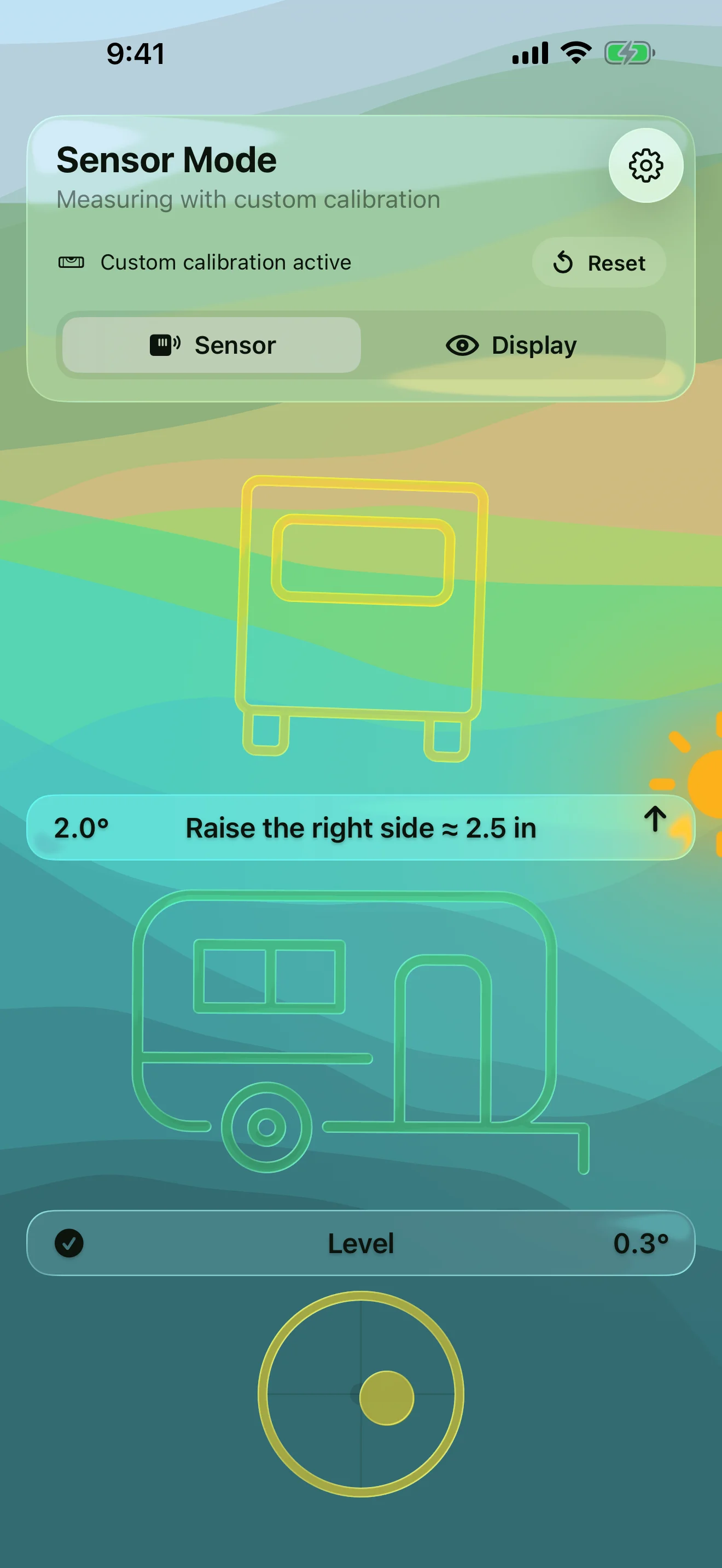
Calibrate on Any Surface
Hold to zero it when the floor isn’t flat
iPad
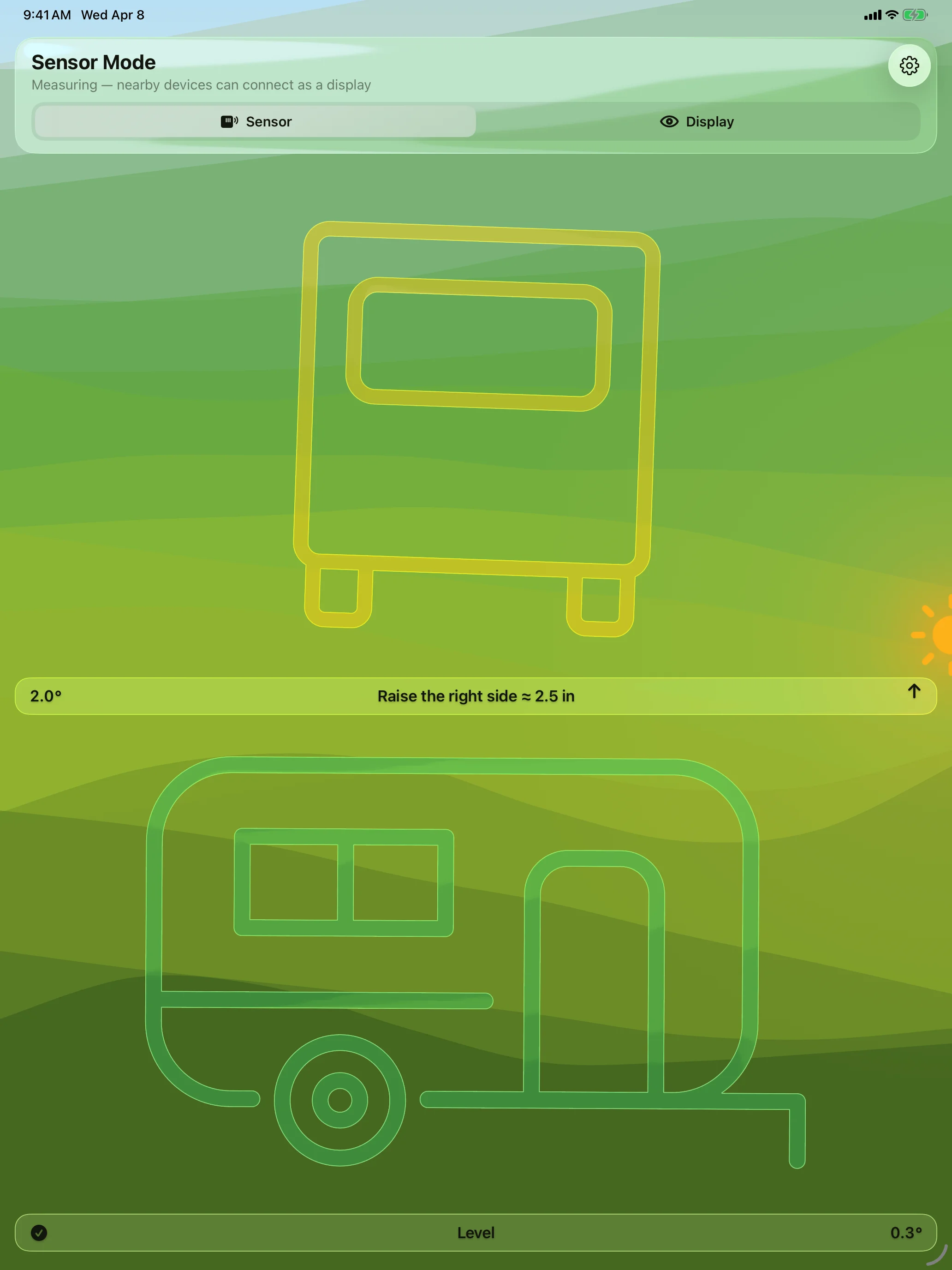
Know Exactly What to Raise
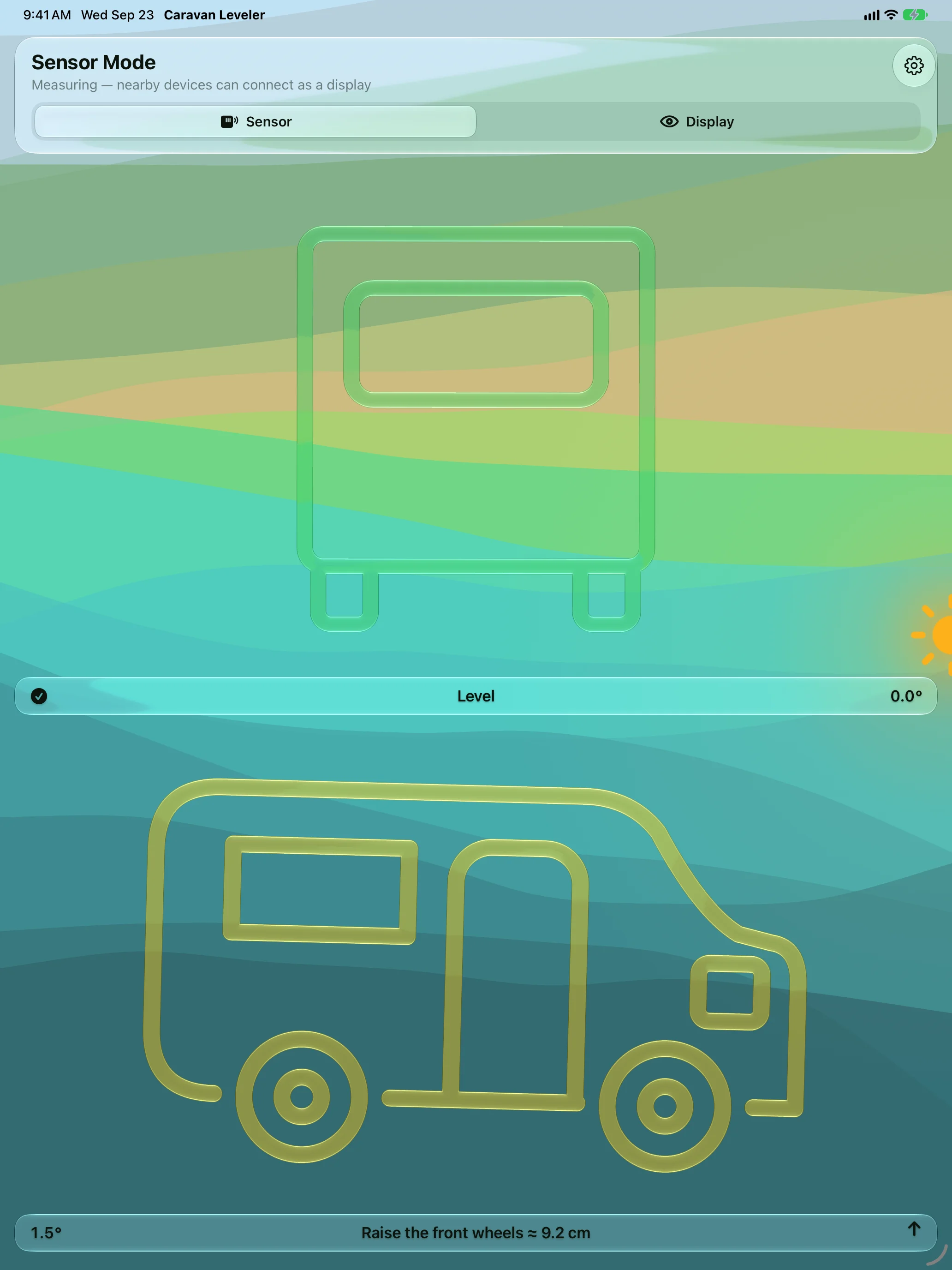
Made for Motorhomes Too
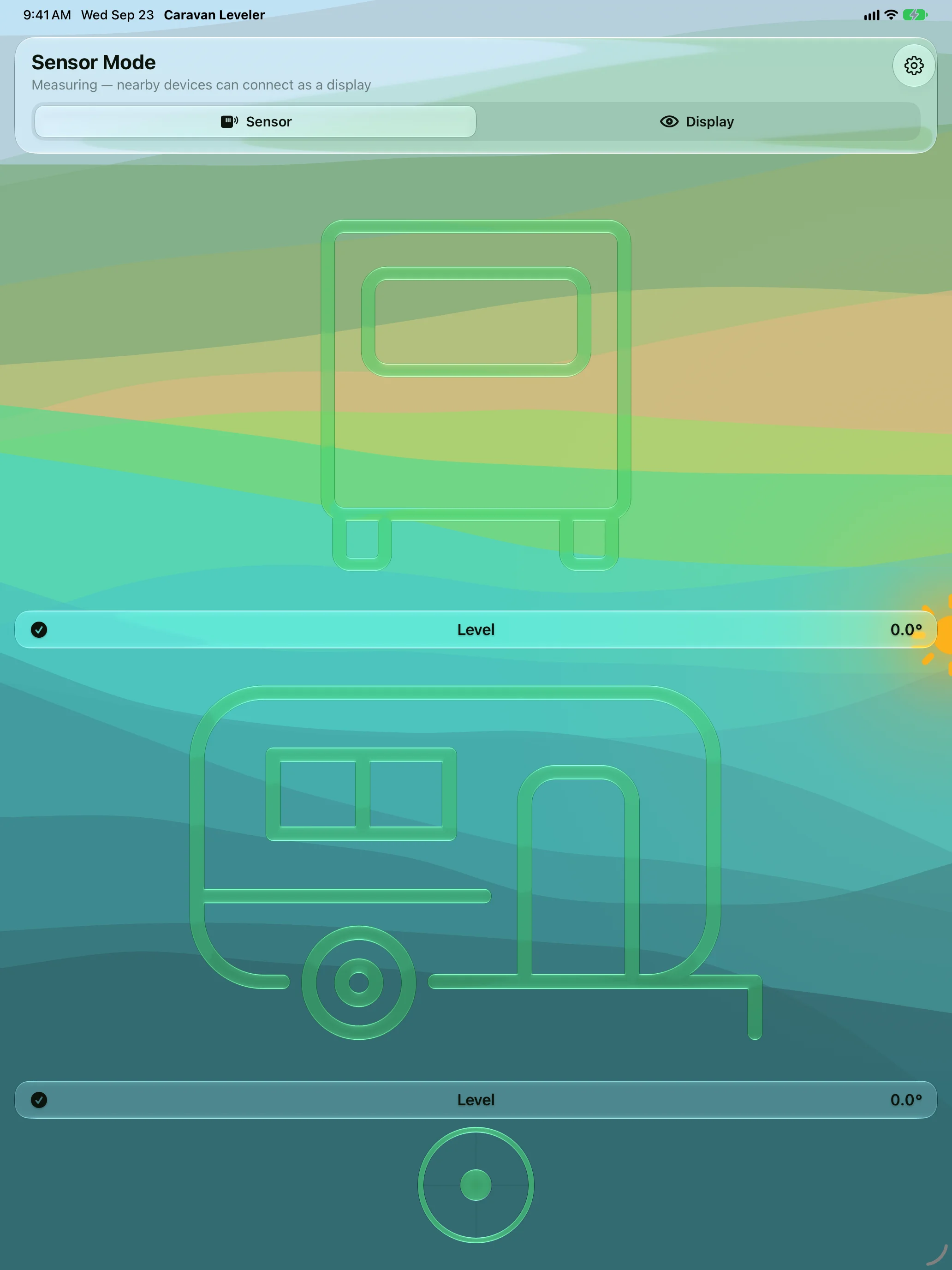
See the Moment You’re Level
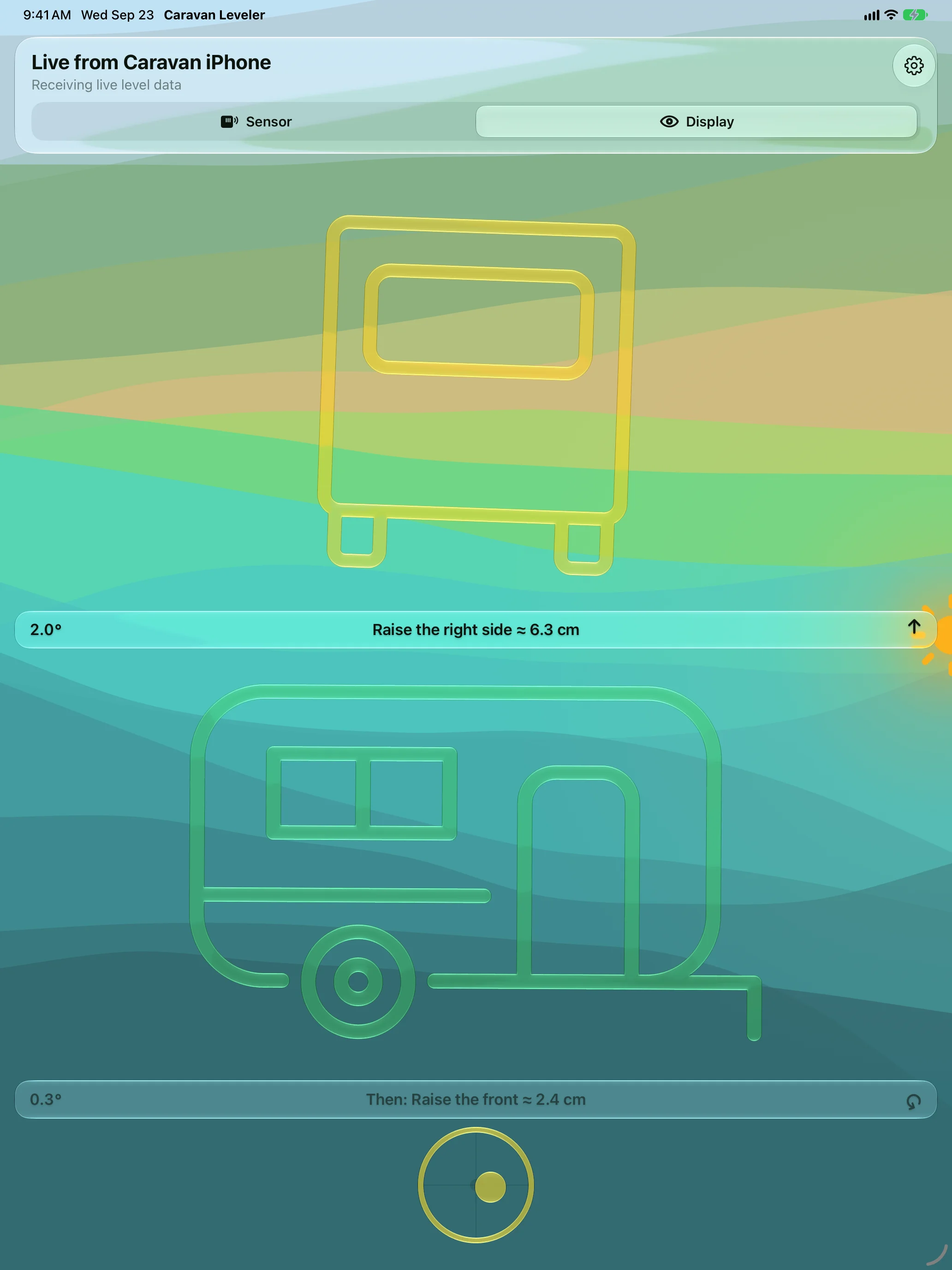
Read It From Outside
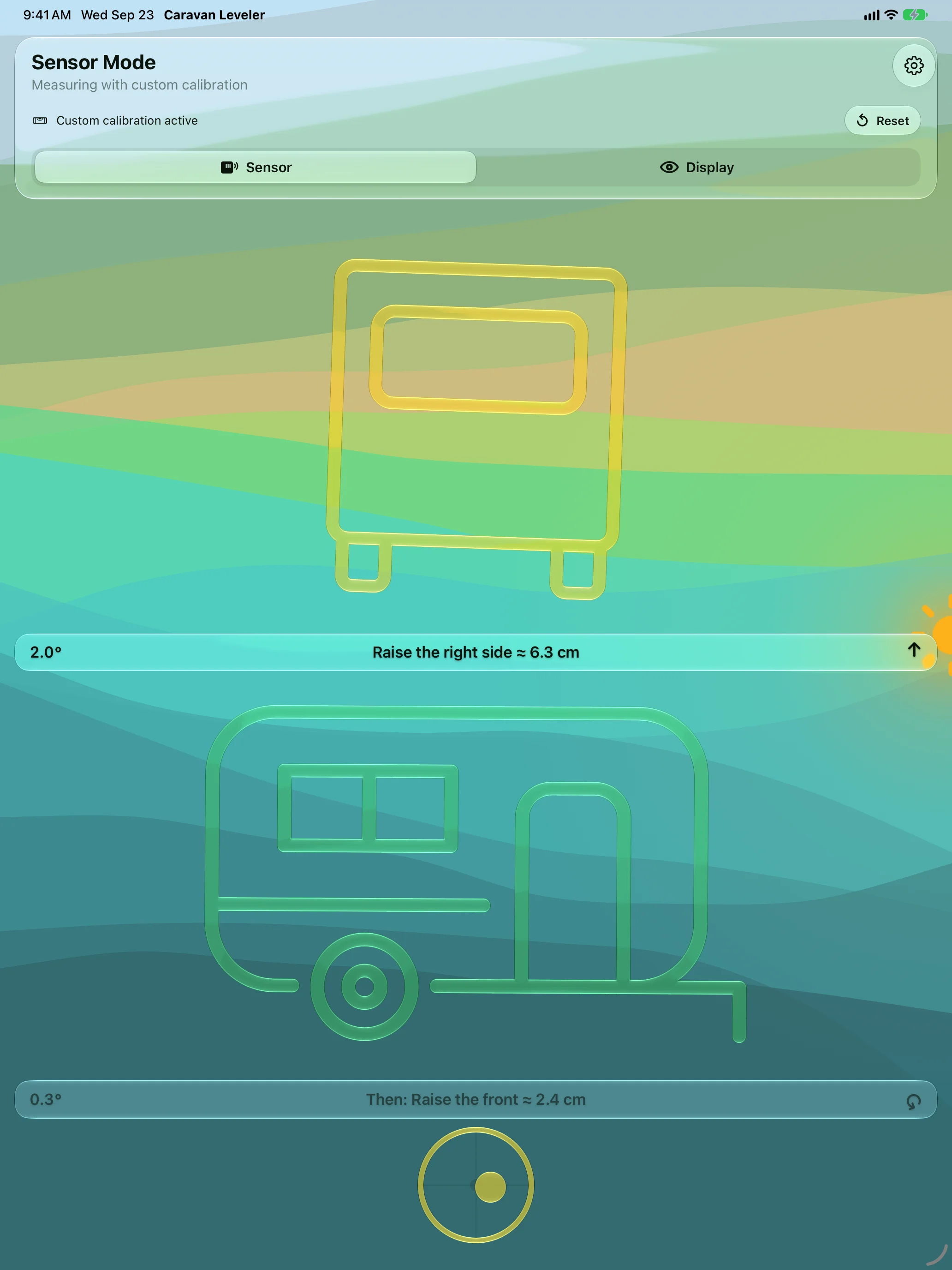
Calibrate on Any Surface
Apple Watch
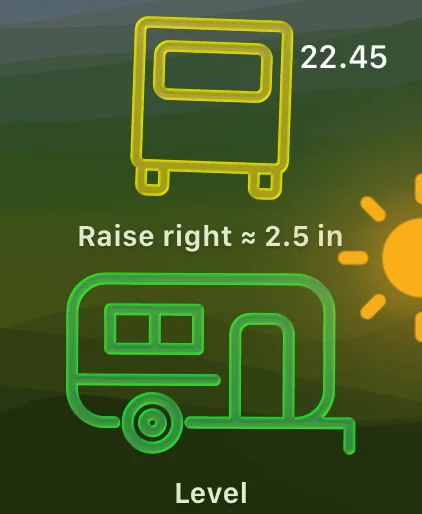
Levels on Your Wrist
Spirit Level on Your Wrist
Know When You’re Level
Features
Exact Raise Instructions
Which side, which end, and how many centimetres — side to side first, then front to back.
Caravans and Motorhomes
Jockey wheel and chocks for a caravan; ramp-only guidance for a motorhome, with a warning when the ground is too steep for any ramp.
Drive-On Guidance
Beeps faster as you approach level and chimes when you arrive, so your eyes stay on the ramps.
Read It From Anywhere
A second iPhone, iPad or your Apple Watch shows the live level. Peer-to-peer — no Wi-Fi, no internet, no account.
Calibrate on Any Surface
Level the vehicle once and hold to calibrate when the floor under your iPhone isn’t parallel to the chassis.
Sun Direction
See where the sun is relative to your vehicle and park for shade or solar.
About
Stop running in and out of the door to check the level. Caravan Leveler turns your iPhone into a levelling sensor that tells you exactly what to do — and lets you read it from wherever you’re standing.
Leave the phone flat inside, then follow the live level on your Apple Watch or a second iPhone or iPad while you wind the jockey wheel, chock a side, or creep onto ramps. Available in English, Danish, German, Dutch, Norwegian and Swedish, with Siri and Shortcuts for switching vehicle, mode and calibration.
Join the beta
Want a say in where Caravan Leveler goes next? Join the public beta on TestFlight and try new builds before they reach the App Store.
The beta runs in Apple’s TestFlight app. Install TestFlight, then tap Join — TestFlight installs the beta build of Caravan Leveler and offers each new build as it’s ready.
Purchases in TestFlight builds are test purchases: you’re never charged, and they don’t carry over to your account or to the App Store version. Purchases in the App Store version are real — please make sure which version you’re using; we can’t take responsibility for purchases made by mistake.
Spot a bug, a rough edge or a missing feature? Take a screenshot in the beta build and TestFlight offers to send it as feedback, or use Send Beta Feedback in the TestFlight app. Every report is read and helps decide what gets built and fixed next — there’s no support desk behind it, so reports aren’t answered one by one.
To leave the beta, open Caravan Leveler in the TestFlight app and tap Stop Testing.