PairPanic
One shared symbol. Your eyes already see it.
A reflex game with a single rule: two cards, exactly one symbol in common, never zero and never two. Fast taps win time back, misses eat it, and every ten rounds the cards start spinning, floating and changing colour.
View release notes →
- Face off on one screen. Two to four players round one iPhone or iPad, each card facing its owner; first correct tap wins.
- Nearby multiplayer. Friends join from their own devices with their own rules, difficulty and symbol packs.
- Watch yourself get faster. Daily challenge from the same deck for everyone, streak calendar, reaction-time charts, Apple Watch runs.
Use it when… there are four minutes to kill, or four people and one table.
iPhone
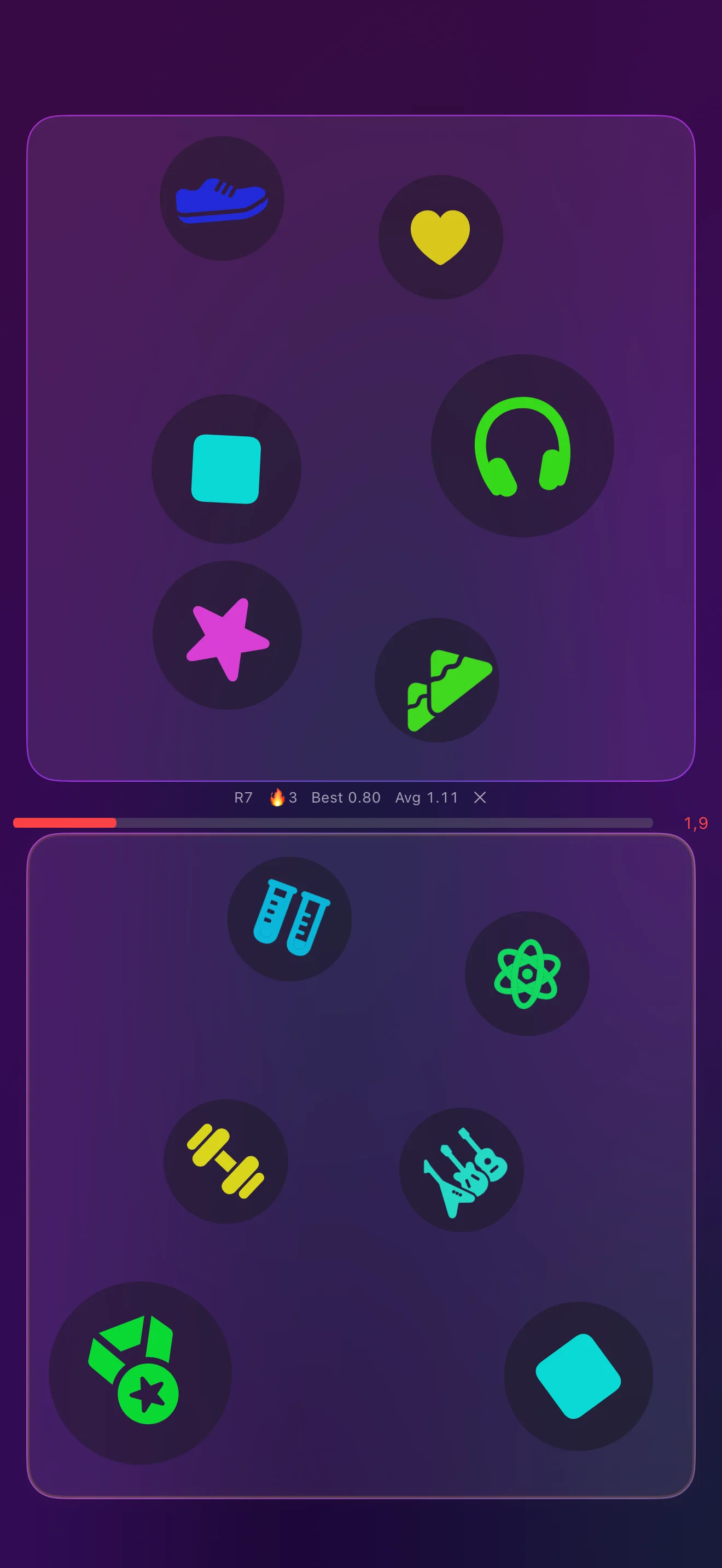
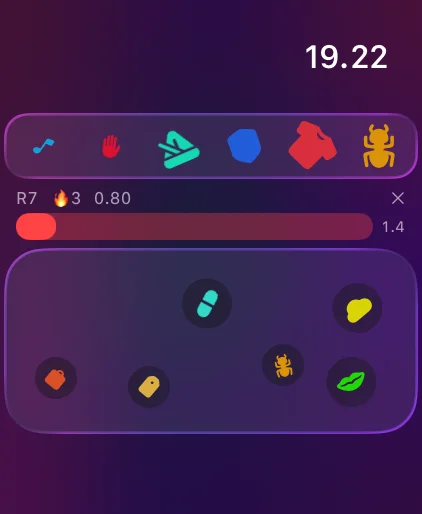
Two Cards. One Match.
Every pair shares one symbol, on your iPhone and on your wrist
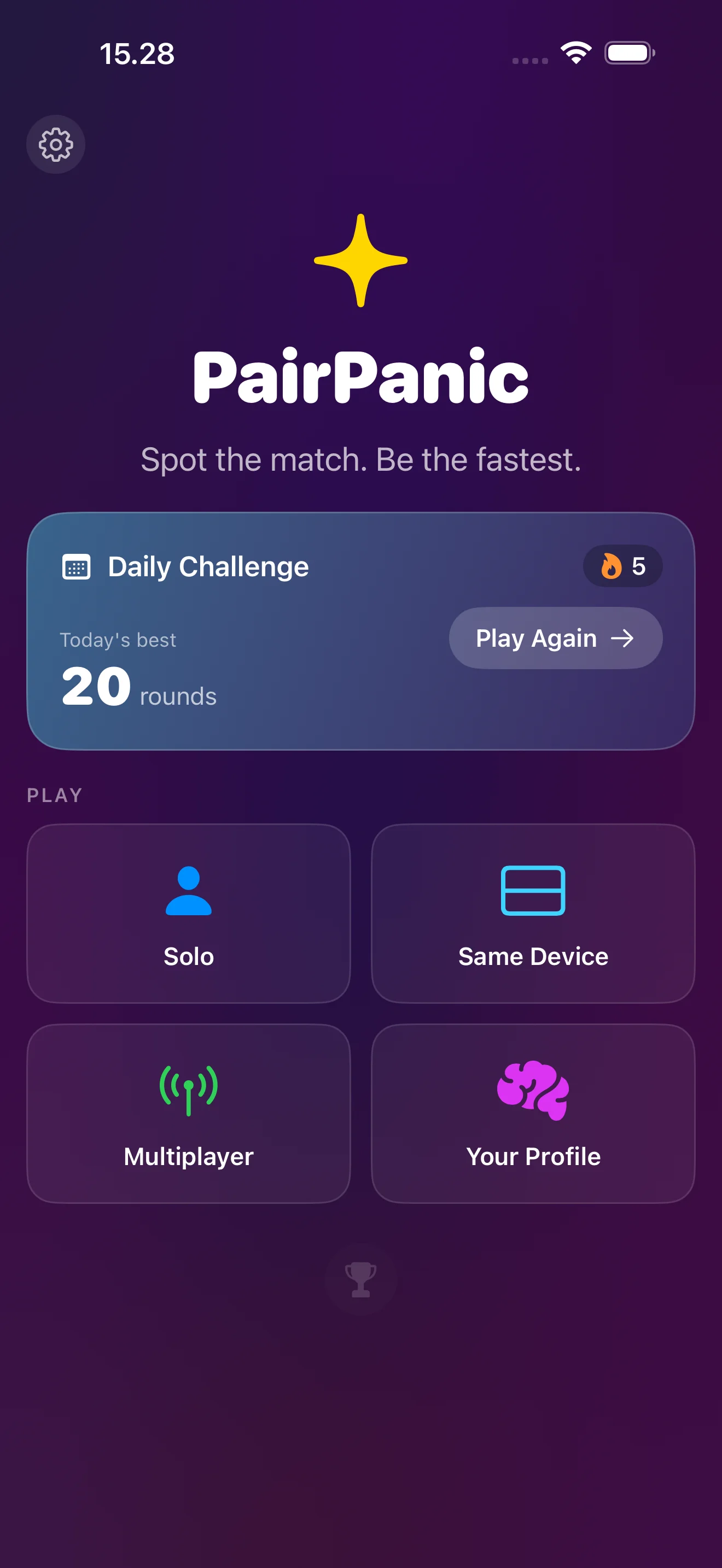
Spot the Match First
Solo, daily, and head-to-head with friends
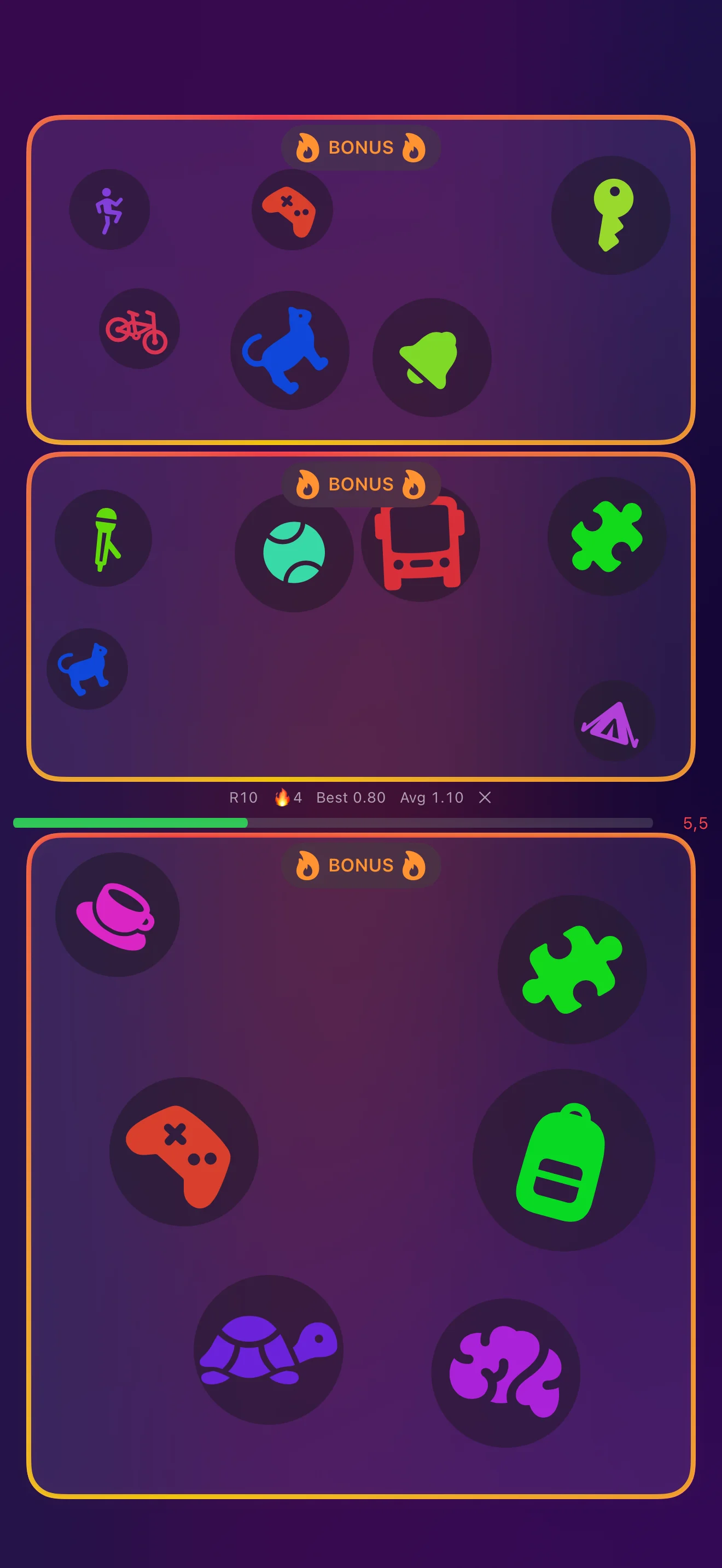
Hit the Bonus Rounds
Find both matches for extra time
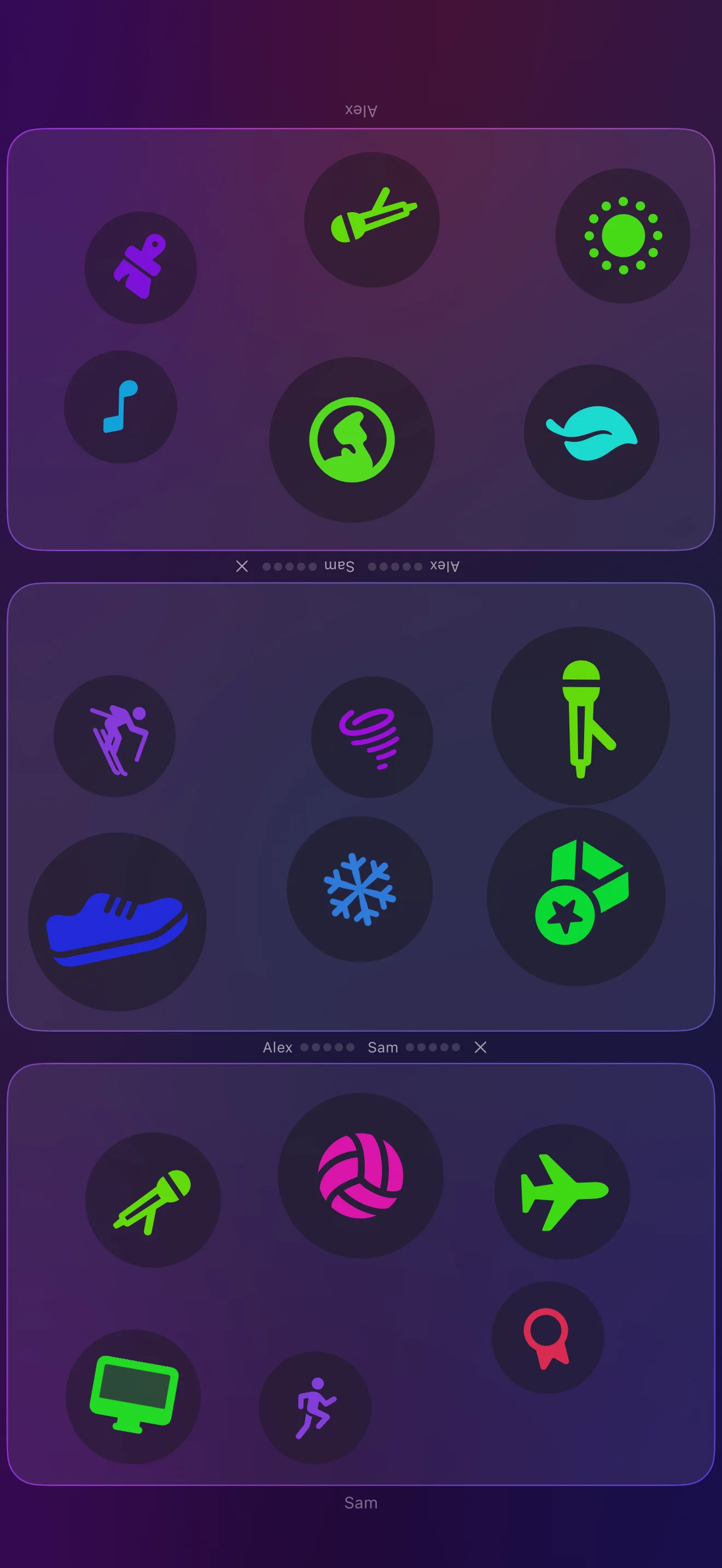
Face Off on One Screen
Two players, one device, first tap wins
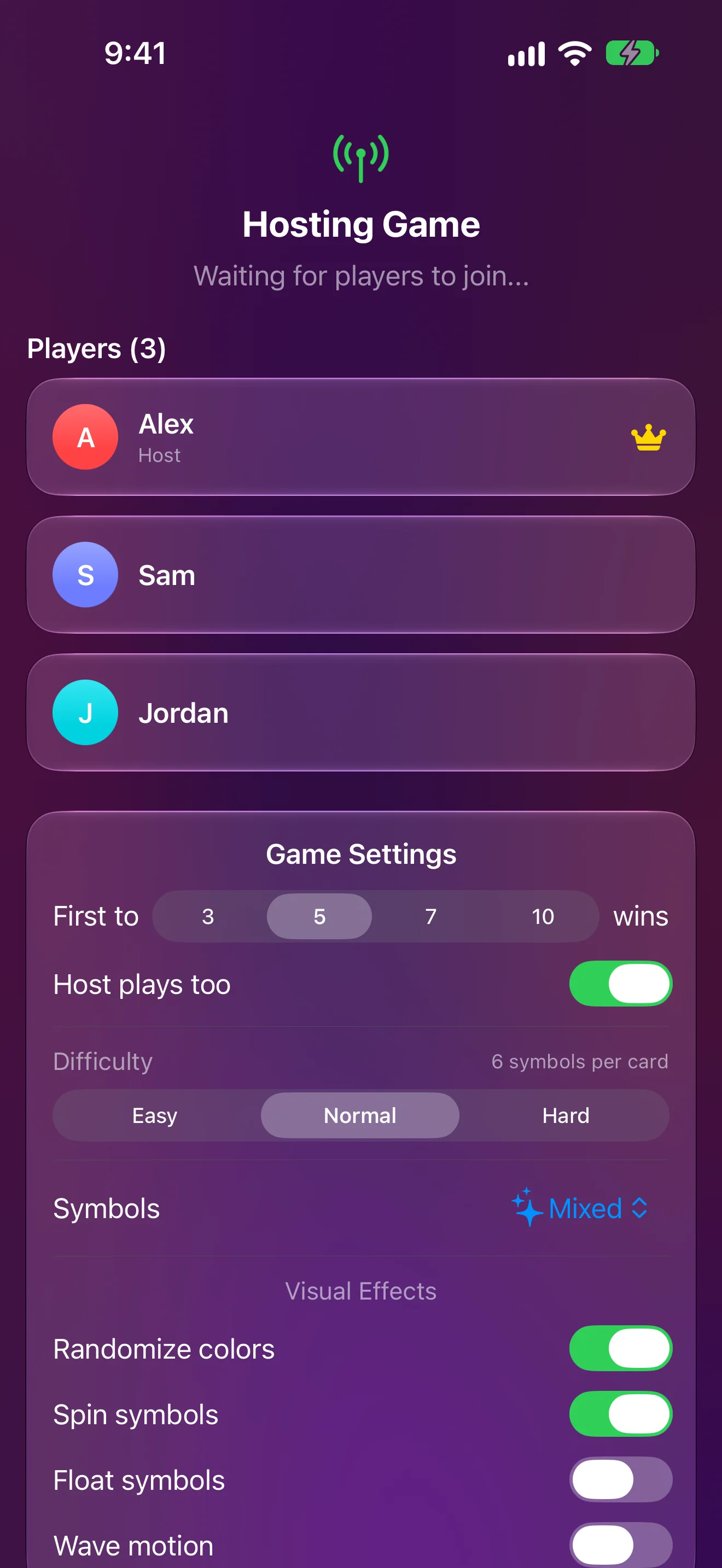
Host a Nearby Game
Friends join from their own devices
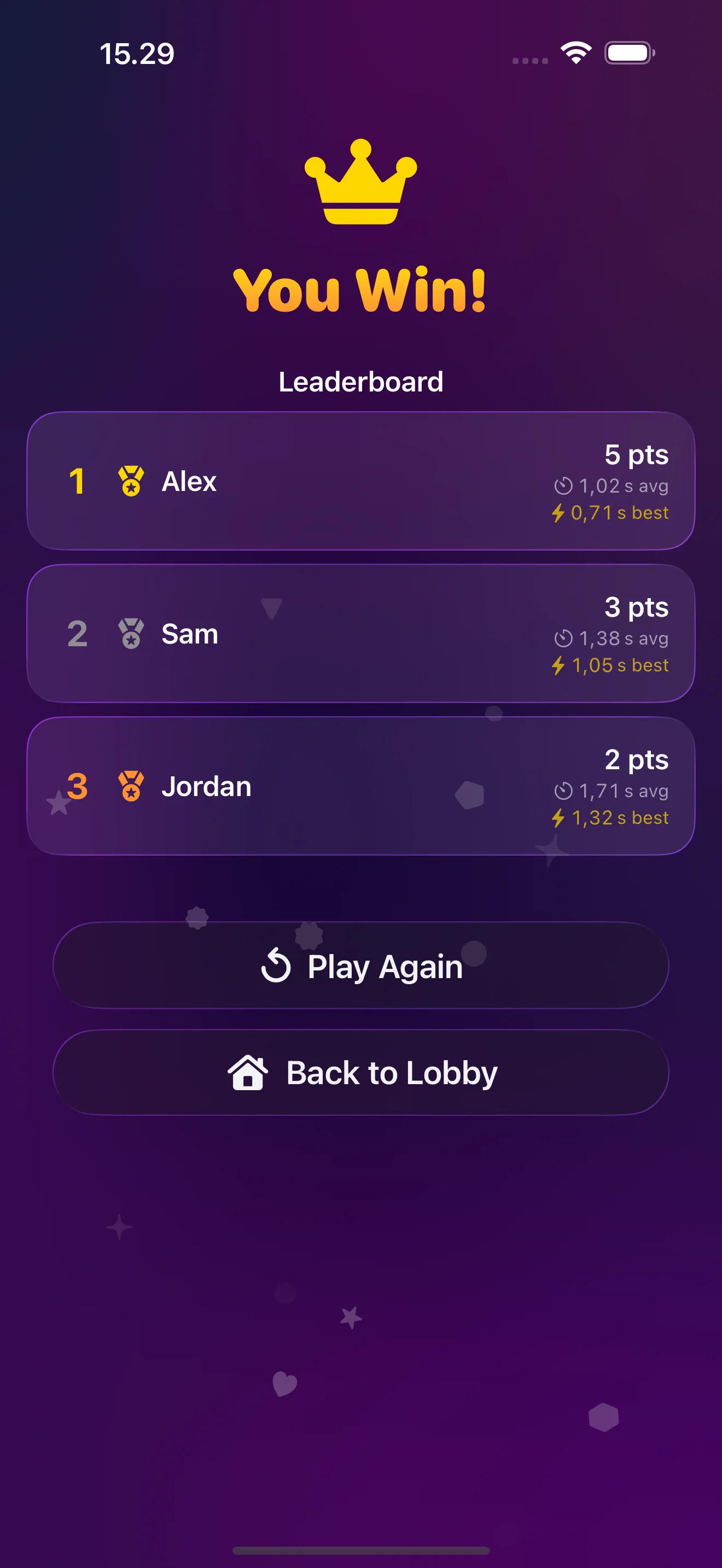
Crown the Winner
Points and reaction times for every player
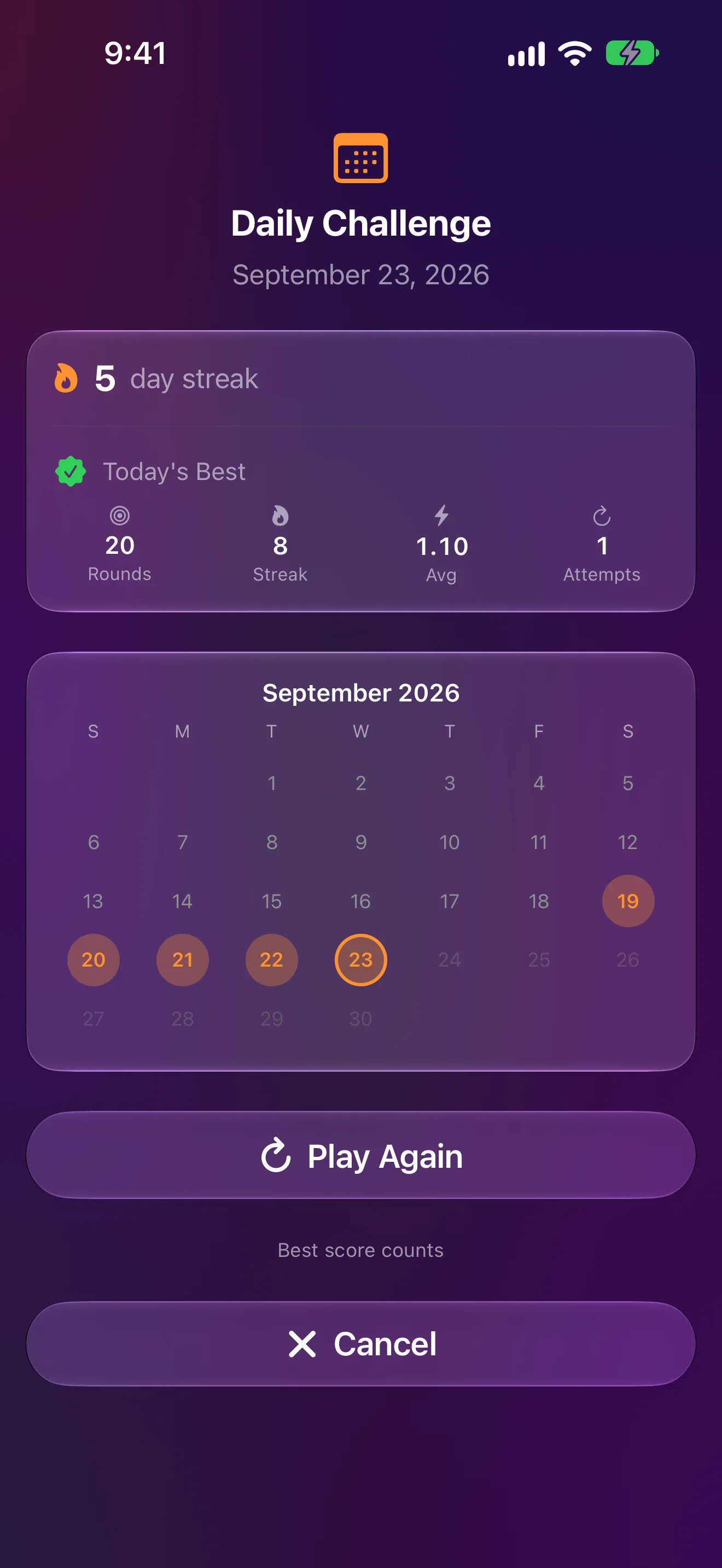
A New Challenge Every Day
Same deck for everyone — keep the streak burning
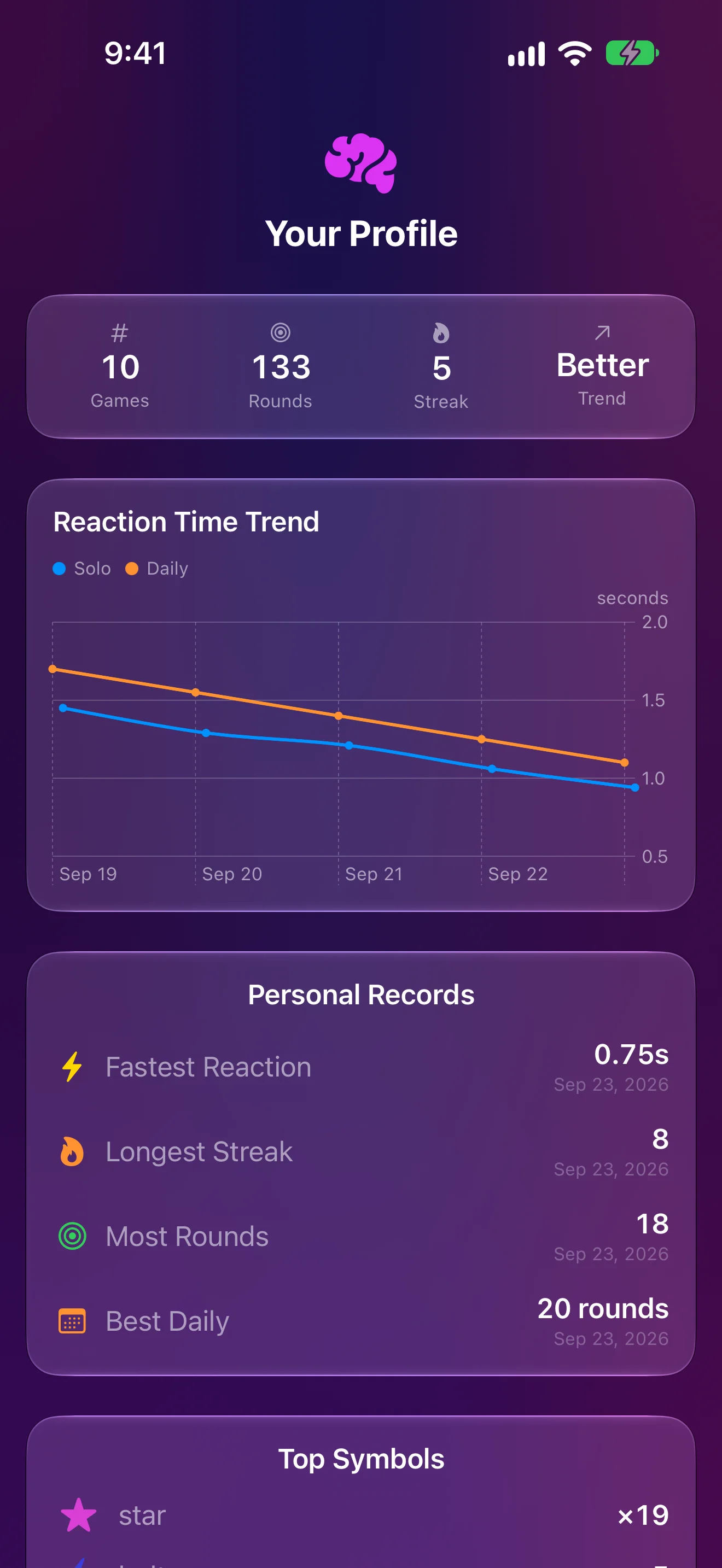
Watch Yourself Get Faster
Reaction trends, records, top symbols
iPad
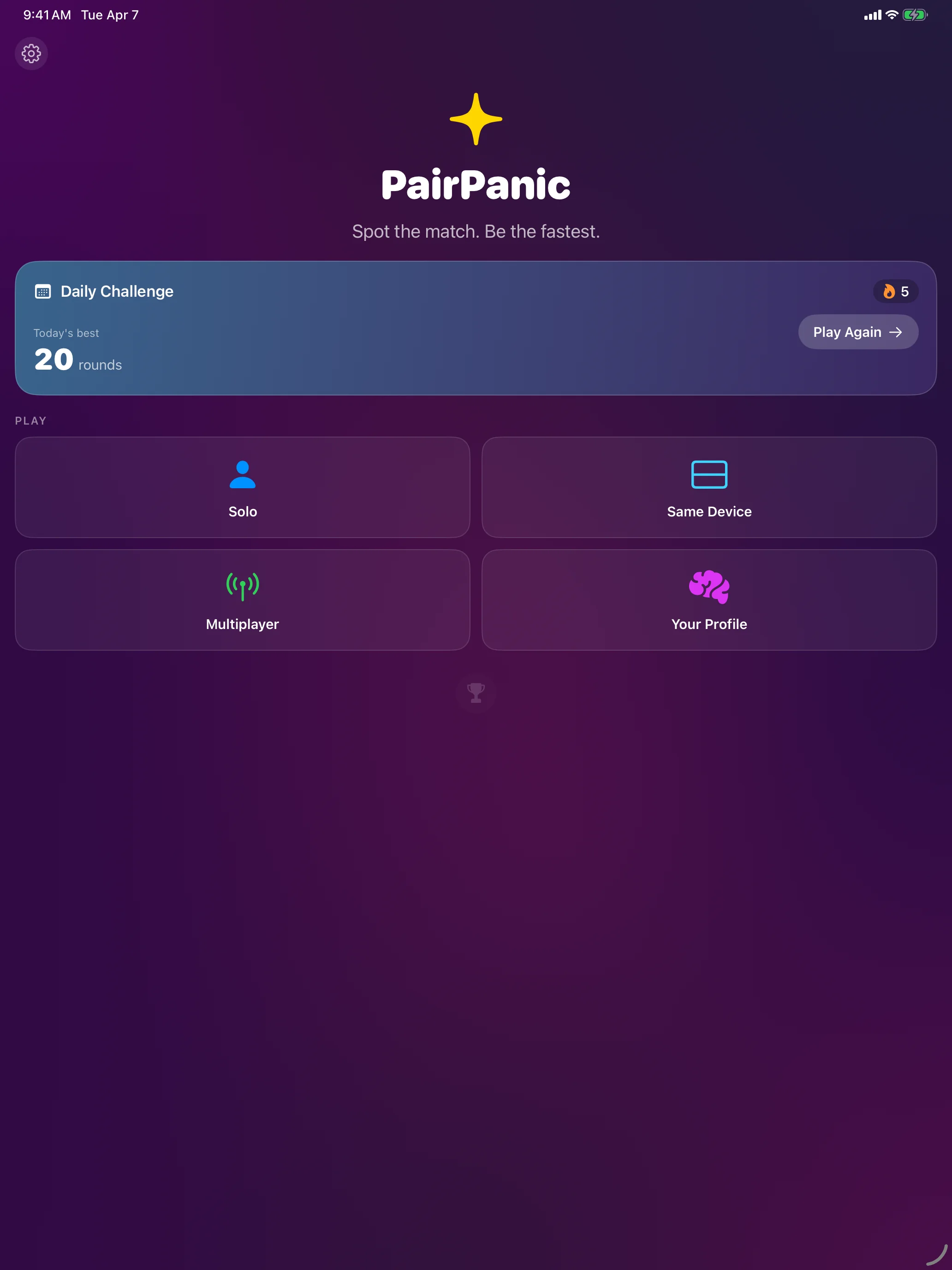
Spot the Match First
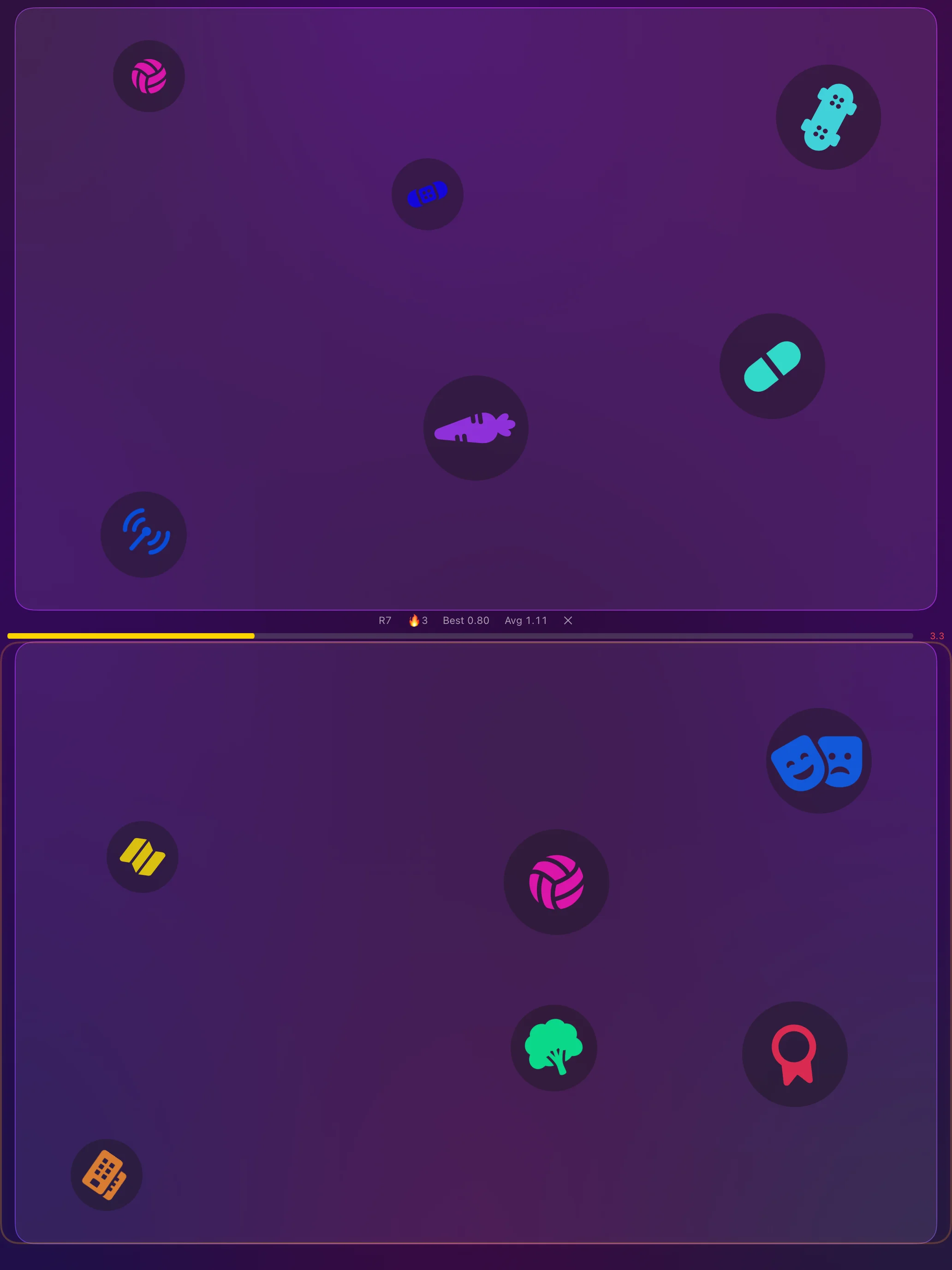
Two Cards. One Match.
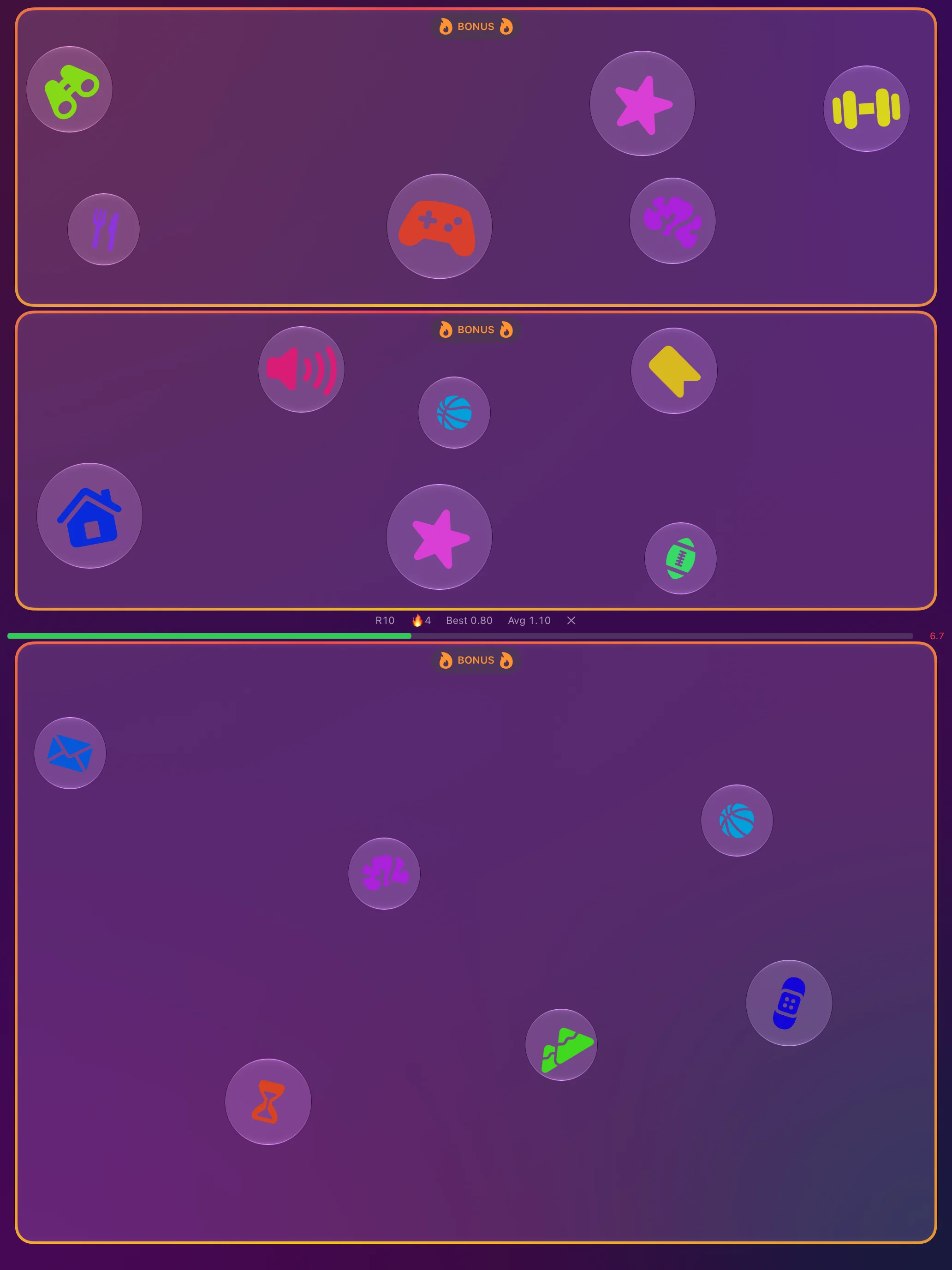
Hit the Bonus Rounds
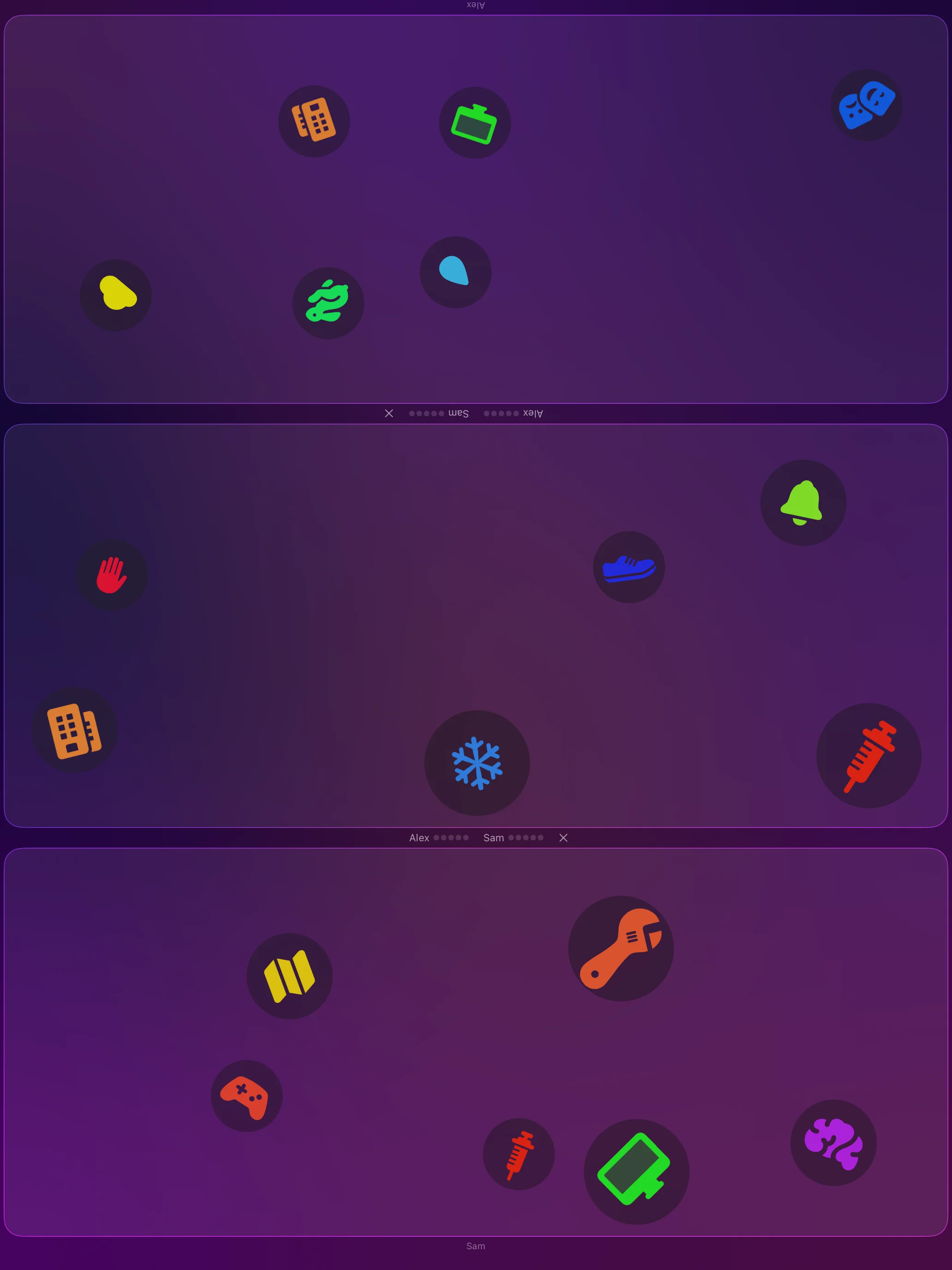
Face Off on One Screen
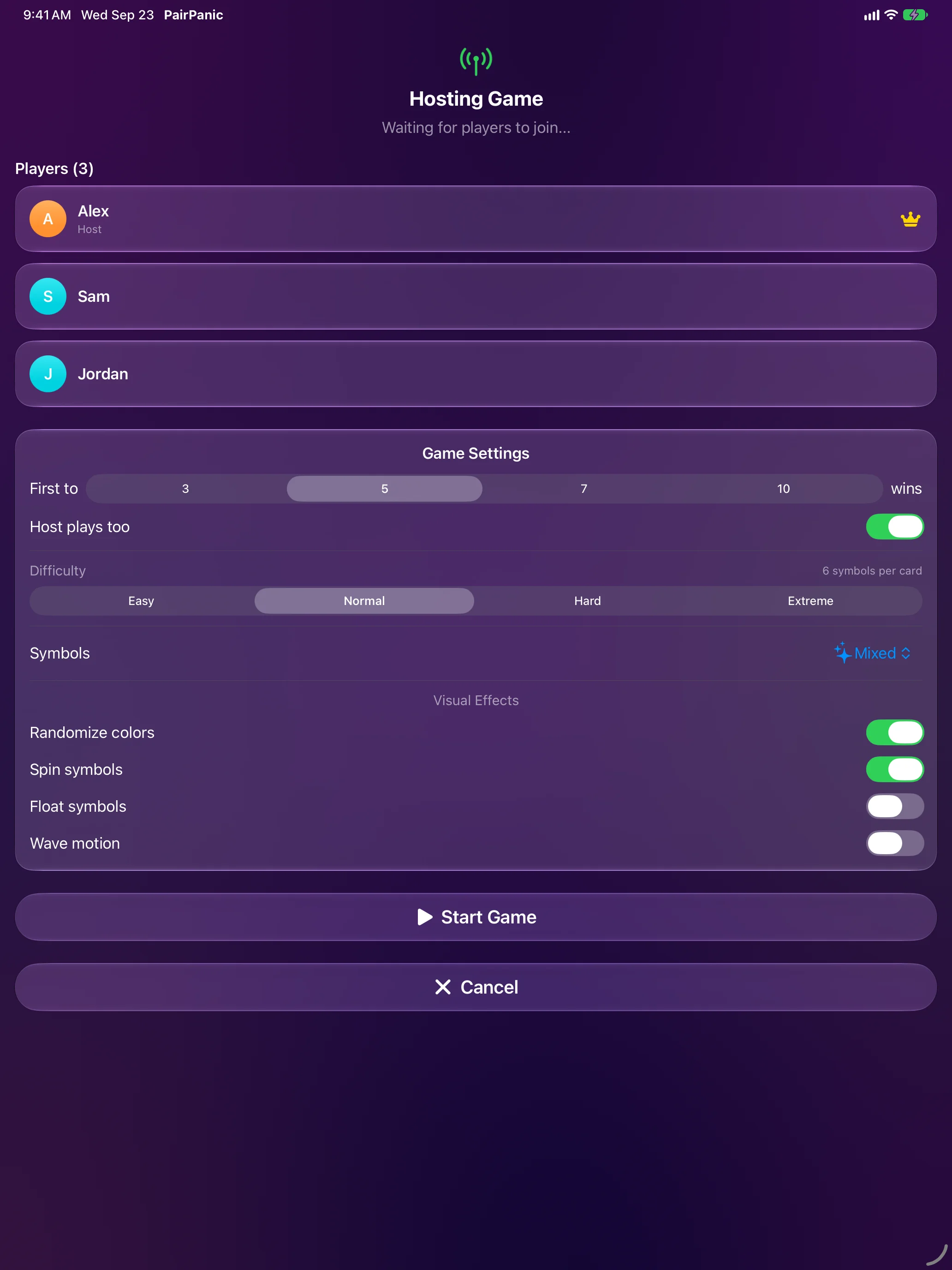
Host a Nearby Game
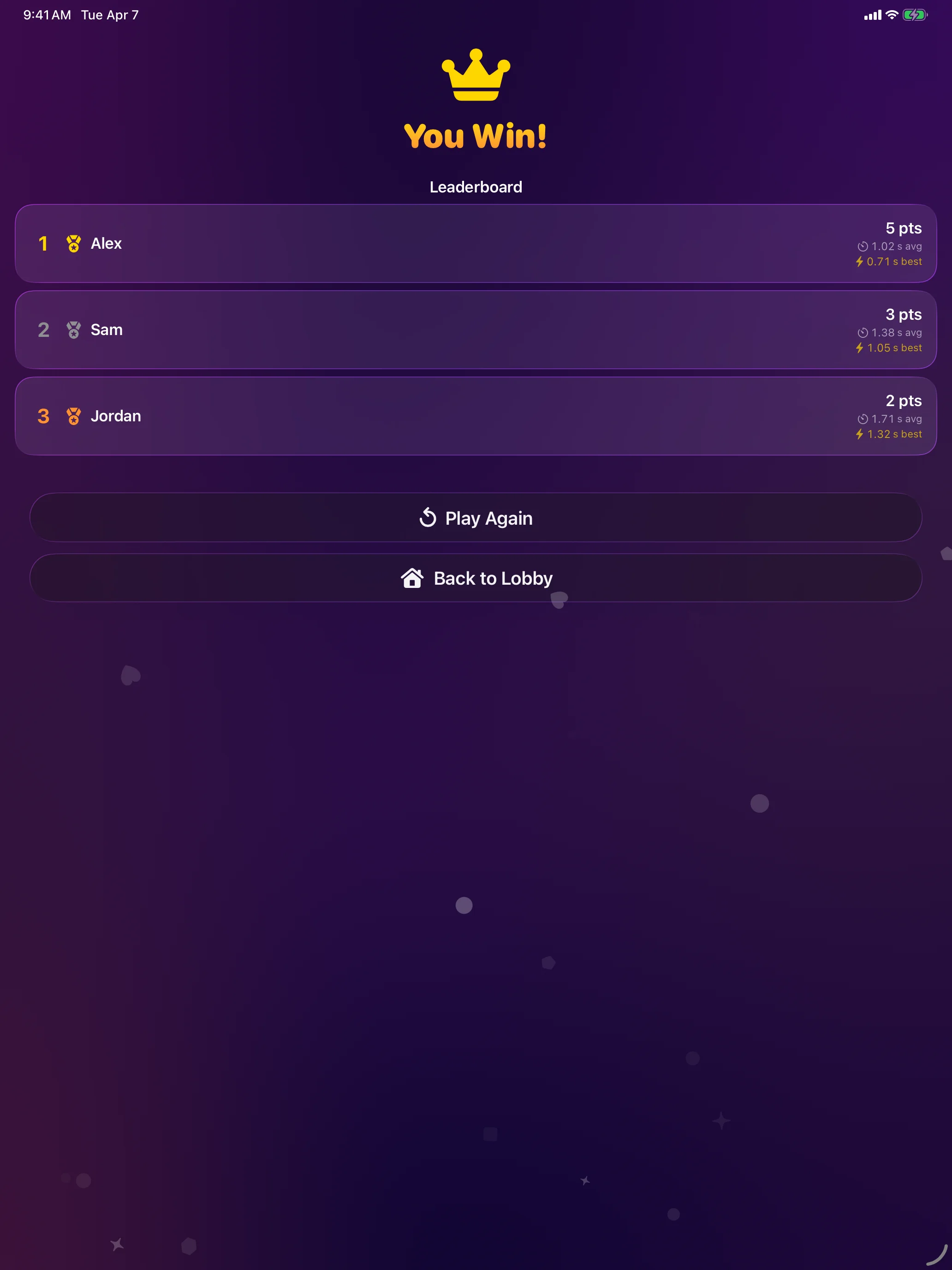
Crown the Winner
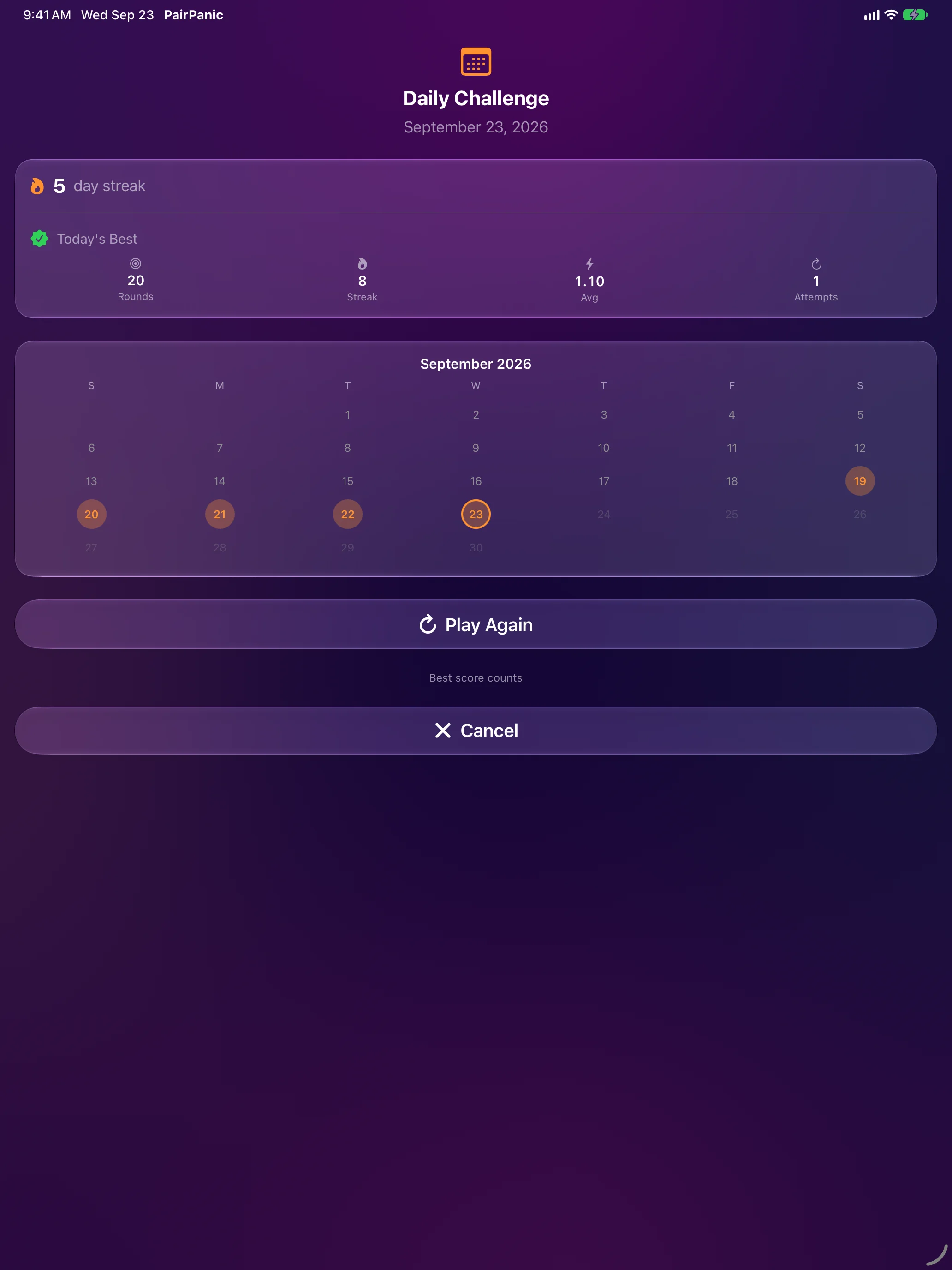
A New Challenge Every Day
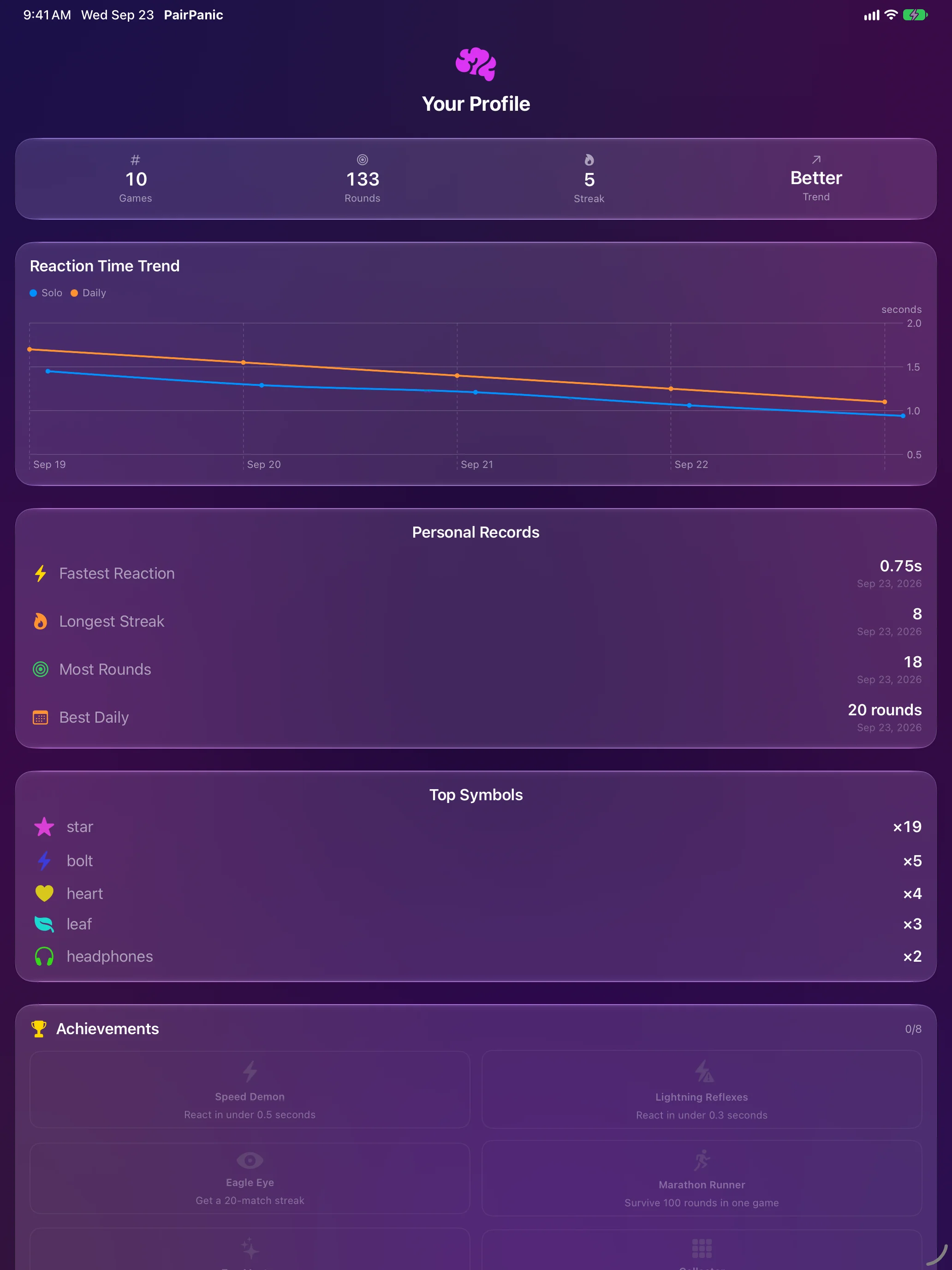
Watch Yourself Get Faster
Apple Watch

Play From Your Wrist
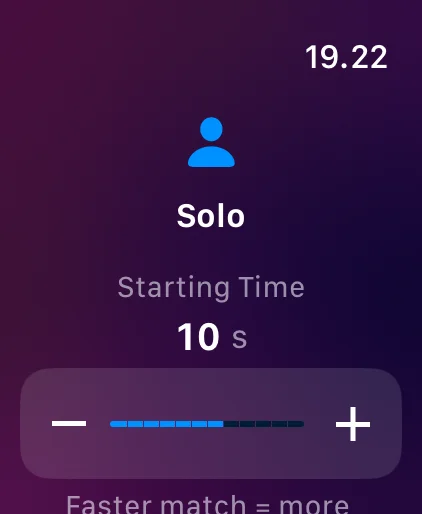
Set the Pace
Spot the Match, Fast

Celebrate Every Win
About
PairPanic is built on one simple rule: any two cards share exactly one symbol. Find it before anyone else — or before the clock runs out. Faster taps win back more time, bonus rounds hide two matches, and every ten rounds a new twist sets the symbols spinning, floating, or changing colour.
Face off with a friend on one iPhone or iPad, or host a nearby game where everyone plays on their own device and picks the difficulty together. A new daily challenge waits every day, with a streak calendar to keep you coming back, and your profile charts how your reaction time improves.
Apple Watch brings quick solo runs to your wrist, and Home Screen widgets keep today’s challenge and your streak in view. Nearby multiplayer and optional leaderboards use Game Center.
Join the beta
Want a say in where PairPanic goes next? Join the public beta on TestFlight and try new builds before they reach the App Store.
The beta runs in Apple’s TestFlight app. Install TestFlight, then tap Join — TestFlight installs the beta build of PairPanic and offers each new build as it’s ready.
Purchases in TestFlight builds are test purchases: you’re never charged, and they don’t carry over to your account or to the App Store version. Purchases in the App Store version are real — please make sure which version you’re using; we can’t take responsibility for purchases made by mistake.
Spot a bug, a rough edge or a missing feature? Take a screenshot in the beta build and TestFlight offers to send it as feedback, or use Send Beta Feedback in the TestFlight app. Every report is read and helps decide what gets built and fixed next — there’s no support desk behind it, so reports aren’t answered one by one.
To leave the beta, open PairPanic in the TestFlight app and tap Stop Testing.